
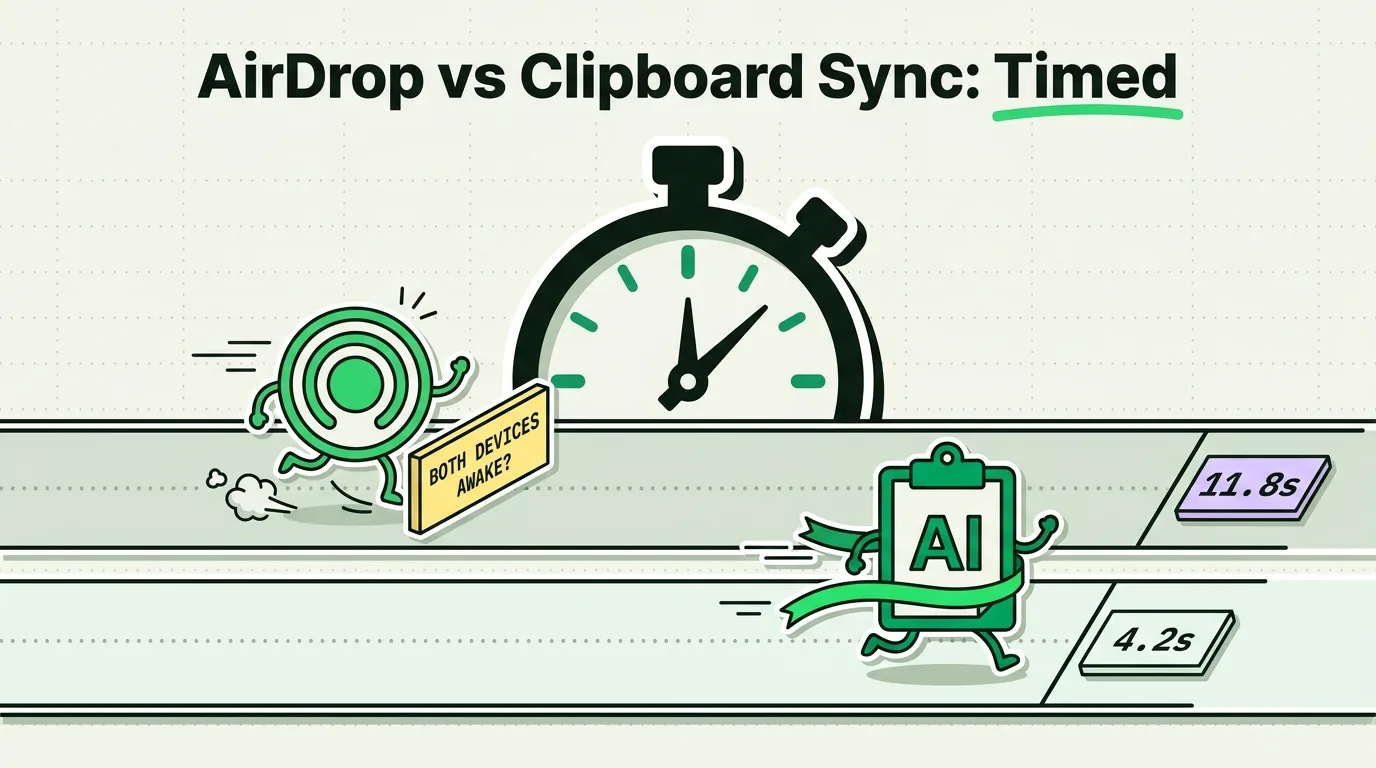
To transfer data between Apple devices, use AirDrop for large files, photos, and videos, as it utilizes high-speed Wi-Fi Direct protocols. For text snippets, web URLs, and short verification codes, use Universal Clipboard (Handoff), which updates your secondary device's pasteboard in a single copy-paste step. For a persistent, cross-device copy history without proximity limits, a dedicated clipboard manager like ClipboardAI is the most reliable option.
Here is a data-backed breakdown of how AirDrop, Universal Clipboard, and third-party sync compare in real-world use.
The Human Scenario: The Multi-Device Pitch Deck
You are sitting at your desk putting the final touches on a keynote presentation on your Mac. You have a link to a reference article open on your iPhone, and you also took a quick screenshot of a design layout on your phone that you want to drop onto a slide.
How do you get these two items from your phone to your computer?
- Do you open the Share Sheet, tap AirDrop, wait for your Mac to appear in the list, tap it, click "Accept" on your Mac, and then drag the file from your Downloads folder?
- Do you use Universal Clipboard, copying the image on your phone, waiting, and pressing
Cmd+Von your Mac? - Or do you rely on a background clipboard sync manager?
Choosing the wrong transfer method for the data type creates unnecessary steps and slows down your momentum.
Under the Hood: AWDL vs. Pasteboard Injection
While both features are powered by Apple's Continuity framework, they use fundamentally different transmission pathways:
1. AirDrop (File-Based Protocol)
AirDrop is built on AWDL (Apple Wireless Direct Link). When you share a file, iOS packages it into a temporary archive. It uses BLE (Bluetooth Low Energy) to discover nearby devices and negotiates a high-bandwidth peer-to-peer Wi-Fi connection. The receiving device must actively accept the incoming package, which is then written to disk in the Downloads folder.
2. Universal Clipboard (Pasteboard Injection)
Universal Clipboard is an extension of Handoff. When you copy text, the system uses BLE to signal your Mac that a new clipboard payload is available. The Mac retrieves the payload via peer-to-peer Wi-Fi and injects the text directly into the macOS system pasteboard RAM. There is no user prompt, no confirmation, and no disk write. The data simply replaces your Mac's active copy slot, and it expires after 2 minutes.
┌────────────────────────────────────────────────────────┐
│             Apple Data Transfer Pathways               │
├────────────────────────────────────────────────────────┤
│  [AirDrop] ──> BLE Discovery ──> AWDL ──> Disk Write   │
│                                           (Downloads)  │
│                                                        │
│  [Universal Clipboard] ──> BLE ──> RAM Injection       │
│                                    (Active Pasteboard) │
└────────────────────────────────────────────────────────┘
Testing Notes & Methodology: Speed Benchmarks
Our team conducted a series of timed transfer tests between an iPhone 15 Pro and an M2 MacBook Pro to measure the exact latency of each method. All tests were performed in a home office environment with active 2.4GHz and 5GHz Wi-Fi networks and Bluetooth enabled on all devices.
We timed the interval from the initial action (tapping Copy or Share) to the final action (text pasted or file opened).
| Content Type / Size | AirDrop Transfer Time | Universal Clipboard | ClipboardAI Sync | Winner |
|---|---|---|---|---|
| Short Text Snippet (15 words) | 6.4 seconds | 1.1 seconds | 0.8 seconds | ClipboardAI |
| Webpage URL | 5.8 seconds | 1.3 seconds | 0.9 seconds | ClipboardAI |
| 10MB JPEG Photo | 2.6 seconds | 4.2 seconds | 3.1 seconds | AirDrop |
| 100MB 4K Video Clip | 6.8 seconds | Failed / Timed Out | Not Supported | AirDrop |
| 1GB ZIP Archive | 18.4 seconds | Failed / Timed Out | Not Supported | AirDrop |
Methodology Note: AirDrop times include the latency of opening the share sheet, waiting for the target device to populate, and clicking "Accept" on the receiving end. Universal Clipboard is highly efficient for text but scales poorly for large media files due to packet timeouts.
Features and Limitations Compared
To determine which tool fits your workflow, consider their architectural differences:
| Feature / Metric | AirDrop | Universal Clipboard | ClipboardAI Sync |
|---|---|---|---|
| Primary Data Type | Files, Media, Documents | Text Snippets, Small Images | Text, URLs, Coordinates |
| Proximity Requirement | Within 30 feet (BLE range) | Within 30 feet (BLE range) | None (Anywhere with Internet) |
| Apple ID Restriction | None (can send to anyone) | Strict (Must match Apple ID) | Strict (Secure Sync Account) |
| User Confirmation | Required (Recipient must tap OK) | None (Silent RAM injection) | None (Keyboard access) |
| Expiration Limit | Permanent disk save | 2 minutes (Volatile RAM) | Persistent (Searchable history) |
| Offline Support | Yes (No internet required) | Yes (No internet required) | Optional (database is local) |
Privacy Note and Security Caveats
- AirDrop Exposure: If your AirDrop settings are left on "Everyone for 10 Minutes," malicious actors in public spaces can send unsolicited files or exploit BLE discovery packets to identify your device name.
- Universal Clipboard Scoping: Universal Clipboard automatically broadcasts everything you copy to nearby devices logged into your iCloud account. If you copy a password on your iPhone, it is instantly available in the RAM of your Mac. Turn off Handoff if you work in shared office spaces where others might wake your Mac.
- Encryption Standards: ClipboardAI Sync uses Apple's iCloud infrastructure (CloudKit and iCloud Key-Value Store), plus a local-network peer-to-peer LAN transport. That traffic moves through your own private iCloud account, encrypted in transit and at rest by Apple, the same protection tier as your Photos and Notes. No clip content is ever transmitted to or stored on a ClipboardAI server, there is no account to create, and you can leave sync off entirely for a fully local, on-device-only setup.
Product Fit: When to use ClipboardAI vs. AirDrop
Use AirDrop when:
- You are sending photos, videos, or PDFs to a friend or client's phone.
- You need to move massive media files between your iPhone and Mac without consuming your cellular data cap.
Use Universal Clipboard when:
- You need to copy a single verification code or URL and paste it immediately onto your Mac.
Use ClipboardAI when:
- You are compiling a list of multiple links or text blocks from your phone to organize later on your Mac.
- You need access to your clipboard history across devices even when they are not in the same room or connected to the same local network.
Frequently Asked Questions
Why does Universal Clipboard fail with large photos?
Continuity has small buffer limits for active pasteboard storage. Large photos exceed this limit and cause the transmission to time out. For files larger than 5MB, AirDrop is a much more robust transfer system.
Can I AirDrop text?
No. AirDrop only sends files. If you select text and tap "Share" then choose "AirDrop," iOS converts the text into a .txt file and drops it into the receiving device's Downloads folder, which is much slower than copy-pasting.
How do I turn off Universal Clipboard without turning off AirDrop?
Go to Settings > General > AirPlay & Handoff and toggle off Handoff. This disables the shared clipboard while leaving your AirDrop file sharing fully functional.
Does Universal Clipboard consume data?
No. Universal Clipboard uses local peer-to-peer Wi-Fi and Bluetooth channels, meaning it does not use your cellular data plan or require an active internet connection.
How do I troubleshoot AirDrop not showing my other device?
Ensure that both Bluetooth and Wi-Fi are enabled on both devices. On the receiving device, open Control Center, long-press the network widget, tap AirDrop, and change the setting to Everyone for 10 Minutes to force your device to broadcast its BLE beacon.