
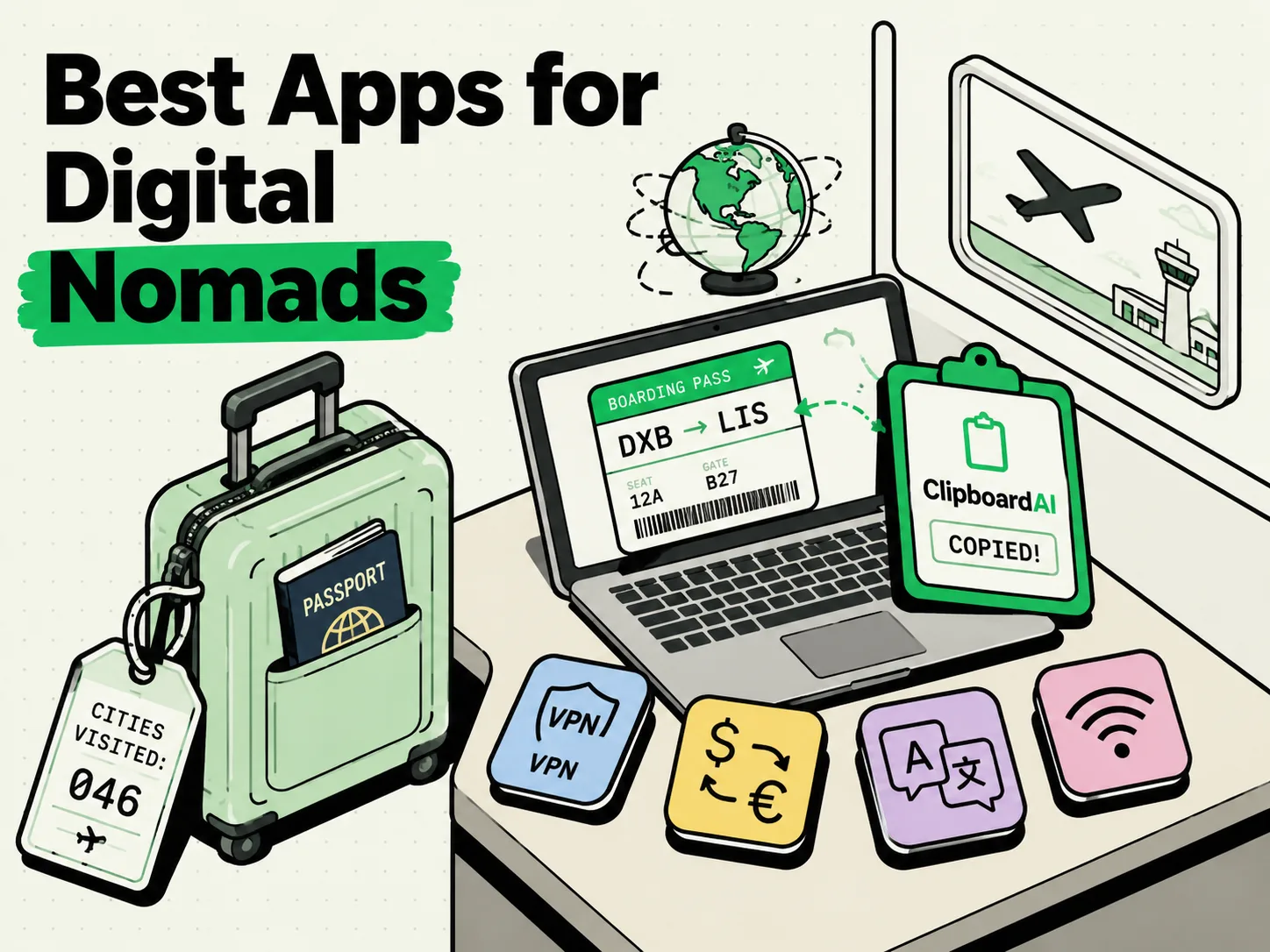
The best iPhone apps for digital nomads in 2026 must solve connectivity, currency conversion, language translation, time zone coordination, and offline document access. Essential apps for a location-independent lifestyle include Airalo (for instant eSIM data), Wise (for multi-currency banking), DeepL (for accurate local translation), Time Buddy (for team scheduling), and ClipboardAI (for keeping passport details, local addresses, and Wi-Fi credentials ready to paste). These tools minimize travel friction.
Working on the Move: The Friction of Location Independence
Working from a cafe in Buenos Aires or a co-working space in Tokyo sounds romantic. The reality, however, is a series of small, frustrating friction points: waiting in line for a physical SIM card, copying and pasting foreign currency figures, translating apartment instructions, and entering passport numbers into flight check-in forms while standing in a busy airport.
A digital nomad's iPhone is not just a phone; it is an office, a bank, a translator, and a lockbox. To work effectively, your apps must load quickly, function offline, protect your security on public networks, and minimize manual data entry.
We spent six months testing these tools across four continents - specifically monitoring battery drain, offline performance, and real-world utility in low-bandwidth environments.
Nomad App Utility Comparison
Not all apps handle poor connectivity and multi-device sync equally. Here is how our top nomad picks perform across critical traveler categories:
| App Name | Primary Function | Cost | Offline Capability | Security Level | Travel Pain Solved |
|---|---|---|---|---|---|
| Airalo | eSIM Mobile Data | Varies by country | Low (needs connection to buy) | High | Eliminates physical SIM card shopping at airport arrival gates. |
| Wise | International Banking | Free account / low fees | Medium (needs data for payments) | Bank-Grade | Lowers conversion fees and provides virtual local bank accounts. |
| DeepL | Translation | Free / Pro option | Low (needs connection for translation) | High | Delivers nuanced, professional translations for housing agreements. |
| Time Zone Converter | Team Scheduling | Free / $2.99 upgrade | High (works offline) | High | Prevents embarrassing booking errors across multiple team time zones. |
| ClipboardAI | Snippet Manager | Free (Beta) | High (runs locally on-device) | Very High | Stores travel details (passports, gate codes) for quick pasting. |
1. Airalo: Instant Connectivity Without Roaming Fees
Arriving in a new country without internet makes hailing a ride-sharing service or navigating to your accommodation incredibly difficult.
Airalo is an eSIM marketplace that lets you download a local data plan before you land.
- The Workflow: Buy a local eSIM (e.g., 5GB for Thailand) two days before your flight. Install it on your iPhone. When the plane touches down, switch your cellular data line to the eSIM.
- Why It Works: It eliminates the need to hunt down local kiosk vendors or pay exorbitant roaming fees to your home carrier.
- Caveat: Ensure your iPhone is carrier-unlocked before purchasing, or the eSIM installation will fail.
2. Wise: Seamless Multi-Currency Management
Managing clients paying in USD, EUR, or GBP while paying for rent in local currencies (like COP or VND) will quickly eat away your margins if you rely on traditional wire transfers.
Wise (formerly TransferWise) provides a multi-currency digital account with a physical and virtual debit card.
- The Workflow: Receive money from clients using local bank routing numbers in the US, UK, and Europe. Convert your balances instantly into the local currency of your destination. Use the virtual card on your phone to pay contactless.
- Why It Works: Wise uses the mid-market exchange rate, saving hundreds of dollars a month compared to retail bank markup fees.
3. ClipboardAI: Your Portable Travel Document Vault
When traveling, you constantly need to enter the same information: passport numbers, flight booking codes, apartment addresses, tax identification numbers, and local Wi-Fi passwords. Pulling out your physical passport or digging through email threads while juggling luggage is a recipe for stress.
ClipboardAI lets you build a customized clipboard list of pinned items that you can access from your iPhone's keyboard.
- The Workflow: Before you embark on your trip, copy your passport details, travel insurance number, embassy contact details, and current hostel address. Open ClipboardAI and pin them. When filling out immigration forms or train booking pages, tap the keyboard icon and select the required snippet.
- Why It Works: It keeps your most critical travel data in RAM or local database storage, allowing you to paste it into any web form in two taps without opening separate vault apps.
4. DeepL: Navigating Local Bureaucracy
While Google Translate is fine for basic signs, it often fails at complex sentences, producing awkward or incorrect phrasing. If you are negotiating a short-term rental lease or discussing a package delivery with local customs, you need high accuracy.
DeepL uses advanced neural networks to provide natural-sounding translations.
- The Workflow: Copy the landlord's message, paste it into DeepL to read it, type your response in your native language, translate it, and copy it back.
- Why It Works: It handles local idioms and formal tones much better than competitor translation engines, helping you avoid costly misunderstandings.
Checklist: Preparing Your iPhone for International Travel
Before you board your flight, run through this setup guide to ensure your device is secure and prepared:
- Verify Carrier Status: Go to Settings > General > About and scroll to Carrier Lock. It must say "No SIM restrictions" to use local eSIMs.
- Download Offline Maps: Open Google Maps, search for your destination city, tap your profile icon, and select Offline Maps to download the area. This ensures you can navigate even without cellular service.
- Set Up Two-Factor Backup Codes: Save two-factor authentication (2FA) recovery codes in an offline note-taking app or your clipboard history manager. If you change SIM cards, you may not receive SMS verification codes.
- Enable Local Backup Sync: Set up a local sync folder for your travel documents. If you lose your phone, you need offline access to digital copies of your passport and visas on another device.
Honest Caveats: Travel Realities to Keep in Mind
No digital app can replace basic preparation. Keep these limitations in mind:
- High Battery Drain: Running GPS, VPNs, and foreign data networks simultaneously will drain your iPhone battery rapidly. Always carry a physical battery bank.
- VPN Blocking: Certain countries block commercial VPN services. Download multiple VPN apps before arrival so you have fallbacks.
- Local Data Limitations: Local eSIM data is typically data-only and does not come with a local phone number. If you need to receive SMS codes for banking, keep your home SIM active on a low-cost, SMS-only plan.
- Local Clipboard Security: Only copy sensitive data (like bank passwords) when on a secure connection. Clear your clipboard history regularly using ClipboardAI's manual purge to prevent local data exposure if your device is stolen.
Frequently Asked Questions
What happens if I lose my phone while traveling?
Ensure you have iCloud backup active and write down your recovery keys on a physical card kept separate from your phone. If you lose your device, you can purchase a new iPhone, restore the backup, and regain your entire workflow within an hour.
Can I run my home SIM and local eSIM at the same time?
Yes. Most modern iPhones (iPhone XR and newer) support Dual SIM. You can keep your primary home line active to receive text messages (ensure roaming calls/data are off) while using the local eSIM for cellular data.
Does ClipboardAI share my personal travel documents with the cloud?
No. ClipboardAI stores your clipboard history and pinned travel templates locally on your iPhone's database. Any cloud sync features are completely opt-in and encrypted, protecting your passport and visa details.