
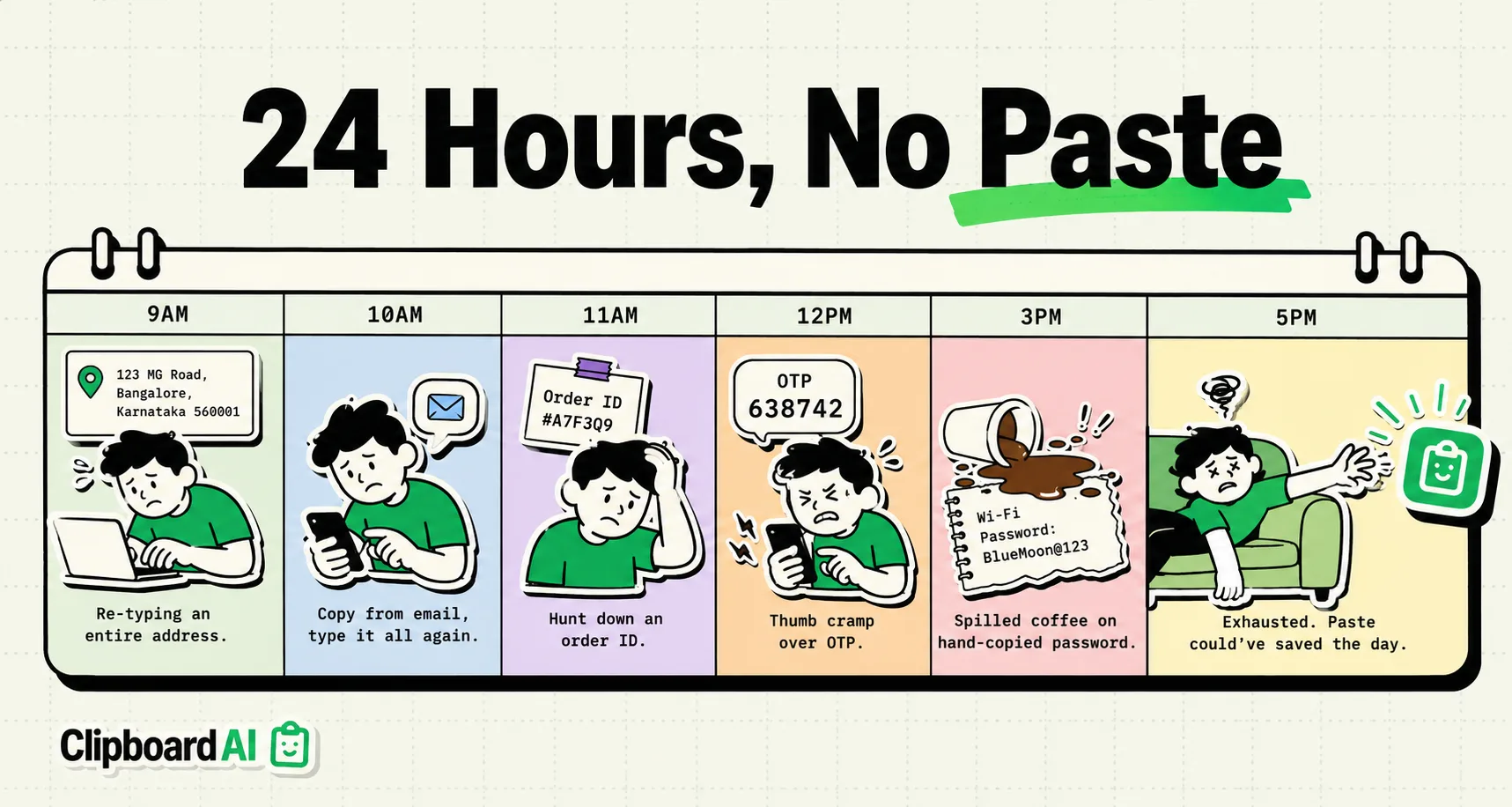
This is not a productivity philosophy piece. It is a practical experiment: one week with iPhone's clipboard completely off-limits. No copying. No pasting. Everything typed from scratch, every time.
The goal was simple: find out exactly which tasks in my real workday depend on copy-paste, and which ones I am doing wrong because copy-paste made a bad habit comfortable.
The Rules
- No copying text from any app
- No pasting anything
- Screenshots allowed (for visual reference only, not to read text from)
- Typing everything from memory or by reading from source
- Duration: 7 days, full work week plus weekend
Day 1: The Immediate Losses
By 10 AM I had already noticed three things I could not function without:
Passwords. I use 1Password and rely on AutoFill to inject passwords directly - but for a few legacy apps that do not support AutoFill, I have always manually copied the password. Day 1 taught me I do not actually know most of my passwords. I spent 20 minutes at one point locked out of a web portal I use weekly, because I could not copy from 1Password and the app did not support AutoFill.
Email addresses. I reply to emails by typing the person's name into the To field and letting autocomplete do the rest. But when forwarding an email and manually adding a CC: from a Slack thread, I had to read the address character-by-character and type it. Got it wrong twice.
URLs. I share links constantly. Without copy-paste, sharing a URL means either using the native Share Sheet (fine for most apps) or typing the URL. Nobody types URLs. They are 80-character strings with random numbers and UTM parameters. This was the first clear category: copy-paste exists specifically so humans do not have to transcribe machine-generated strings.
Day 3: What I Adjusted To
By Wednesday, I had adapted my behavior in interesting ways:
- I stopped opening research tabs I was not going to read immediately, because I could not copy excerpts to return to later
- I started taking more screenshots (within the rules) to reference text visually
- I used Share Sheets more - the iOS Share menu is a copy-paste-free way to send content between apps when apps support it
What I noticed: the Share Sheet works well for moving whole articles or links between apps. It completely fails for moving a portion of text - a quote, a clause, a number - across an app boundary. That gap is precisely where clipboard history earns its place.
Day 5: The Tasks That Are Genuinely Broken Without Copy-Paste
Some tasks are not just inconvenient - they are structurally broken without copy-paste:
| Task | Without Copy-Paste | Verdict |
|---|---|---|
| Filling web forms (address, email) | Type each field from memory | Broken - error rate too high |
| Citing a source in an essay | Read and retype author, title, year, URL | Broken - transcription errors guaranteed |
| Sharing a tracking number with someone | Read 20-digit code, dictate or type | Broken - not reliable |
| Code snippets in emails | Type code character by character | Broken completely |
| Moving data between apps with no Share Sheet | Impossible | Broken |
| Writing a reply that quotes someone's message | Retype the quote | Broken |
Day 7: The Verdict
Copy-paste is not a lazy habit. It is precision infrastructure.
The experiment confirmed something specific: the tasks that depend on copy-paste are mostly tasks involving exact strings - codes, addresses, identifiers, URLs, credentials, quotes. These are strings where a single wrong character makes the entire string useless. Human transcription of exact strings at speed is unreliable by design.
The tasks that do not depend on copy-paste - communicating, writing, thinking, navigating - were largely unaffected. I did not miss copy-paste when writing a message or replying to someone in my own words.
The honest conclusion: Copy-paste is not making you lazy. It is handling the part of information transfer that human working memory is genuinely bad at: exact, arbitrary string recall under time pressure. Resenting copy-paste for this is like resenting a calculator for doing multiplication faster than you.
Use a clipboard manager not to copy more, but to be more intentional about which exact strings you keep close and which you retrieve from their source when needed.
What Changed After the Experiment
I installed ClipboardAI the morning of Day 8 and changed one behavior: I now intentionally pin the recurring exact strings that I manually retrieve most often (my address, professional bio, recurring email templates). The experiment revealed which items deserved pinning - the ones I transcribed wrong or spent time hunting for across the seven days.
The rest of my clipboard history I let flow naturally. The history is there if I need it; I do not curate it obsessively. That balance - intentional pins, organic history - is the right operating mode.