
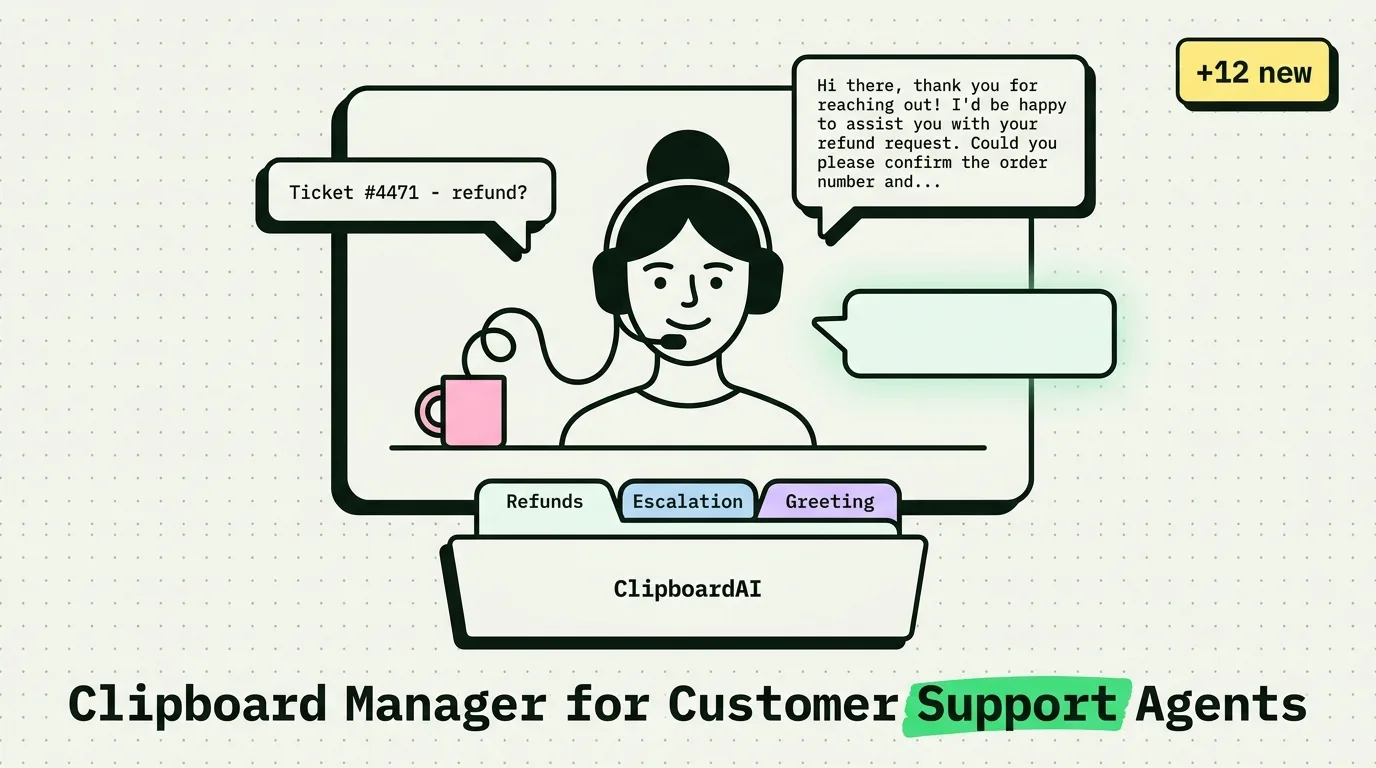
In customer support, every second of handle time matters, and every inconsistent reply is a QA flag. The agents who close tickets fastest are not faster typists - they have better snippet libraries. A well-organized clipboard manager is the difference between crafting a reply and retrieving one that already passed QA review.
The Customer Support Clipboard Problem
Support agents face a specific friction pattern: the same customer issue arrives in different words dozens of times a day. Refund requests. Password resets. Shipping delays. Billing discrepancies. Feature questions. Each requires an accurate, on-brand reply - and the temptation to improvise increases when queue pressure is high. Improvised replies create tone inconsistencies, introduce errors, and occasionally promise things the company cannot deliver.
The solution is a snippet library that makes the correct reply faster to access than a typed one.
The Customer Support Snippet Kit
Tier 1: High-Frequency Standard Replies (Pin These)
## Greeting - Empathetic Opening
Hi [Name], thank you for reaching out! I completely understand how frustrating
this must be, and I'm going to help you get this sorted right now.

## Greeting - Neutral/Professional
Hi [Name], thanks for contacting support. I've pulled up your account and
I'm ready to help with [issue].

## Hold Time Apology
I appreciate your patience while I look into this. I want to make sure
I give you an accurate answer rather than a quick one.

## Transfer Handoff
I'm going to connect you with [team/person] who specializes in this area.
I've added a note to your ticket summarizing your issue so you don't have
to repeat yourself. [Agent Name] will pick this up within [timeframe].

## Ticket Closure - Resolved
I'm glad we were able to get this sorted for you! If anything else comes
up, don't hesitate to reach back out. Have a great [day/weekend].

## Ticket Closure - Escalated
I've escalated this to our [team] team and marked it as high priority.
You'll receive an update within [timeframe] at [email]. Your case
reference is [ticket number].
Tier 2: Issue-Specific Templates
## Refund Initiation
I've initiated a refund of [amount] to your original payment method.
Refunds typically appear within 3-5 business days, depending on your bank.
Your refund reference is [ID].

## Password Reset Instructions
To reset your password:
1. Go to [URL/login page]
2. Click "Forgot Password"
3. Enter the email address on your account: [email if known]
4. Check your inbox for a reset link (check spam if not visible)
If you don't receive it within 5 minutes, reply here and I'll send it manually.

## Shipping Delay
Your order [#number] is currently showing [status] as of [date].
The estimated arrival is now [new date]. I apologize for the delay - [brief reason if appropriate]. Would you like me to [offer: refund shipping / expedite / do nothing]?

## Feature Not Available
This feature isn't currently available, but it's on our product roadmap.
I've logged your request so our team sees the demand.
In the meantime, [workaround if exists].
Workflow: The Three-Phase Reply System
Agents who close tickets fastest typically use a three-phase approach:
Phase 1 - Diagnose (30 seconds): Read the ticket. Identify the issue category. Do not type yet.
Phase 2 - Retrieve (10 seconds): Open ClipboardAI keyboard or snippet menu. Find the closest matching template.
Phase 3 - Personalize (30 seconds): Paste the template. Fill in the variable fields (name, ticket number, amount). Read once for accuracy. Send.
Total: 70 seconds average for a standard reply, versus 3-4 minutes of typed improvisation. At 40 tickets a day, this saves over two hours.
Team Snippet Management
For support teams, the best practice is maintaining a shared snippet library rather than individual clipboard setups. ClipboardAI supports this through:
- Shared snippet export: Export your snippet library as a JSON file and distribute it to new team members during onboarding
- Category-based organization: Group by issue type (Billing, Technical, Shipping, Account) so agents can navigate to the right category under queue pressure
Onboarding checklist for new support agents:
- [ ] Install ClipboardAI on work device
- [ ] Import team snippet library (receive from team lead)
- [ ] Enable ClipboardAI keyboard as secondary keyboard
- [ ] Configure Excluded Apps: add CRM, password manager
- [ ] Complete 20 practice replies using snippet library before going live
Tone Consistency: The Hidden Benefit
When every agent pulls from the same approved snippet library, customer-facing language becomes consistent by default. No one agent's off-day creates a tone mismatch. Replies that went through QA review are the ones getting sent. This matters for brand perception - and significantly for CSAT scores, since customers rate consistency of experience highly.
The snippet library is effectively a distributed QA layer embedded in the workflow, not separate from it.