
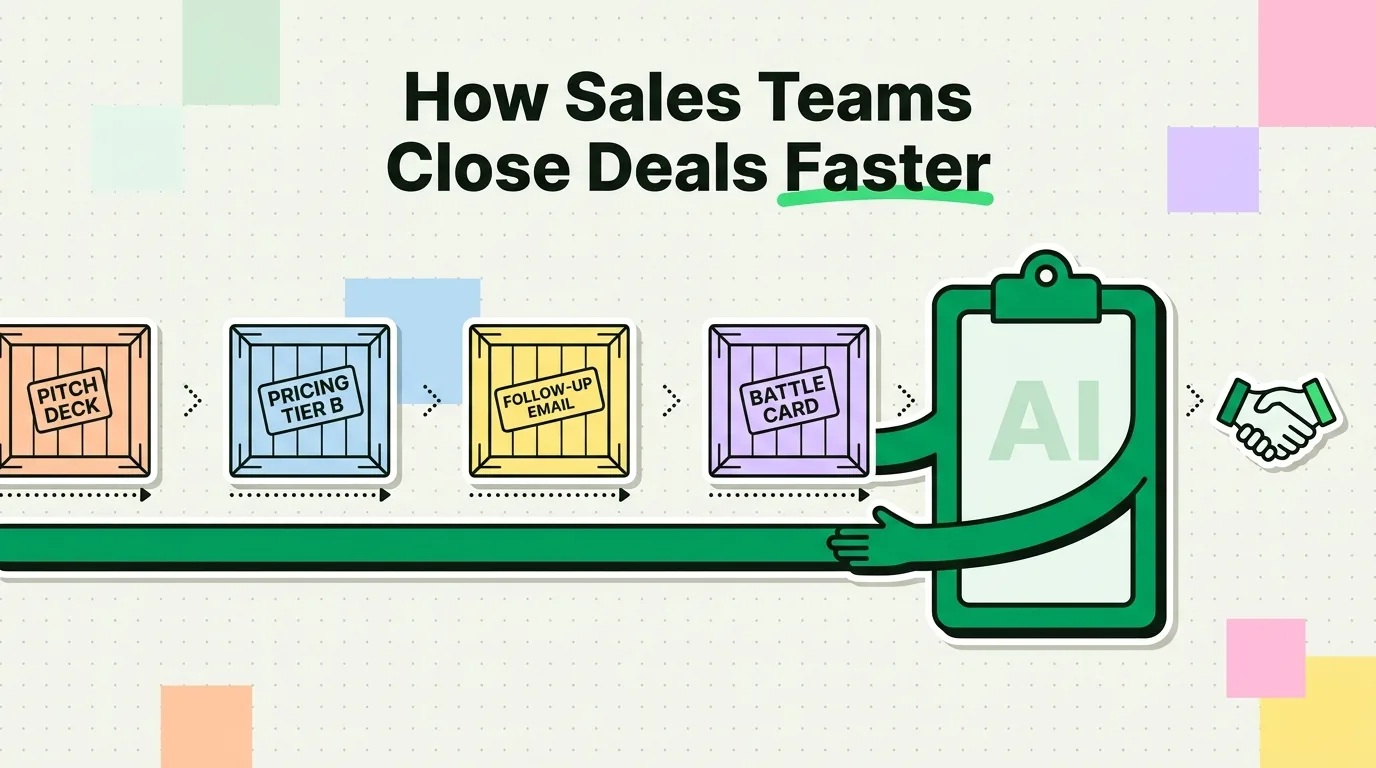
A clipboard manager helps sales reps by saving pricing snippets, follow-up templates, and competitive talking points so they're one search away instead of buried in old emails or a CRM you have to unlock and scroll through. On iPhone specifically, this matters more than it sounds, because iOS keeps exactly one item on the clipboard at a time. Copy a prospect's phone number, then copy their email, and the phone number is gone. This guide covers the concrete workflow: what to save, how to organize it, and where a clipboard manager stops and your CRM should take over.
Why sales reps lose time to the single-item clipboard
A typical prospecting session on iPhone looks like this: copy a name from LinkedIn, copy an email from the company site, copy a phone number from a database search, copy the company name from your CRM. With the default iOS clipboard, each new copy erases the last one. If you get interrupted mid-sequence (a Slack ping, an incoming call), whatever you copied first is gone, and you're re-opening the source to grab it again.
Context switching itself has a real, measured cost. Research from Gloria Mark's team at UC Irvine found that it takes people an average of 23 minutes to fully return to a task after an interruption. A sales rep bouncing between CRM, email, and chat dozens of times a day is paying that tax repeatedly, and a clipboard manager won't eliminate the interruptions, but it does remove one common cause: having to re-find information you already had a minute ago.
A clipboard manager like ClipboardAI addresses this narrow problem by keeping a searchable history of everything you copy instead of overwriting it. It doesn't replace your CRM or sales engagement platform; it fills the gap between them.
What to build: a sales snippet library
The value isn't in the app remembering things passively. It's in deliberately building a library of reusable content you reach for every day. Here's what to save, organized by the stage of the deal where you'll need it.
Resource links (discovery and demo stage)
| Resource type | Example | When you need it |
|---|---|---|
| Pitch deck link | Google Slides or Canva URL | Discovery calls, demos |
| Product demo video | Loom or YouTube link | Follow-ups, async demos |
| Case study URLs | Industry-specific proof points | Objection handling |
| ROI calculator link | Interactive calculator URL | Pricing discussions |
| Calendar booking link | Calendly or Cal.com URL | Scheduling next steps |
| Documentation link | Help center or knowledge base | Technical questions |
Pin your most-used resources so they stay at the top of your history. When a prospect asks "do you have a case study in our industry," you want to paste the link in seconds, not go searching.
Pricing snippets
Build one snippet per pricing tier, covering the price, included features, common add-ons, and any standard discount. Keep two versions of each: a longer, formatted version for email, and a shorter one-liner for live chat or text. When pricing changes, update the saved snippet once instead of hunting down every place you quoted the old number.
Follow-up templates
Save a template for each stage of the follow-up sequence:
- Post-discovery call recap and next steps
- Post-demo follow-up tied to the prospect's stated pain points
- Formal pricing follow-up with terms and a valid-through date
- Re-engagement message after a period of silence
- Contract-sent follow-up with a timeline and point of contact
- Lost-deal re-engagement at 30/60/90 days
Research from Yesware has found that most sales require several follow-up touches to close, and a large share of reps stop after the first one. Having the next template ready to search for and personalize removes the friction that causes people to skip the follow-up altogether.
Contract and legal reference snippets
Late-stage deals stall on contract questions. Save your team's pre-approved standard language for:
- Payment terms (Net 30, Net 60)
- SLA and uptime commitments
- Data security and compliance language
- Cancellation and refund policy
- Auto-renewal language
When legal asks "what are your standard data processing terms," pasting the pre-approved clause immediately keeps momentum. Saying "let me get back to you" does not.
Competitive battle cards
For each competitor you regularly run into, save a short snippet covering: the one or two things you do that they don't, a known weakness of their product, a one-line reference to a customer who switched from them, and a response to the most common objection tied to that competitor. Categorize these by competitor name so you can search and pull them up mid-call.
Clipboard manager vs. the rest of your sales stack
| Tool | Best for | Limitation |
|---|---|---|
| CRM (Salesforce, HubSpot) | Deal tracking, pipeline management | Slow for quick text access on mobile |
| Email automation (Outreach, Salesloft) | Sequenced outreach at scale | Less flexible for ad hoc messaging |
| Text expander | Replacing abbreviations with text | Requires setup; doesn't capture from other apps |
| Notes app | Free-form writing and planning | No quick paste; requires manual searching |
| Clipboard manager | Instant recall of anything you've copied | Not a replacement for a CRM or automation platform |
Think of the clipboard manager as the rapid-access layer between the tools you already use, not a fourth system to maintain in parallel.
Setting it up
- Download ClipboardAI and turn on the keyboard extension so you can paste from history inside any app, including your CRM and email client.
- Copy your existing pricing snippets, templates, and calendar links once. They're saved automatically from that point on.
- Pin your 5-10 most-used clips.
- Rely on search rather than manual folders for anything you don't pin. Typing a competitor's name or a keyword from a template is faster than building a perfect category tree.
- Turn on iCloud sync if you work across an iPhone and a Mac or iPad, so a clip saved on one device is available on the other.
Honest caveats
- iOS can't watch the clipboard silently. You have to open the app, use its widget, or invoke the keyboard extension for a new copy to register. That's an Apple platform restriction, not specific to any one app.
- Your clips stay in your own iCloud. ClipboardAI's optional sync runs through your own private iCloud account using Apple's CloudKit and iCloud Key-Value Store, encrypted in transit and at rest, the same protection tier as your Notes. Your clips never pass through a ClipboardAI server, and you can leave sync off entirely for a fully local setup. Treat it the same way you'd treat any note synced through iCloud.
- It won't remember what you never copied. If a detail from a call only exists in your head or on a paper notepad, the clipboard manager has nothing to capture. Get in the habit of copying key numbers and names as you go, then reviewing your history after the call.
- Free tier caps at 10 saved clips. A full snippet library (pricing tiers, several follow-up templates, battle cards for multiple competitors) will exceed that quickly, so most sales use cases will need a paid tier.
Frequently asked questions
How does a clipboard manager help sales teams?
It saves frequently used content like pricing tiers, email templates, and competitive talking points so they're searchable and pasteable in seconds, instead of retyped from memory or dug out of old emails.
Can I use a clipboard manager alongside my CRM on iPhone?
Yes. It doesn't replace the CRM. Copy prospect details from your CRM into your clipboard history for quick reference, or paste saved templates directly into CRM notes and email fields.
How does ClipboardAI keep synced clips private?
Your clips stay on your device and, only if you turn sync on, travel through your own private iCloud account using Apple's CloudKit, encrypted in transit and at rest, the same tier as your Notes. Nothing ever routes through a ClipboardAI server, and you can leave sync off for a fully local setup.
What sales content is worth saving in a clipboard manager?
Pricing tier breakdowns, follow-up templates, case study links, competitive battle card snippets, contract clause language, and your standard professional signature or bio.
How is a clipboard manager different from a text expander for sales?
A text expander replaces short abbreviations with longer text as you type, and requires setup in advance. A clipboard manager saves everything you copy automatically, from any source, without predefined shortcuts.