
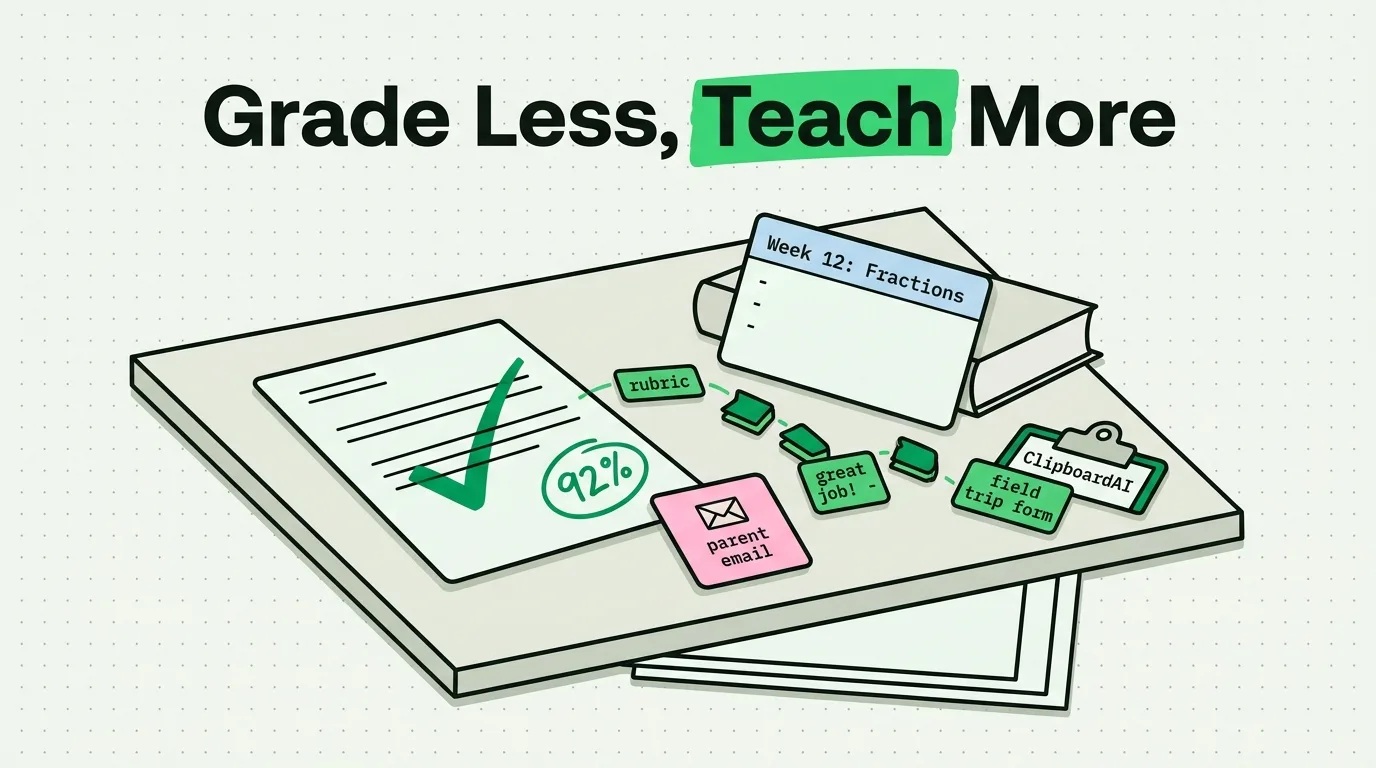
Grading, parent emails, and classroom links all involve typing the same phrases over and over. A clipboard manager like ClipboardAI does not grade for you or write your feedback, but it does remove the retyping: save a comment once, pin it, and paste it into the next fifteen essays instead of typing it fifteen times. The value here is entirely in the setup, so this guide is mostly a template kit, not a pitch.
The Specific Problem: Repetition, Not Time Management
Teaching involves short, repeated pieces of text that iOS's single-item clipboard cannot hold onto: a feedback comment you will use on multiple essays, a Google Classroom link you need to post to four different sections, a parent message template, a Wi-Fi password students ask for daily. Copy one, copy the next, and the first is gone. None of this is about being disorganized. It is that the phone clipboard was never built to hold more than one thing.
Value Artifact: The Teacher Feedback and Admin Snippet Kit
Build this once at the start of a semester. It takes about fifteen minutes and it is the entire value of this article.
Feedback comment library (pin 8-12 of these)
Strong thesis - your evidence needs more direct analysis connecting it back.
Please review citation formatting against the rubric before resubmitting.
Nice improvement from your last draft; your organization is clearer here.
Good start, but this paragraph needs a topic sentence before the evidence.
Paste the closest match, then add one sentence specific to the student. This is faster than typing from scratch and more consistent than trying to remember your own phrasing across 30 papers.
Parent communication templates
Missing assignment:
I wanted to let you know [student] has not yet submitted [assignment],
due [date]. Please encourage them to complete it by [new date].

Positive update:
I wanted to share a positive note about [student]. Today in class they
[specific behavior]. I appreciate the effort.

Conference reminder:
This is a reminder about our parent-teacher conference on [date/time].
Please confirm your attendance by [date].
Classroom admin block (pin at the top of your history)
Google Classroom code: [code]
Wi-Fi network / password: [network] / [password]
Room number: [room]
School office phone: [number]
Setting It Up
- Install ClipboardAI and enable the keyboard extension so you can paste from any app, including your school's LMS or gradebook, without switching apps first (Settings > General > Keyboard > Keyboards, then turn on Allow Full Access).
- Pin your feedback library, parent templates, and admin block using the steps above.
- Let ClipboardAI's automatic categorization sort what you copy day to day - links, phone numbers, and short text land in separate categories so a search for a class link does not surface unrelated text.
- If you use both an iPhone and an iPad in the classroom, turn on iCloud sync so a link copied on one is available on the other.
Honest Limits
- It will not customize feedback for you. The templates above are starting points. You still write the sentence that makes the comment specific to that student's actual work.
- School device policies vary. ClipboardAI stores data locally on the device (and syncs via iCloud if you enable it), but installing any third-party app on a school-issued device should be checked against your district's IT policy first. Many teachers use it on a personal phone instead.
- It is not a gradebook or LMS. It saves and organizes text you copy. It does not connect to Google Classroom, Canvas, or any grading system, and it will not track which students received which comment.
- It does not replace individualized feedback for high-stakes assignments. Formulaic comments work for common, low-stakes patterns (citation format, thesis structure). For substantive feedback on major papers, templates should be a starting point you customize, not the final answer.
Frequently Asked Questions
How can a clipboard manager speed up grading?
Save your most common feedback phrases as pinned clips, then paste the closest match while grading and add one student-specific sentence. This cuts retyping, not the thinking part of grading.
Is it appropriate to use on a school-issued iPad or laptop?
Check with your school's IT department first - policies on installing third-party apps vary by district. ClipboardAI stores data locally on the device, which is a reasonable privacy posture, but the deciding factor is your school's own device policy, not the app.
Can I share a set of templates with other teachers on my team?
There is no built-in team-sharing feature. You can export your saved clips and share the text with colleagues, who would then pin the same templates individually in their own ClipboardAI history.
Does this replace individualized student feedback?
No. It removes the retyping of common phrases (citation format reminders, generic praise, rubric callouts). Feedback that requires actually reading and reacting to a specific student's argument still has to be written by you.