
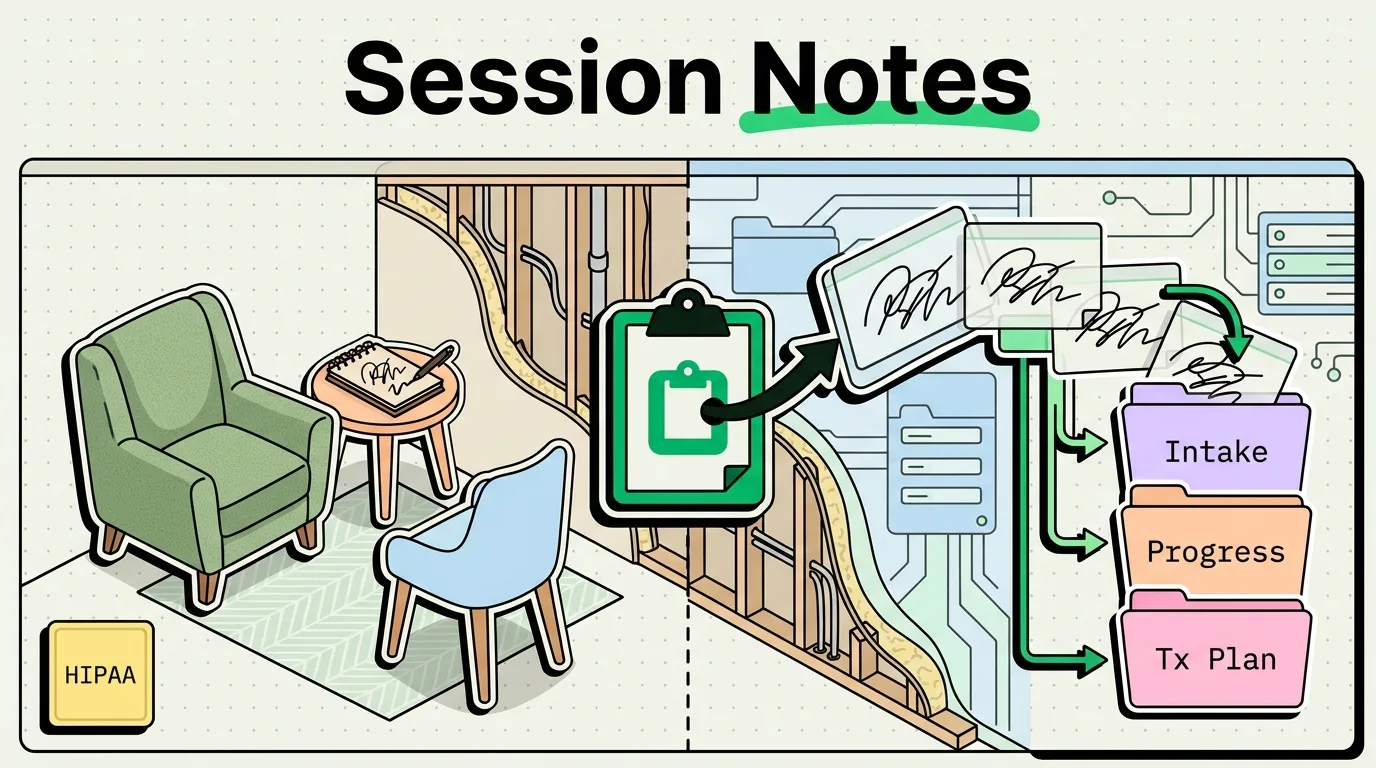
Therapists and mental health professionals can save up to six hours a week on clinical paperwork by using a local clipboard manager like ClipboardAI. By saving SOAP note layouts, common billing codes, and homework exercises on your iPhone, you can paste repetitive frameworks directly into your Electronic Health Record (EHR) system. This setup dramatically reduces administrative bloat while keeping all client data processed entirely on your physical device for strict confidentiality.
The Paperwork Burden in Mental Health
Most therapists enter the mental health field to support clients, not to spend hours behind a computer screen. Yet, administrative documentation consumes a substantial portion of a clinician's week. Session notes, treatment plans, intake forms, and insurance claims demand rigorous attention to detail and consistent formatting.
A significant portion of this paperwork is repetitive. You frequently write the same clinical observations, copy the same insurance billing codes, and explain the same cognitive behavioral therapy (CBT) exercises. Typing these out manually for 20 to 30 clients every week is a major source of professional burnout.
A clipboard manager acts as an active template library, keeping your most frequently used structures and clinical phrases one tap away.
SOAP and DAP Notes: Building blocks of Clinical Notes
If you use SOAP (Subjective, Objective, Assessment, Plan) or DAP (Data, Assessment, Plan) formats, you know the layout of your notes never changes. Instead of typing the headings every time or copying them from a generic text file, you can pin the blank layout in your clipboard manager.
Even better, you can store standardized clinical descriptors for common behavioral observations:
- Cooperative Demeanor: "Client presented as cooperative, engaged, and receptive to clinical interventions. Good eye contact maintained throughout."
- Anxious Presentation: "Client exhibited signs of anxiety, including rapid speech and psychomotor agitation. Practiced deep breathing exercises in session."
- Depressive Presentation: "Client reported low energy and feelings of flat affect. Explored behavioral activation strategies for the coming week."
By pasting these foundational phrases and customizing the specific details, you keep your documentation clinical and accurate while cutting your writing time in half.
Value Artifact: Therapist's HIPAA-Safe Documentation & Billing Kit
The templates below contain generic clinical structures. Do not add client-specific identifying information directly to your clipboard manager. Save these to your ClipboardAI keyboard to paste into your EHR system:
1. Clinical Note Frameworks
-- SOAP Note Template --
Subjective: Client reports [symptom/update].
Objective: Mental Status Exam: Appearance [neat/disheveled], mood [euthymic/anxious/depressed], affect [flat/reactive/congruent].
Assessment: Client responded to CBT interventions by [response]. Insomnia/anxiety symptoms appear [stable/improving/worsening].
Plan: Continue weekly sessions. Homework assigned: [Exercise details]. Next session scheduled for [Date].
-- DAP Note Template --
Data: Client discussed [session topic] and reported [Subjective data]. MSE was [ MSE observations].
Assessment: Underlined theme of [theme]. Clinician utilized [Therapeutic approach] to address [goal].
Plan: Client will complete [homework] before next session on [Date].2. Quick-Paste Billing Reference Matrix
| CPT/ICD-10 Code | Description | Standard Usage |
|---|---|---|
| CPT 90837 | Individual psychotherapy, 53+ minutes | Standard individual session code. |
| CPT 90834 | Individual psychotherapy, 38 to 52 minutes | Short individual or check-in session. |
| CPT 90847 | Family psychotherapy (with client present) | Couples or family therapy sessions. |
| ICD-10 F41.1 | Generalized anxiety disorder (GAD) | Pasting primary diagnostic codes on billing claims. |
| ICD-10 F32.9 | Major depressive disorder, single episode, unspecified | Pasting clinical codes on insurance sheets. |
3. Patient Boundaries & Communication Templates
-- Session Rescheduling --
"Hi [Client Name], I have received your request to reschedule. I have openings this week on [Day] at [Time] or [Day] at [Time]. Please let me know which works best for you. Best, [My Name]."
-- Crisis Disclaimer (Auto-reply / Pinned) --
"Please note: This email/text channel is for administrative scheduling only. If you are experiencing a mental health crisis, please call 988 or go to the nearest emergency room immediately."HIPAA Compliance & On-Device Security Rules
As a mental health professional, client privacy is your absolute priority. You must follow strict guidelines when using any digital tool alongside your EHR:
- Never Copy Protected Health Information (PHI): Do not copy client names, birthdates, social security numbers, or specific intake narratives to your clipboard manager. Keep all PHI inside your secure, password-protected EHR system (such as SimplePractice, TherapyNotes, or Cliniko). Your clipboard manager should only house blank templates and generic clinical phrases.
- On-Device Storage Only: ClipboardAI is built to operate locally on your phone, and any cloud sync is encrypted at rest and in transit via Apple's iCloud infrastructure. iOS does not expose a per-app setting to disable cloud backups, so keep PHI out of the app entirely rather than relying on a backup toggle.
- Configure Automatic Deletion: Set a short retention window. In ClipboardAI, use Auto-Delete Old Clips and choose the shortest available option (30 days), or run a manual clear at the end of each documentation block to purge any temporary items.
- Disable Shared Keyboards: Ensure that your device settings do not share keyboard history with predictive text engines, which can cache and leak custom phrases.
Step-by-Step Setup Guide for Clinicians
- Install ClipboardAI: Download the application on your professional iPhone or iPad.
- Authorize Local Keyboard: Open your device settings and navigate to General > Keyboard > Keyboards > Add New Keyboard... > ClipboardAI. Enable Allow Full Access so you can pull up saved templates.
- Lock Down Privacy Settings: In the ClipboardAI settings menu, set Auto-Delete Old Clips to 30 days (the shortest available option, or choose manual clear). On Mac, ClipboardAI also automatically recognizes nspasteboard.org "concealed" markers that password managers like 1Password already set, and you can add specific apps to the Excluded Apps list in Settings so nothing copied while they're frontmost gets saved. This exclusion mechanism is Mac-only; there is no equivalent setting on iPhone or iPad.
- Build Your Snippet Vault: Copy the SOAP, CPT, and rescheduling templates from the kit above. Open ClipboardAI, find these in your history, and tap Pin to save them permanently.
- Paste into Your EHR: During your documentation time, open your EHR, bring up your keyboard options, switch to ClipboardAI, and paste your frameworks with a single tap.
Frequently Asked Questions
Can I sign a BAA (Business Associate Agreement) with ClipboardAI?
No. ClipboardAI doesn't offer a Business Associate Agreement (BAA) because no clip content is ever transmitted to or stored on a ClipboardAI-owned server. Sync runs entirely through Apple's own CloudKit/iCloud infrastructure, not a first-party server. You should still avoid entering client PHI into the app.
How does on-device clipboard history keep data secure?
Because ClipboardAI runs sandboxed on iOS, it cannot share its database with other applications unless you explicitly paste something. Without cloud transmission, your local database is protected by your iPhone's hardware encryption (FaceID/Passcode).
Can I use these templates on my iPad or Mac?
Yes. Pinned templates sync across your devices via ClipboardAI's own iCloud-based sync (encrypted at rest and in transit through Apple's infrastructure). Note this is separate from Universal Clipboard, which is Apple's own system-level Handoff feature and not something ClipboardAI builds or controls. Either way, make sure your iPad and Mac are locked behind biometric security to prevent unauthorized access.