
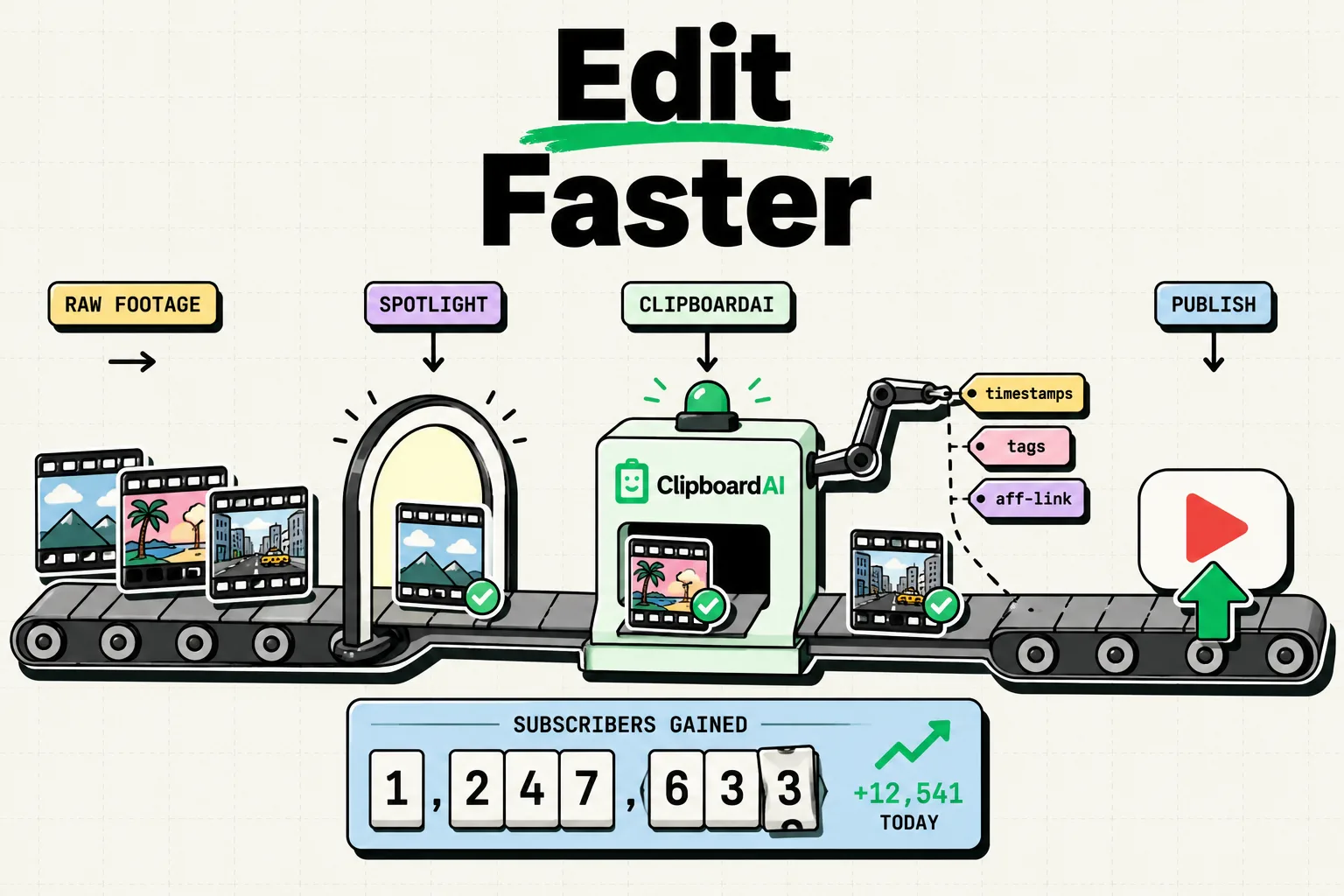
Every video you upload needs the same handful of things pasted into it: a description template, an FTC disclosure, a set of affiliate links, your social handles, and a tag list. None of that changes much video to video, but iOS only remembers the last thing you copied, so building the description by copying five separate pieces means the first four are gone by the time you paste the fifth. A clipboard manager like ClipboardAI keeps all five available at once.
Where the Time Actually Goes
Uploading a video involves pasting several unrelated pieces of text into YouTube Studio in sequence: the description body, timestamps, affiliate links, an FTC disclosure, and tags. If you are copying each of these from a Google Doc, a notes app, or a spreadsheet, the single-item clipboard forces you to switch apps every single time, because copying the FTC disclosure erases the timestamps you just copied. A saved history removes the switching, not the writing.
Value Artifact: The YouTuber Upload Snippet Kit
Set these up once as pinned clips in ClipboardAI. This is the actual kit.
Description template skeleton
[Video hook line - one sentence]

Timestamps:
00:00 Intro
00:00 [Section]
00:00 [Section]

Mentioned in this video:
[Product/link 1]
[Product/link 2]

Follow me:
Instagram: [handle]
TikTok: [handle]

[FTC disclosure if sponsored - see below]
FTC disclosure (pin this separately, paste into any sponsored video)
This video is sponsored by [Brand]. All opinions are my own.Affiliate link log (name each link so search finds it later)
Blue Yeti Microphone (Amazon): [link]
Editing software (Impact): [link]
Camera bag (ShareASale): [link]
Naming the product inside the saved clip is what makes this useful. Searching ClipboardAI for "microphone" surfaces the exact affiliate link without digging through a spreadsheet, because the search matches the text you saved, not just a raw URL.
Comment response templates
"What camera do you use?" - [your standard answer]
"What editing software?" - [your standard answer]
"Can you make a video about X?" - Thanks for the suggestion, added to my list!
The Editing-to-Upload Workflow
If you mark timestamps while editing (writing down "3:42 - intro ends" as you scrub through the timeline), each one you copy is saved in order. When editing is done, your clipboard history has every timestamp you marked, in sequence, ready to paste into the description instead of rewatching the video to reconstruct them.
Honest Limits
- It will not write your description, tags, or titles. It stores and retrieves what you have already written. SEO research and copywriting are still on you.
- It does not track affiliate link performance. ClipboardAI saves the link text; it has no click-tracking or revenue dashboard. Use your affiliate network's own reporting for that.
- It does not integrate with YouTube Studio directly. You still paste manually through the keyboard extension or the app; there is no API connection that auto-fills YouTube's description field.
- It will not manage link expiration for you. If a brand deal link expires in 30 days, you still have to remember to update or remove it. Saving it does not make it permanent or automatically refreshed in videos you already published.
Frequently Asked Questions
What's the fastest way to reuse a video description template?
Pin the full skeleton (hook, timestamps placeholder, links, socials, disclosure) as one saved clip. Paste it into YouTube Studio, then fill in the video-specific parts instead of writing the boilerplate again.
How do I keep track of affiliate links across many videos?
Save each link as its own clip with the product name written into the text, not just the raw URL. Searching by product name then surfaces the current link instantly, and updating it in one place means future pastes use the new version - old, already-published video descriptions still need manual updates.
Can this help with YouTube SEO?
Indirectly. If you have already researched a solid tag set for a content category, saving and reusing it means you consistently apply the same researched keywords instead of retyping something different (and weaker) each time. It does not do keyword research itself.
Does it help with comment management?
It saves your common responses so you are not typing the same answer repeatedly. You still personalize each reply and decide which comments deserve a response.