
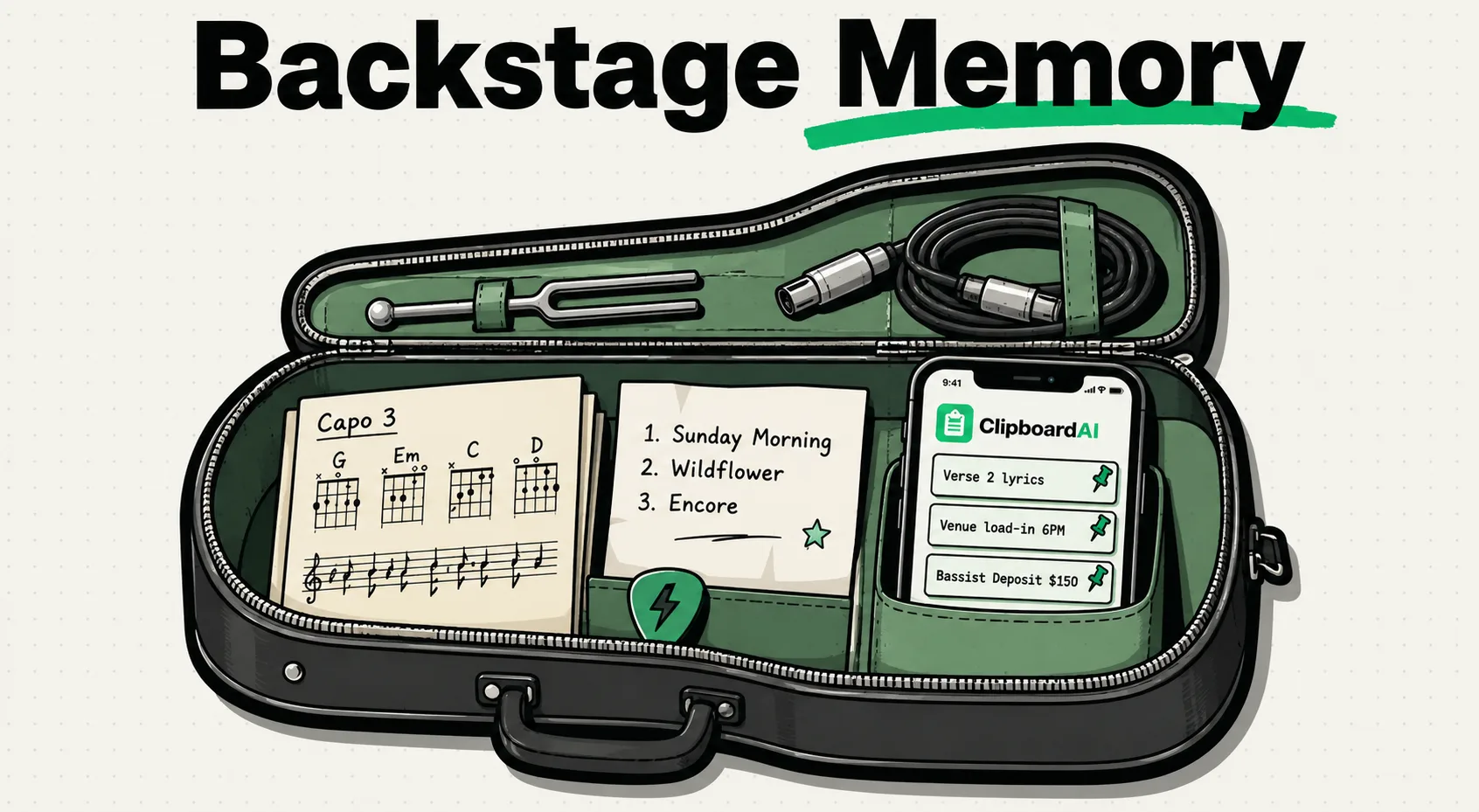
Musicians frequently copy lyric drafts, chord progression notation, setlist orders, ISRC release codes, and venue contact details. A clipboard manager for musicians logs every copied string, preventing you from losing yesterday’s lyric brainstorm when you copy a venue address. Using tools like ClipboardAI helps you organize these snippets, letting you move lyrics and setlists between notes, DAW session markers, email pitches, and social media quickly.
Between writing lyrics, coordinating rehearsals, and handling booking details, your mind has to switch constantly between creative output and logistical management. If you are copying a chord progression from an email and trying to paste it into your notation app, only to have it overwritten by a venue's phone number, it interrupts your musical focus. A dedicated clipboard manager preserves your creative trail so you can write and organize without technical interruptions. In this guide, we will look at how to build an active clipboard repository for your music and business needs.
Restoring Order to the Lyricist and Performer's Workflow
For songwriters and touring artists, copying and pasting text strings is an essential daily task.
Consider the friction of managing a digital show booking:
- You copy the venue coordinator’s email address.
- You switch to your email client to start a message.
- You need to copy the venue's physical load-in door address to send to the band group-chat.
- You press copy on the address, overwriting the email address in your system clipboard.
- You realize you forgot to CC your booking agent, meaning you have to close the draft, go back to your notes, copy the email again, and jump back.
A clipboard manager solves this. You can copy the booking terms, the email address, the load-in address, and the setlist order simultaneously. They remain saved as distinct items in your clipboard database. You can paste them wherever you need them without interrupting your flow.
Required Value Artifact: The Musician's Setlist & Lyric Kit
We have built a template kit for mapping out setlists, songwriting chord progressions, and digital distribution metadata. Save these to your pinned items inside ClipboardAI to keep your creative and administrative work standardized.
1. Gig Setlist & Equipment Checklist Template
Copy and pin this block to organize rehearsals and show days:
### 🎵 Setlist & Show Prep
- **Venue/Event Name:** [Venue]
- **Date & Call Time:** [Date] @ [Time]
- **Setlist Order:**
  - 1. [Song Title 1] (Key of G, BPM 120)
  - 2. [Song Title 2] (Key of Em, BPM 85)
  - 3. [Song Title 3] (Key of C, BPM 140)
  - 4. [Song Title 4] (Key of D, BPM 110)
- **Gear Checklist:**
  - [ ] Primary Instrument & Backup Strings
  - [ ] Pedalboard & Power Supply
  - [ ] Custom IEM / Ear Protection
  - [ ] XLR Cables & Instrument Cables
2. Quick Lyric & Chord Progressions Grid
Keep this markdown chord block pinned for drafting chord sheets:
[Verse 1]
G                 C
I was walking down the street,
Em                D
With a rhythm in my feet.
G                 C
Nothing else I had to say,
Em                D             G
Just another summer day.
3. Song Metadata & Release Tracker Matrix
Keep your active release catalog metadata pinned for quick submission to distributors (DistroKid, TuneCore, etc.):
| Track Title | Key / BPM | ISRC Code | UPC Code | Release Date | Copyright Holder |
|---|---|---|---|---|---|
| Midnight Drive | Am / 122 BPM | US-XY2-26-00001 |
198765432101 |
Oct 15, 2026 | © 2026 Soundwave Records |
| Echoes in Rain | F#m / 80 BPM | US-XY2-26-00002 |
198765432102 |
Nov 12, 2026 | © 2026 Soundwave Records |
| Neon Horizon | D / 115 BPM | US-XY2-26-00003 |
198765432103 |
Dec 04, 2026 | © 2026 Soundwave Records |
| Stormy Seas | Cm / 95 BPM | US-XY2-26-00004 |
198765432104 |
Jan 20, 2027 | © 2026 Soundwave Records |
Practical Ways ClipboardAI Enhances Your Creative Sessions
Using ClipboardAI can help musicians focus on music rather than logistics:
1. Syncing Chord Progressions to Your DAW
When you are designing sessions in a Digital Audio Workstation (DAW) like Pro Tools, Logic Pro, or Ableton Live, you often need to create section markers (e.g., "Chorus 1 - Em, C, G, D").
- You can write your song's section map in a notes app, copy the markers sequentially, and paste them directly into your DAW’s marker tracks.
- This saves you from typing the key changes and titles individually for every marker.
2. Copying Songwriting Snippets on the Go
Melodies and lyric ideas strike at inconvenient times. If you copy a lyric phrase from your browser, a rhyming dictionary site, or a message thread, ClipboardAI saves it automatically.
- When you sit down at your instrument to write later, you don't have to look through multiple apps or notes files.
- Search your clipboard history for "lyrics" or keywords, and you’ll find all your scattered ideas grouped in one place.
3. Handling Booking Pitch Emails
Pitching your band to multiple venues or booking agents requires sending similar assets: your electronic press kit (EPK) link, your YouTube live video link, your calendar availability, and your technical rider.
- By pinning these links inside ClipboardAI, you can draft booking emails in minutes.
- You do not need to hunt down your EPK Dropbox link or open YouTube to copy your live video link every time you draft a pitch.
Honest Caveats: Understanding Technical Boundaries for Musicians
We believe in complete transparency about where clipboard tools are not suited:
- No Audio File Storage: A clipboard manager is built to handle text, strings, links, images, and formatting code. It is not a storage solution for audio files like WAVs, AIFFs, or MP3s. Attempting to copy a 60MB WAV file to your clipboard to cache it inside ClipboardAI will not work. Keep your audio files stored in your local folders, iCloud, or Dropbox, and copy the sharing links instead.
- Apple's Sandboxing Policies (iOS): iOS restricts apps from reading active clipboard memory in the background to protect your data. To view your clipboard history on your iPhone or iPad, you must open the ClipboardAI app or access the history via the custom ClipboardAI keyboard extension while typing.
- Special Formatting Loss: If you use highly customized guitar tab programs, pasting raw text from a clipboard manager might distort alignment if the target program does not use a monospaced font. Ensure you use Geist Mono or Courier inside your target text editors to keep your tabs readable.
Setting Up Your Musician Clipboard Workspace
To integrate ClipboardAI into your music career, spend a few minutes configuring it:
- Download ClipboardAI on your computer and mobile device.
- Turn on Universal Sync: Enable clipboard syncing so you can copy a lyric idea on your iPhone while on a walk and paste it directly into your DAW note track on your Mac.
- Pin Core Assets: Pin your EPK URL, your band's email, and your standard setlist templates for instant access.
- Group by Category: Create folder categories in ClipboardAI for "Lyrics," "Chords," and "Promo Assets."