
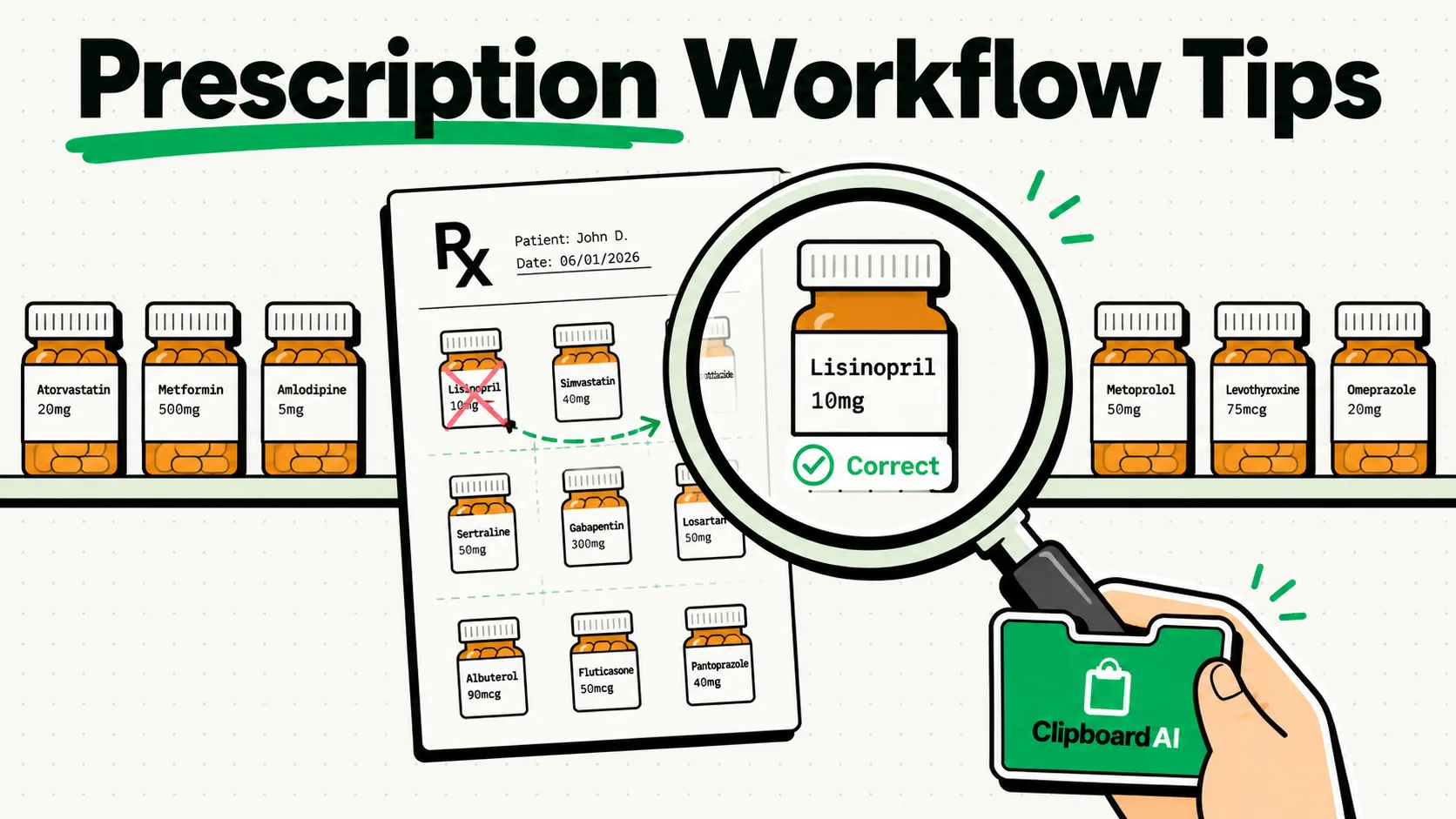
To expedite pharmacy management workflows while complying with drug distribution laws and patient privacy regulations, pharmacists must implement a secure, offline clipboard workflow. Cloud-enabled clipboard managers present a major security risk by writing prescription files and patient IDs to external databases. By using ClipboardAI in local-only mode and blocking pharmacy dispensing systems from entering the database, pharmacists can safely manage billing codes, compounding templates, and counseling templates.
Never copy or store active patient prescriptions, doctor names, DEA license numbers, patient phone numbers, or insurance IDs in a clipboard manager. Storing narcotic drug distribution details or active physician credentials in a clipboard history file violates pharmaceutical compliance laws. Use clipboard tools strictly for public administrative forms, generic compound templates, and patient education guides.
Pharmacy professionals are swamped with administrative paperwork. Between processing prior authorization appeals, disputing insurance rejections, cataloging compounding formulas, and sending medication information sheets to patients, pharmacists spend hours typing repetitive texts.
Here is how to set up a secure, compliant clipboard workflow that speeds up daily pharmacy operations while keeping prescription records isolated.
1. Excluding Pharmacy Dispensing Software
The most important step in setting up a clipboard manager in a pharmacy is isolating your dispensing database. Whether you use PioneerRx, Connexus, McKesson EnterpriseRx, or Liberty, these systems contain high-value Patient Health Information (PHI) and controlled substance records.
Safety Configurations:
- Add Dispensing Clients to Blocklists: On Mac, go to ClipboardAI > Settings > Excluded Apps and add your dispensing software. This ensures ClipboardAI won't save anything copied while these apps are frontmost. This exclusion list is a Mac-only feature; there is no equivalent setting on iPhone or iPad.
- Disable Handoff and Syncing: Turn off Apple Handoff and clipboard cloud sync. If your pharmacy laptop copies a drug order, it must not sync to a mobile device or a public cloud backup.
- Use Local SQLite Encryption: Ensure your local machine has active hard drive encryption (such as BitLocker or FileVault) to protect the clipboard manager’s local SQLite database.
[Dispensing System (PioneerRx)] ──x Ignored by ClipboardAI
[Compounding Worksheet Sheets] ───> [Pasted via ClipboardAI Templates]
[Insurance Appeal Letters] ────────> [Local-Only Snippet Shelf]
2. Utilizing Pharmacy Administrative Snippets
Because patient-specific prescription details are blocked, use your clipboard manager to store generic operational snippets and counseling scripts.
Instead of typing standard instructions or insurance dispute letters over and over, keep structural templates pinned. When you paste the templates into your communication portal, you can type the patient’s name and specific medication strengths manually.
The Pharmacy Practice Administrative Snippet Kit
Use these non-identifying templates to quickly handle insurance disputes, compounding logs, and patient medication check-ins. Copy these blocks directly into your ClipboardAI pinned shelf:
Prior Authorization Appeal Shell
Date: [Date]
To: [Insurance Provider Name]
Prior Authorization Dept Fax: [Fax Number]

Subject: Prior Authorization Appeal
Patient DOB: [Wiped for Security]
Medication Requested: [Medication Name] [Strength] [Form]

To Whom It May Concern,

I am writing on behalf of our mutual patient to appeal the denial of the prior authorization request for the medication listed above.

Clinical Justification:
- The patient has previously tried and failed the formulary alternatives: [Alternative 1] and [Alternative 2].
- The patient experienced [Side Effect / Lack of Efficacy] with formulary alternatives.
- The requested medication is clinically indicated for the management of the patient's condition.

Please review the attached clinical files and expedite approval of this prior authorization request.

Sincerely,
[Pharmacist Name, PharmD]
[Pharmacy Name]
[Phone/Fax Number]
Generic Compounding Formula Worksheet Template
Compounding Worksheet
Formula Name: [Generic Compound Name]
Active Ingredient: [Drug Name] - Strength: [XX mg/mL]

Ingredients & Formulations:
- Active Ingredient Source: [Manufacturer] / Lot: [Wiped] / Exp: [Date]
- Base / Vehicle: [Vehicle Name / e.g., Ora-Plus / Ora-Sweet]
- Preservative: [Preservative Name / None]

Preparation Steps:
1. Calculate the required quantity of active drug tablets or powder.
2. Pulverize the active tablets in a mortar and pestle to a fine, uniform powder.
3. Wet the powder with a small amount of the vehicle to form a smooth paste.
4. Gradually add the remaining vehicle in geometric portions, mixing thoroughly.
5. Transfer the mixture to a calibrated amber bottle and add vehicle to final volume.
6. Label with a 14-day refrigerated Beyond-Use Date (BUD).
Patient Counseling Script: New Medication Check-in
Medication: [Generic Drug Name]
Common Indication: [Indication / e.g., Blood pressure management]

Counseling Guidelines:
- How to Take: Take 1 tablet daily in the morning, with or without food. Try to take it at the same time every day.
- Missed Dose: If you miss a dose, take it as soon as you remember. If it is almost time for your next dose, skip the missed dose. Do not take a double dose.
- Side Effects: You may experience lightheadedness, mild fatigue, or dry cough. If these side effects persist, contact our pharmacy or your primary physician.
- Storage: Store at room temperature in a dry place. Keep out of reach of children.
Honest Caveats: Controlled Substance Registries
- DEA Number Protection: Never copy your DEA verification number or state pharmacy license numbers to your clipboard history. If you are entering credentials for controlled substance registries (like PDMP databases), type them manually. Saving these credentials in a history database increases your risk of identity theft and license abuse.
- Label Printing Portals: Do not use clipboard history utilities on machines connected directly to thermal label printers. Label formatting codes often contain raw XML or binary strings that can crash clipboard buffers, slowing down pharmacy hardware.
Pharmacy Clipboard Security Matrix
| Verification Metric | Cloud Sync Manager | Offline ClipboardAI | Operational Action Required |
|---|---|---|---|
| Data Residency | Transmits to cloud | Confined to device RAM/Disk | Turn off sync settings in dashboard. |
| PDMP Compliance | Logs credential copies | Ignores secure portals | Add PDMP login apps to Excluded Apps (Mac-only). |
| Dispensary Isolation | Records active database copies | Ignores client platforms | Put PioneerRx/Connexus in Excluded Apps (Mac-only). |
| Telemetry Tracking | Sends diagnostics | Telemetry blocked locally | Disable telemetry in application settings. |
Frequently Asked Questions
Can I store my pharmacy's NPI and Tax ID numbers?
Yes. Your pharmacy's National Provider Identifier (NPI), corporate tax ID, and billing address are public business identifiers. They contain no patient-identifying data, making them completely safe to pin.
How do I ensure my clipboard history is wiped between pharmacist shifts?
Set up a custom auto-deletion rule. Go to Settings > Auto-Delete Old Clips and choose the shortest available option (30 days) to keep history from accumulating, or run a manual "Clear History" at the end of each pharmacist shift for anything more sensitive.
What should I do if a patient's name enters my clipboard list?
Find the specific entry in your ClipboardAI history dashboard, swipe left, and select Delete. To ensure the data is cleared from the operating system's temporary memory, copy a generic word like "Completed".
Methodology Note: The pharmacy templates and security guidelines compiled in this guide were designed in reference to HHS HIPAA guidelines. These templates are practical starting points; adapt them to your pharmacy's specific dispensing software and workflows.