
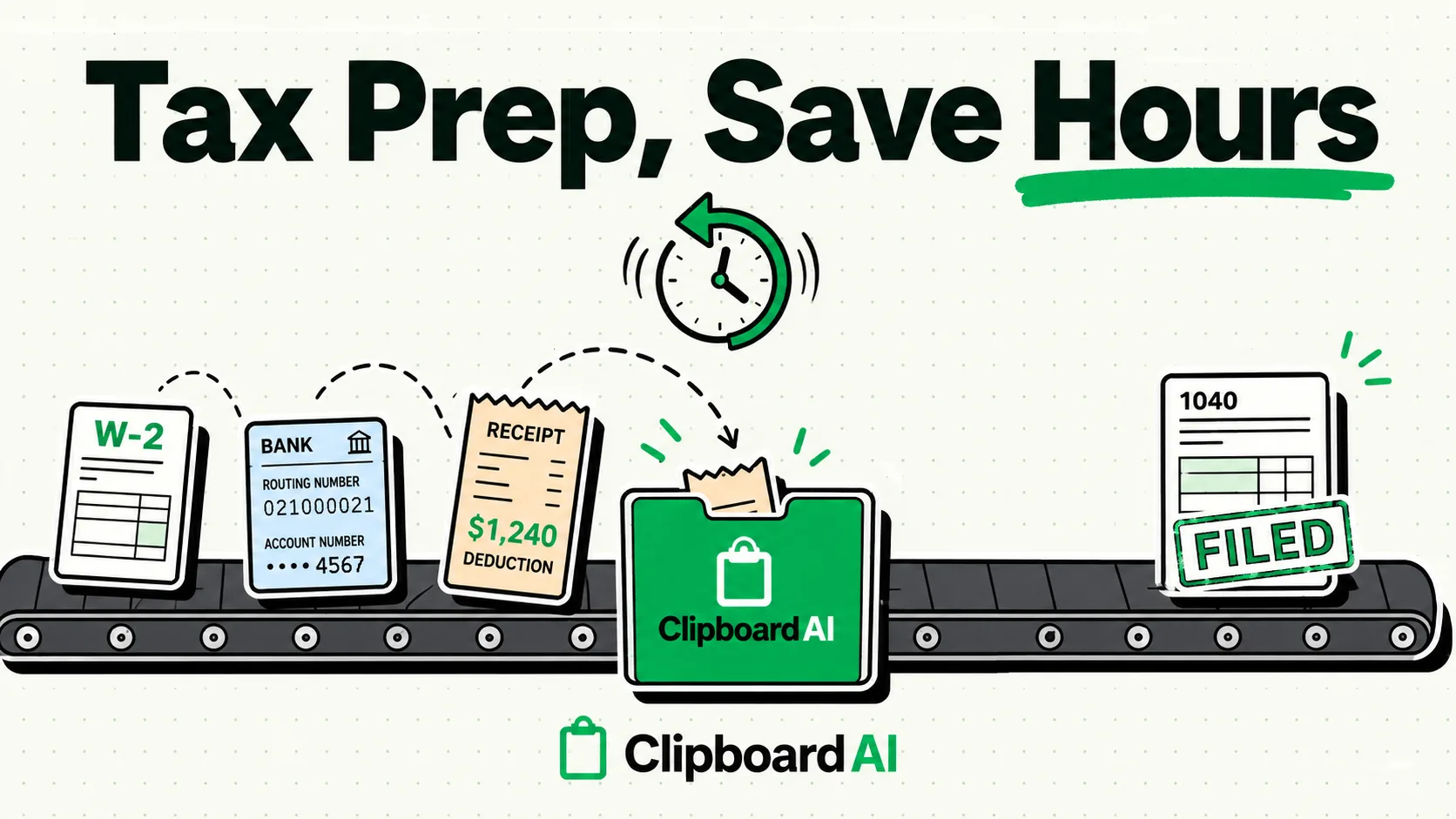
To streamline tax preparation on iPhone and Mac, use a local-first clipboard manager like ClipboardAI to organize recurring tax codes, deduction categories, and business details. By default, standard operating systems discard your clipboard history after a single copy action. A clipboard manager allows you to queue employer identification numbers (EINs), expense totals, and asset descriptions, letting you copy data from spreadsheets and paste them into tax software without constantly switching back and forth.
Never copy or store full Social Security Numbers (SSNs), active bank routing and account numbers, or tax portal passwords in a general clipboard manager. Clipboard history is stored in a database that, if sync is enabled, could be transmitted to remote servers. Always configure your clipboard manager to run locally (offline) and manually purge your history once your tax returns are filed.
Tax season is essentially a massive data-entry sprint. Between W-2s, 1099-NECs, mortgage interest statements, K-1s, and spreadsheets of business expenses, you are forced to transfer dozens of multi-digit numbers from PDF files and spreadsheets into filing software like TurboTax, TaxAct, or FreeTaxUSA.
Here is how to optimize your tax-prep workflow while maintaining strict data security.
1. Pinning Your Core Filing Information
When filing taxes, you are repeatedly asked for the same basic administrative data across federal, state, and local filings. Instead of digging through physical folders or hunting down digital PDFs to copy these details every time, you can pin them in your clipboard manager for immediate access.
Recommended Pinned Snippets:
- Business Employer Identification Number (EIN): Keep your company's EIN formatted without spaces for easy form entry.
- Standard Industrial Classification (SIC) or NAICS Codes: Save your business activity code (e.g.,
541511for custom computer programming services). - State Tax ID Numbers: Store state-specific identification numbers for corporate or payroll filings.
- Charitable Contribution Totals: Pin your cumulative donation totals and organization EINs.
[Clipboard Manager Shelf]
├── NAICS Code: 541511 ───────────────> [Click to paste into Schedule C]
├── Business EIN: XX-XXXXXXX ─────────> [Click to paste into W-2 Form]
└── Home Address: 123 Main St ─────────> [Click to paste into Form 1040]
2. Transferring PDF Statements to Spreadsheets
If you receive PDF invoices or bank statements that do not support Excel exports, copying tables manually can be a nightmare. Text copied from a PDF column often pastes as a single, scrambled vertical line.
How to use ClipboardAI for PDF Parsing:
- Open the PDF statement (e.g., your annual business credit card summary).
- Use the ClipboardAI custom keyboard or app window to capture the target table rows.
- ClipboardAI uses OCR (Optical Character Recognition) to structure the data into columns.
- Paste directly into Google Sheets or Excel. The columns will align automatically, letting you sum up your deductions (Office Supplies, Travel, Software subscriptions) in seconds.
Tax Season Clipboard Template Kit
Before pasting details into your tax portal, you can structure your notes inside ClipboardAI using these standardized templates. Use these models to double-check your numbers before submitting:
Schedule C Business Expense Template
Business Name: [Name]
EIN: [XX-XXXXXXX]
NAICS Code: [XXXXXX]
Part II Expenses:
- Advertising: $[0.00]
- Car and truck expenses: $[0.00]
- Office expense: $[0.00]
- Software & Subscriptions: $[0.00]
- Taxes and licenses: $[0.00]
1099-NEC Contract Income Tracker Template
Payer Name: [Company Name]
Payer EIN: [XX-XXXXXXX]
Recipient Tin: [Wiped for Security]
Box 1 Nonemployee Compensation: $[0.00]
Box 4 Federal Income Tax Withheld: $[0.00]
Box 5 State Income Tax Withheld: $[0.00]
Safety Controls: Hardening Your Clipboard for Tax Season
Because tax documents contain high-value targets for identity theft, you must implement these three clipboard security controls:
1. Enable Local-Only Storage
Open your clipboard manager settings and toggle off all cloud synchronization. During tax season, you do not want your copied financial totals or business addresses syncing across unencrypted servers. Keep the data restricted to the local RAM or SQLite database of the machine you are currently using.
2. Set an Aggressive Auto-Clear Timer
If you must copy a sensitive income number or address, ensure it does not linger. In ClipboardAI, configure the system to delete clipboard history automatically after 2 hours, or use the manual "Clear History" button immediately after your tax session.
3. Exclude Financial Software Bundle IDs
If your password manager has an autofill function, use it directly. On Mac, go to ClipboardAI > Settings > Excluded Apps and add your desktop accounting software (like QuickBooks or TurboTax) so ClipboardAI won't save anything copied while those apps are frontmost. This exclusion list is a Mac-only feature; there is no equivalent setting on iPhone or iPad. ClipboardAI also automatically recognizes nspasteboard.org "concealed" markers that many password managers already set, with no setup required.
Tax Software Compatibility Matrix
Not all tax preparation platforms handle clipboard pastes in the same way. Here is a breakdown of what to expect based on our workflow testing:
| Tax Software | Copy-Paste Friendly? | Paste Formatting | Recommended Input Method |
|---|---|---|---|
| TurboTax Online | Yes | Auto-strips formatting | Standard Command+V or ClipboardAI custom keyboard. |
| FreeTaxUSA | Yes | Auto-strips formatting | ClipboardAI keyboard. Note: SSN fields block pasting; you must type SSNs manually. |
| H&R Block Online | Yes | Requires plain text | Use Paste as Plain Text option to avoid trailing tab errors. |
| QuickBooks Self-Employed | Yes | Accepts tabular paste | Use sequential pasting to fill out transaction logs. |
Honest Caveats: When Copy-Pasting Fails
- Dynamic Validation Inputs: Many tax filing portals use JavaScript that listens for keystrokes rather than text changes. If you paste a multi-digit number (like a 9-digit EIN) all at once, the form may fail to register the input. If this happens, click out of the field and back in, or press the Spacebar or Backspace key once at the end of the number to force the page validation script to run.
- SSN Blockers: Almost all reputable tax software blocks clipboard pasting on Social Security Number fields to prevent users from accidentally pasting copied SSNs from insecure sources. Do not attempt to bypass this restriction; type your SSN manually.
Frequently Asked Questions
Can a clipboard manager read my tax documents in the background?
A clipboard manager can only read data that you explicitly highlight and "Copy" (or screenshot using OCR tools). It cannot scan your hard drive, search your computer for documents, or read files you have not interactively copied.
How do I ensure my tax figures aren't leaked online?
Run your clipboard manager completely offline. ClipboardAI has an offline-only mode that disables all telemetry and cloud synchronization. Keeping your database local guarantees that your data stays on your machine.
What should I do if I accidentally copy a client's SSN or routing number?
Open ClipboardAI immediately, find the specific item in your clipboard history list, and swipe left to delete it. Alternatively, go to Settings and select "Clear All History" to wipe the database.
Methodology Note: The data entry behaviors and software compatibility results compiled in this article were tested using Safari 17 on macOS Sonoma and iOS 17 with the web versions of TurboTax, FreeTaxUSA, and H&R Block.