
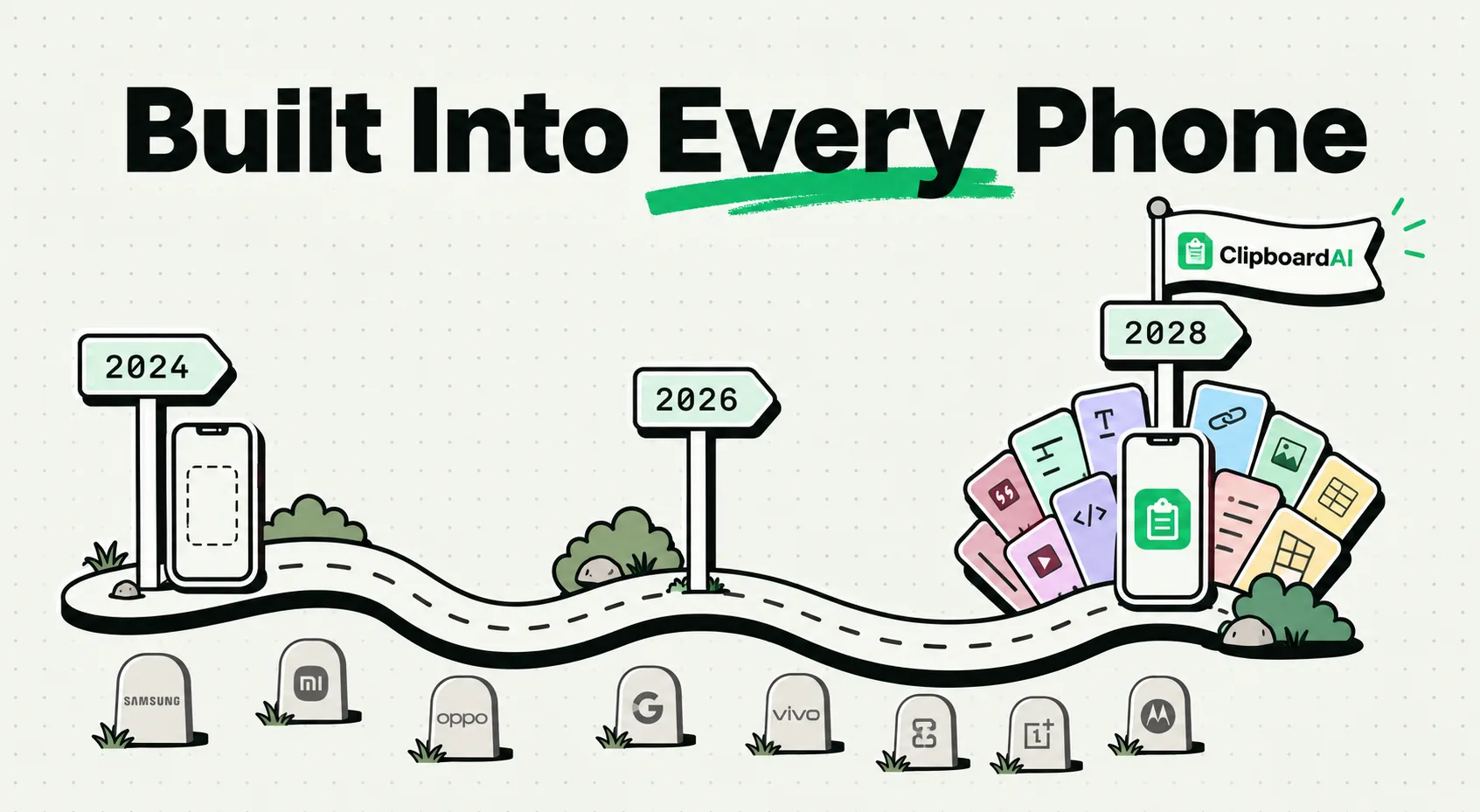
Clipboard managers will become a standard, built-in feature on all smartphones by 2028 due to the rapid growth of mobile multitasking, user demand for multi-slot copy history, and the integration of on-device AI models. While Apple and Google currently limit native mobile clipboards to a some-what basic volatile single item for safety, shifting security frameworks and productivity requirements are forcing operating systems to adopt permanent, searchable clipboard history logs as a native system standard.
Here is an analysis of the technological trends, user demands, and security updates driving this mobile operating system evolution.
The Evolutionary Arc of Mobile Text Management
Smartphone operating systems have come a long way, but text management remains stuck in the past. When Apple introduced the iPhone in 2007, it famously lacked copy-paste functionality entirely - a limitation that wasn't resolved until iOS 3.0 in 2009.
Nearly two decades later, the core mechanism of mobile copy-paste has barely changed:
- The Single-Item RAM Bottleneck: The system clipboard is still a single volatile address block in memory.
- The App-Switching Penalty: Users are forced to toggle between apps to copy and paste separate pieces of data.
- Data Vulnerability: If your phone runs out of memory or reboots, your active copy is wiped from existence.
As smartphones have transformed from consumption screens into primary productivity devices, this single-copy model has become a major user friction point. Mobile workers, students, and casual users now expect their phones to handle complex, multi-layered data transfers.
Required Value Artifact: Phone Clipboard Evolution Roadmap
Here is how mobile operating systems are transitioning from primitive single-copy slots to fully integrated, intelligent clipboard histories:
| Epoch / Era | OS State (Apple & Google) | Clipboard Capacity | Security Paradigm | Primary User Friction |
|---|---|---|---|---|
| The Early Years (2007 - 2009) | No system copy-paste support. | 0 items | Sandbox isolation (no shared data space) | Manual transcription required for all text. |
| The Standard Clipboard (2009 - 2020) | Single volatile copy slot. | 1 item | Silent background clipboard reading allowed | Accidental overwriting of copied data. |
| The Protected Era (2020 - 2025) | Toast notifications for pastes; sandboxing tightened. | 1 item | Active user consent required for paste actions | Constant permission pop-ups and notifications. |
| The AI Clipboard Future (2026 - 2028) | On-device semantic search indexes clipboard history. | Unlimited local storage | Hardware-secure database; automated credential stripping | Balancing privacy with semantic recall speed. |
Three Technical Drivers Pushing the 2028 Standard
The transition to built-in clipboard history is not just a matter of convenience; it is being driven by three distinct technical and market forces:
1. The Rise of Local AI Models (Apple Intelligence & Gemini Nano)
Modern smartphones now ship with dedicated Neural Processing Units (NPUs) designed to run language models directly on your hardware. These models need context to be useful.
- A clipboard history database provides a rich, local stream of user intent data.
- By analyzing what you copy, a local AI assistant can automatically summarize research, build calendar events, or suggest email draft edits without sending your data to external servers.
2. The Convergence of Mobile and Desktop Workflows
More professionals are working across hybrid device environments. Apple's Universal Clipboard and Windows Link to Phone are early attempts to bridge this gap.
- To make cross-device copy-paste seamless, the phone must maintain a local history log that mirrors the desktop.
- Without a mobile history database, syncing becomes a fragile, single-shot connection that frequently fails.
3. User Experience Demands from the Multi-App Economy
In an era of food delivery apps, ridesharing, and instant gig platforms, users are constantly moving text between apps. Having to toggle between a navigation app, a messenger app, and a browser just to retrieve a gate code or confirmation number is a major design failure. Mobile developers are calling for native APIs that allow secure access to a structured clipboard history log.
The Security Obstacles Native Systems Must Solve
If built-in clipboard history is so useful, why haven't Apple and Google already built it directly into the core user interface? The delay comes down to security:
- Password Protection: Many users copy plain text passwords or credit card numbers from managers to paste into apps. A native clipboard history manager must be smart enough to detect password fields and immediately strip that data from the persistent log.
- Malicious Background Reading: Historically, malicious apps could read the system clipboard in the background without user consent, stealing sensitive data. Modern security requires hardware-level encryption (like Apple's Secure Enclave) to protect the local clipboard database from unauthorized third-party apps.
- Consent Management: Finding the balance between security and convenience is tricky. Users don't want a "Paste from Safari?" notification every time they copy text, but they still want protection from silent data snooping.
Honest Caveats: What Third-Party Tools Do Better Right Now
While we expect native clipboard history to be standard by 2028, third-party apps like ClipboardAI are still essential for several reasons:
- Application Filtering: Native clipboard tools rarely let you exclude specific apps (like banking or secure messengers) from being logged. ClipboardAI allows you to build custom ignore rules.
- Semantic Category Sorting: Native clipboards treat all copies as generic text strings. Third-party tools actively parse the data, automatically categorizing it into Emails, Phone Numbers, Links, and Addresses for easier searching.
- Custom Pinned Boards: Dedicated clipboard apps let you build persistent template lists that never expire, whereas native solutions often purge history logs during system reboots or updates.
Setting Up Your Future-Proof Workflow Today
You do not need to wait for 2028 to get a modern clipboard setup. You can configure your phone to run a desktop-grade history database right now:
- Install ClipboardAI on your mobile device.
- Enable the Custom Keyboard: Navigate to your phone settings and activate the keyboard extension, enabling full access so it can bridge your apps.
- Build Pinned Templates: Set up folders for information you type regularly, like your home address, company tax ID, or email signatures.
- Configure Auto-Purge Rules: Use ClipboardAI's Auto-Delete Old Clips setting to clear non-pinned items every 30 days (the shortest available window) to maintain local privacy and keep your database running fast.