
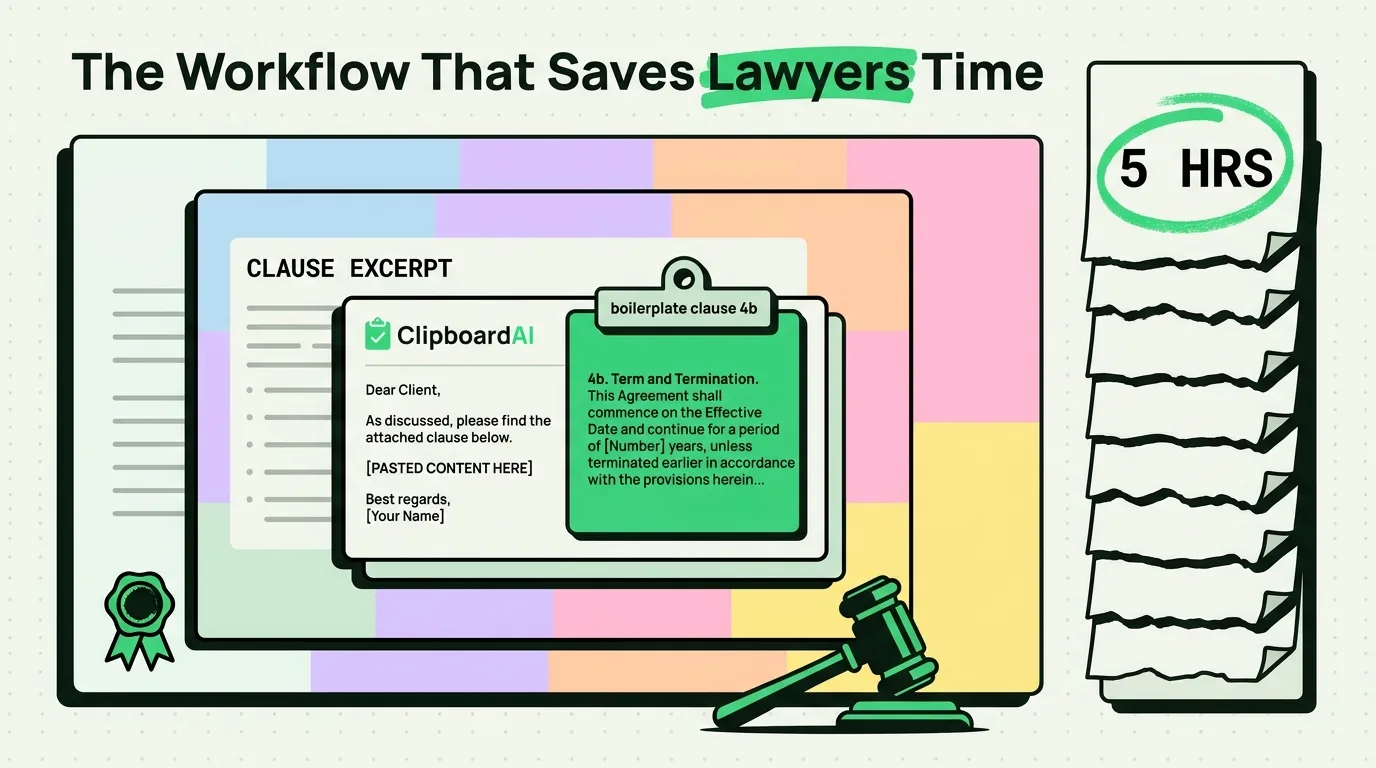
Attorneys can save five or more billable hours a week by implementing a structured clipboard workflow using a local utility like ClipboardAI. By saving legal citations, client matter details, and standard boilerplate clauses directly to an on-device history database, you can build contracts, briefs, and client letters without manual transcription. This workflow reduces error rates while processing all sensitive legal data locally on your iPhone or iPad to protect attorney-client privilege.
The Billable Hour and Administrative Drag
For lawyers, time is literally money. Because attorneys bill in six-minute increments, any time spent on repetitive typing, searching for standard clauses, or correcting formatting errors is a direct drain on profitability or personal time.
A substantial portion of legal drafting is repetitive. You copy and paste client addresses across corporate filings, insert standard confidentiality provisions into contracts, and collect citations from legal research databases like Westlaw or LexisNexis.
Without a clipboard manager, the standard operating system keyboard limits you to a single copy slot. When you copy a case citation, you overwrite the client's billing code. When you copy a force majeure clause, you lose the email address you need to send it to. This constant switching back and forth is a major productivity bottleneck.
3 Legal Workflows Optimized by Clipboard History
By maintaining a running timeline of your copied text, you can streamline your daily legal operations:
1. Seamless Legal Research Compilation
Legal research is traditionally a fractured copy-paste process. You search for precedents in a database, copy a citation, paste it into your draft brief, switch back to the database, copy a key quote, paste it, and repeat.
With ClipboardAI, you can remain in your research database. Read through the cases and copy every relevant holding, citation, and statute in sequence. ClipboardAI logs them in order. When you open your document editor later, your clipboard history will contain a curated list of all your research findings, allowing you to build your brief in one continuous writing session.
2. Standardized Boilerplate Assembly
Every practice area relies on standard boilerplate language. Corporate attorneys use standard indemnification and jurisdiction clauses; litigators use boilerplate discovery requests and proof of service blocks.
Instead of opening past filings or template folders to locate these clauses, pin them inside your clipboard manager. You can organize them into practice-specific folders and insert them into your current document in two taps.
3. Error-Free Client Matter Onboarding
A single client matter requires entering the client's name, corporate entity details, case number, and matter description across dozens of intake forms, retainer agreements, billing logs, and correspondence templates.
Copy these details once during onboarding. They remain searchable in your clipboard history, eliminating transcription typos and ensuring consistent formatting across all case files.
Value Artifact: Attorney's Document Drafting & Intake Template Kit
Use these pinned snippets in your ClipboardAI keyboard extension to quickly insert standard clauses and client communications into legal drafts:
1. Boilerplate Contract Clauses
-- Confidentiality Boilerplate --
"Each party agrees to maintain the confidentiality of all proprietary information disclosed by the other party during the term of this Agreement. Neither party shall disclose such information to any third party without the prior written consent of the disclosing party, except as required by law."
-- Severability Boilerplate --
"If any provision of this Agreement is found to be invalid, illegal, or unenforceable by a court of competent jurisdiction, the remaining provisions of this Agreement shall remain in full force and effect, and shall be construed in accordance with their terms."2. Legal Research and Billing Log Reference
| Reference Type | Custom Pinned Template | Best Used For |
|---|---|---|
| Case Citation Log | "Case Name: [Plaintiff] v. [Defendant]\nCitation: [Volume] [Reporter] [First Page] ([Court] [Year])\nKey Holding: \"[Paste Quote]\"\nPractice Area: [Litigation/Corporate]" | Tracking legal research snippets before drafting briefs. |
| Billing Entry Script | "Matter: [Client/Matter Name]\nDate: [Date] \| Time Spent: [X.X] hours\nDescription: Drafted [Document Name]; reviewed case law regarding [Issue]; corresponded with opposing counsel [Name]." | Quick-pasting structured billing records into Clio or practice management tools. |
| Client Status Update | "Dear [Client Name], I am writing to provide a status update on your matter [Case/Matter No.]. We have completed [Recent Milestone] and are currently awaiting [Next Step]. I will follow up by [Date] with further updates. Best, [My Name]." | Standardizing client updates to maintain consistent communication. |
| Document Verification | "State of [State] \| County of [County]\nSubscribed and sworn to before me this [Day] day of [Month], 2026, by [Affiant Name].\n[Notary Signature] \| My Commission Expires: [Date]" | Pasting standard verification headers onto affidavits and court filings. |
How Standard Copying Compares to ClipboardAI
| Drafting Requirement | Standard OS Keyboard | ClipboardAI |
|---|---|---|
| Billing Data Logs | Overwrites on next copy; easy to lose records | Maintains a searchable timeline of daily task descriptions |
| Legal Citation Sync | Must copy-paste one citation at a time | Batch-copies multiple precedents during database research |
| Boilerplate Access | Requires opening reference documents | Accesses pinned clauses via custom keyboard extension |
| Data Privacy (NDAs) | Basic system security with cloud syncing risk | On-device local database with optional history auto-clear |
| Cross-Device Syncing | Universal Clipboard overwrites across devices | iCloud sync preserves history list across iPad and Mac |
Honest Security Caveats & Attorney-Client Privilege
Because legal data is highly confidential, you must enforce strict privacy controls when using clipboard utilities:
- No Replacement for Firm Management Systems: ClipboardAI is a productivity tool for text movement and messaging. It is not an official document management system (DMS) or a client portal (like Clio or Relativity). Do not use it as a permanent archive for client files.
- Attorney-Client Privilege Restrictions: Do not copy highly sensitive trade secrets, financial records, or confidential transaction terms to your clipboard manager. Although ClipboardAI operates locally, keeping plain-text logs of privileged data on a mobile device increases risk in the event of theft or unauthorized access.
- Configure Expiration Timers: Set your ClipboardAI Auto-Delete Old Clips window to 30 Days (the shortest available option) or execute a manual clear at the end of each work session to purge temporary case data. Turn off Universal Clipboard sync if your iPhone is connected to family-accessible home devices.
Frequently Asked Questions
Can I search my past billing entries in the clipboard?
Yes. If you copy your task descriptions as you work, you can search for keywords like "drafted" or the client's name in ClipboardAI to quickly compile your time entries at the end of the week.
Does ClipboardAI support citations copied from PDF readers?
Yes. You can copy citations and excerpts from PDF viewers (like Adobe Acrobat or PDF Expert) on your iPad or Mac. The text will log in your clipboard history, allowing you to paste it into Word or Pages.
How do I prevent my clipboard history from syncing to my home Mac?
Go to your iPhone settings under Apple ID > iCloud > Show All and toggle off iCloud Sync for ClipboardAI. This keeps your legal history logs confined strictly to your professional mobile device.