
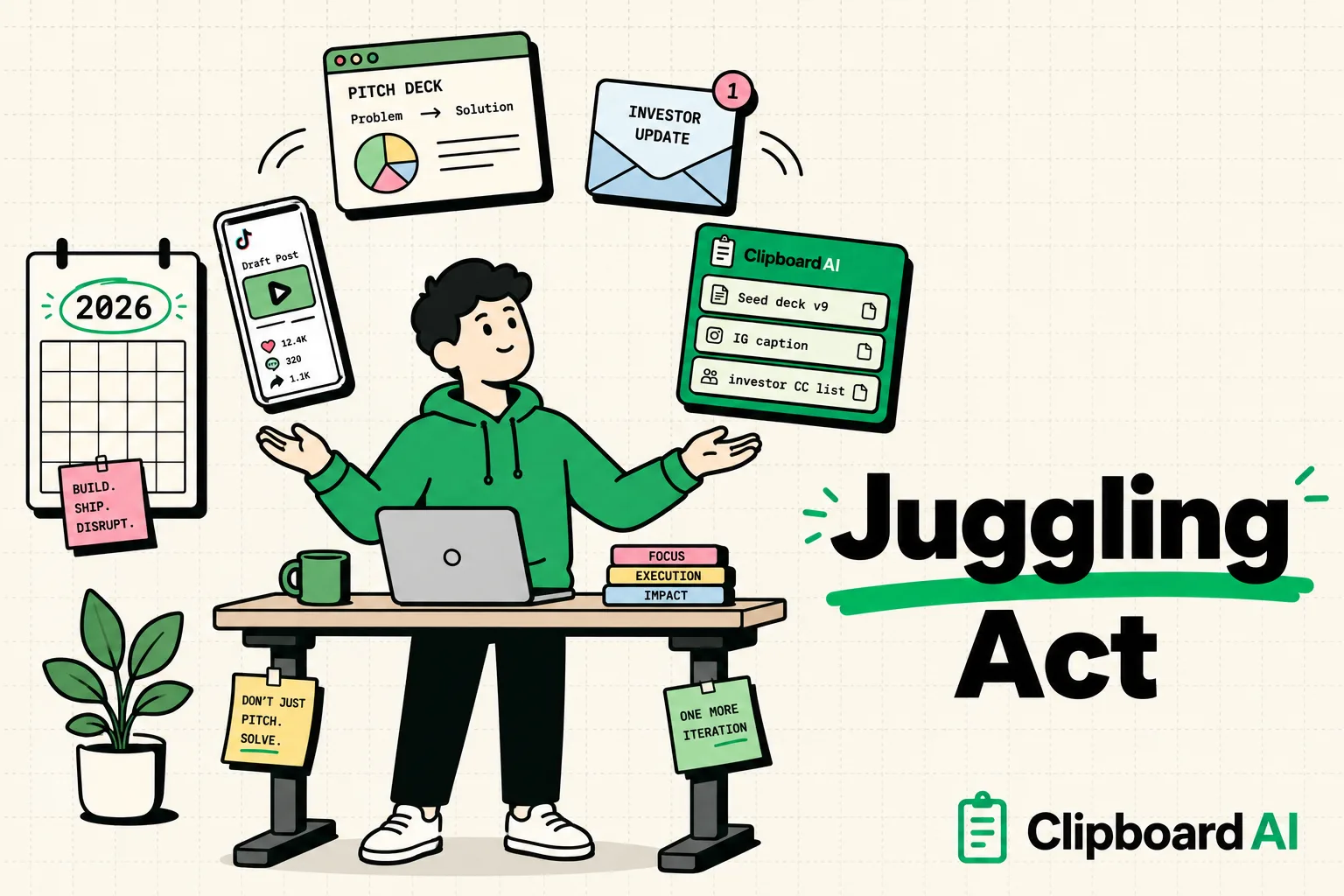
To maximize productivity as an entrepreneur in 2026, you must use a dedicated clipboard manager to store reusable text assets, client templates, and invoice details. Running a small business involves handling hundreds of scattered text blocks, billing details, and scheduling links daily. Consolidating these details into a secure, organized pasteboard feed prevents you from repeating tasks, reduces manual database errors, and saves hours of administrative overhead every week.
As an entrepreneur, your attention is your most valuable asset. Founders of early-stage companies and small business owners must wear multiple hats: salesperson, customer support agent, accountant, operations manager, and marketer.
With this diversity of roles comes a massive administrative burden. Entrepreneurs spend up to 20% of their workday on repetitive computer tasks - such as copy-pasting customer details, searching for scheduling links, sending standard sales pitches, and copying invoice numbers.
A smart clipboard manager acts as an active workspace utility that simplifies this workflow. Here is how using a clipboard history tool can streamline your business operations.
1. Speeding Up Client Pitching & Outreach
A primary driver of business growth is outreach. However, manually typing pitches or opening your Notes app to find and copy intro emails for every prospect is slow.
- The Setup: Save your primary outreach templates, booking links, and pricing sheets directly in your clipboard history app.
- The Workflow: When sending cold emails or replying to inquiries on LinkedIn or Slack, you do not need to switch applications. Simply open your target chat window, toggle your custom keyboard, and paste your template instantly. This allows you to handle follow-ups in seconds rather than minutes.
2. Managing Billing, Invoices, and Corporate Details
When dealing with clients, vendors, and accounting systems, you must enter the same corporate details repeatedly: tax ID numbers, billing addresses, bank routing numbers, wire instructions, and company registry numbers.
- The Setup: Store these strings in a secured, pinned category named "Company Info."
- The Workflow: When generating invoices in Stripe, Quickbooks, or sending bank details to a client, copy them directly from your pinned list. This eliminates the need to look up details in secure folders or PDF documents, reducing manual input errors.
3. Streamlining Mobile Operations (The iPhone Advantage)
Entrepreneurs often run their businesses from their phones while traveling. Copying and pasting multiple pieces of information - such as pulling a shipping tracking code from Safari, an invoice amount from Mail, and a customer address from Slack - is difficult on a small touchscreen.
Using a clipboard manager like ClipboardAI solves this. The app records everything you copy in the background. When you switch to your final destination app, you can access your clipboard history feed and paste each captured string sequentially without switching back and forth between apps.
The Entrepreneur's Snippet Library
Here are three pre-formatted templates you can customize and save in your clipboard manager folder:
1. The Investor/Client Meeting Pitch (Tag: pitch1)
Hi [First Name], great connecting with you. I would love to schedule 15 minutes to run through our project deck and see how we can collaborate. You can pick a time that works best for your calendar here: [Your Booking Link]. Looking forward to speaking!2. The Invoice Request (Tag: invoice1)
Hi [Client Name], the invoice for project deliverables completed in [Month] is ready. You can review the details and make a payment here: [Payment URL]. If you require our company tax ID or wire details for corporate billing, they are pinned in my attachments. Thank you for your business!3. Customer Referral Program (Tag: referral1)
We appreciate your support! If you know other business owners who need help optimizing their workflows, share your unique invite code: [Your Code]. For every referral that signs up, you both receive [Discount/Credit] on your next billing cycle.Productivity Tool Comparison Matrix
Here is how the leading text-saving methods compare for daily business use:
| Feature | ClipboardAI Keyboard | Traditional Notes App | iOS Text Replacement |
|---|---|---|---|
| Insert Speed | Instant (Keyboard Switch) | Slow (Requires app switching) | Instant (Trigger word) |
| Media Copy (Images/PDFs) | Yes | Yes | No (Plain Text Only) |
| History Auto-Logging | Yes (Keeps clipboard queue) | No | No |
| Grouping & Folders | Yes (Searchable folders) | Yes (Messy list view) | No (Flat list only) |
| Cross-Platform Sync | Yes (iOS, macOS, Windows) | Yes (iCloud/Web app) | Yes (iCloud only) |
Honest Caveats: Security and Personalization Limits
While a clipboard manager increases output, keep these security guidelines in mind:
1. Protect Customer Privacy
Never copy raw customer data (such as credit card numbers or social security codes) into a clipboard app that syncs to the cloud. Clipboard history databases are not secure database vaults. Keep financial details and customer credentials restricted to PCI-compliant CRM databases or password managers.
2. The Template Placeholder Risk
Using templates saves time, but it carries the risk of sending unedited messages. Sending a client an email that reads "Hi [Client Name], hope you are doing well" immediately ruins your professional relationship. Always review your templates after pasting to ensure all placeholder brackets are filled with custom, personalized text.
3. Clear Outdated History
Over the course of a year, an active entrepreneur will copy thousands of text blocks, tracking numbers, and meeting details. This database can grow to several megabytes, taking up local memory. Set your clipboard history to auto-clear every 30 days to keep your device databases clean.