
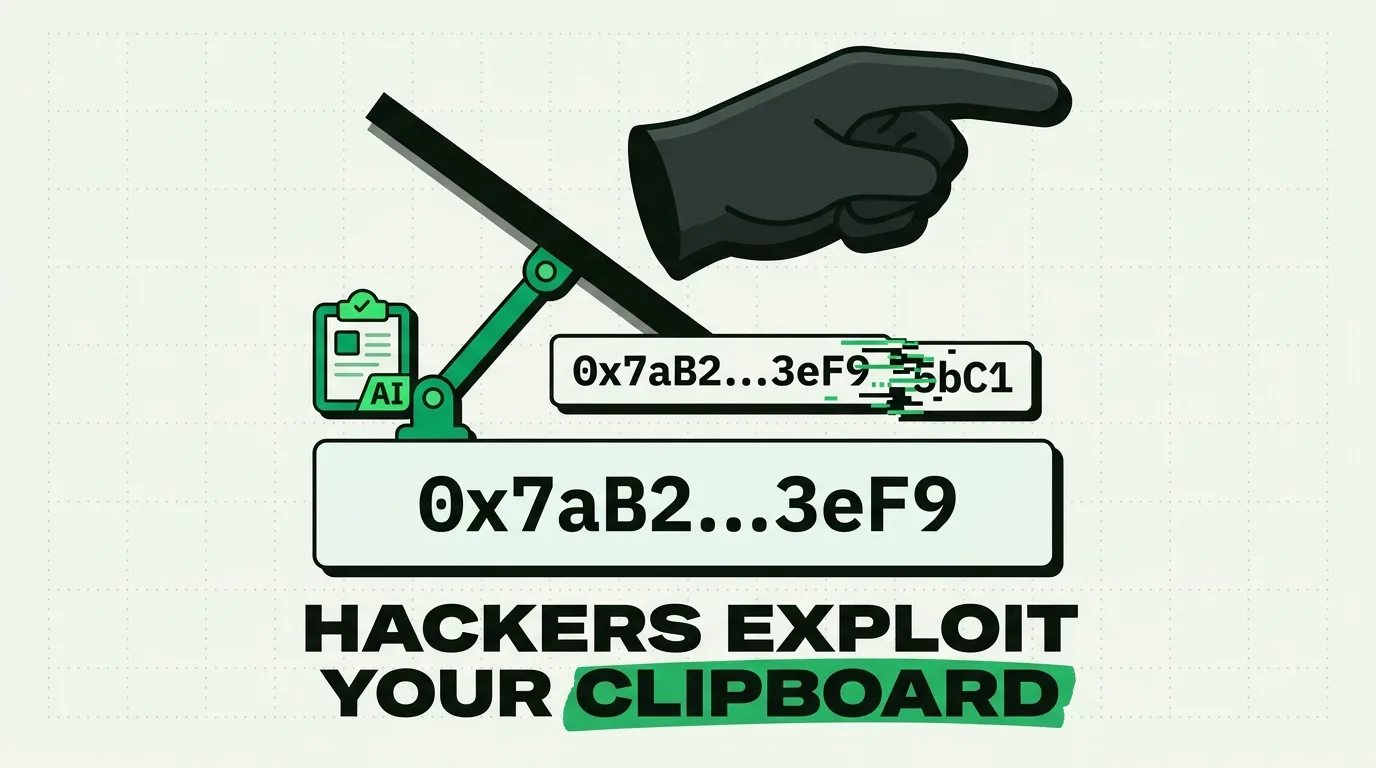
Hackers exploit clipboard vulnerabilities through techniques like pastejacking (silent replacement of clipboard contents with malicious code) and clipboard hijacking (monitoring system RAM to steal sensitive credentials like passwords and cryptocurrency keys). On iOS and macOS, clipboard protection is enforced through application sandboxing, background access blocks, and system-level paste alerts. To secure your device, you must configure password manager clipboard clear-timers, restrict third-party keyboard permissions, and ensure history tools store data locally.
While on-device and local-first architecture dramatically reduces exposure, no software is a perfect substitute for strict user hygiene. If your operating system is fully compromised (jailbroken, rooted, or infected by kernel-level spyware), local storage protections can be bypassed by an attacker. Always verify critical variables manually at the destination.
The Invisible Attack Vector
In cryptocurrency transactions, copying and pasting wallet addresses is standard practice. Because these wallet addresses are long strings of random letters and numbers, almost no one types them manually.
In a typical hijacking incident, an investor copies their destination wallet address, pastes it into the transfer field on their exchange app, reviews the amount, and hits send. If their system is compromised by clipboard-monitoring malware, the wallet address is swapped in memory. The funds go directly to the hacker. Because blockchain transactions are immutable, the assets are lost forever.
This is not a theoretical scenario. Clipboard hijacking has cost users hundreds of millions of dollars globally. For hackers, the clipboard is a soft target: it is invisible, highly trusted by the operating system, and frequently handles high-value variables.
Clipboard Threats and Mitigation Matrix
Different platforms have varying degrees of security. The matrix below outlines the primary clipboard exploits and how you can defend your data:
| Threat Vector | Mechanism | Platform Vulnerability | Primary Mitigation | ClipboardAI Role |
|---|---|---|---|---|
| Pastejacking / Swapping | JavaScript or background malware replaces copied text with an attacker's string (e.g., crypto wallet). | Windows, Android (High); macOS, iOS (Medium via Handoff) | Double-check the middle and end characters of pasted strings before sending. | Maintains a timestamped history so you can audit what you originally copied. |
| Background Scraping | Malicious background applications read the system pasteboard buffer to extract credentials. | Pre-iOS 14; legacy desktop environments. | Upgrade to iOS 16+ which prompts users before allowing apps to paste. | Stores your history in a locally encrypted SQLite database, offline. |
| Homoglyph Redirects | Replaces bank details or URLs with lookalike characters (Cyrillic homoglyphs) to trick users into phishing sites. | Browsers, email clients. | Use password managers to autofill URLs; avoid copying login paths from messages. | Categorizes links and text separately to isolate raw strings. |
| Cross-Device Sync Leak | Compromised secondary devices leak clipboard contents over shared local networks or iCloud. | macOS Handoff, Universal Clipboard. | Disable Universal Clipboard in your Handoff settings when handling secrets. | Bypasses third-party cloud relays by using Apple's encrypted iCloud keychain keys. |
Deep Dive: How Pastejacking Works in Memory
To understand pastejacking, we have to look at the UIPasteboard class on iOS or system memory channels on desktop platforms.
When you highlight text and press copy, the operating system writes that string into a dedicated memory space. On older systems, any running application could monitor this space. In a pastejacking scenario, the malware detects when the copied string matches a specific pattern (like a Bitcoin address starting with 1, 3, or bc1, or an Ethereum address starting with 0x).
Once a pattern match is found, the malware executes a replacement action:
  [Source Text: Legitimate Wallet] ──(Copy)──> [System RAM Pasteboard]
                                                     │
                                             (Pattern Detected)
                                                     │
                                                     ▼
  [Pasted Text: Attacker Wallet]   <──(Swap)─── [Malware Injection]
Advanced malware uses "address grinding." The hacker generates millions of addresses until they find one that matches the first and last four characters of your legitimate address. When they swap it in your clipboard, a casual glance at the pasted string will not reveal the change.
5 Security Auditing Steps for Your iPhone Clipboard
Use this audit checklist to lock down your iOS clipboard settings:
- Configure Password Manager Clear-Timers: Open your password manager (like 1Password or Bitwarden) and set the "Clear Clipboard" setting to 30 or 60 seconds. This prevents passwords from sitting in system RAM where other apps can access them.
- Audit Third-Party Keyboard Permissions: Go to Settings > General > Keyboard > Keyboards. Tap each installed keyboard and review if "Allow Full Access" is enabled. Disable full access for keyboards that do not require cloud services.
- Check Paste Permissions per App: In iOS 16 and later, apps must ask for permission to read your clipboard. Go to Settings, select individual third-party apps, and set Paste from Other Apps to Ask or Deny rather than Allow.
- Disable Universal Clipboard on Shared Networks: If you are working on a public Wi-Fi network, turn off Handoff (Settings > General > AirPlay & Handoff) to prevent your clipboard from syncing to other computers.
- Use Secure Entry Fields: When typing passwords, ensure the app uses the secure text entry attribute, which prevents clipboard managers and keyboards from caching the inputs.
Reclaiming Security with Local-First History
Because the native clipboard holds only a single item, users are forced to copy and paste repeatedly, increasing their exposure to background monitoring.
ClipboardAI mitigates this by maintaining a local history ledger. All your copied snippets are indexed offline inside an on-device SQLite database.
This design means your data never travels to a company server where it could be intercepted or scanned by third parties. When you need to paste an address or snippet, you can open ClipboardAI to verify that the string you are about to paste exactly matches the string you copied ten minutes ago. If there is a discrepancy, you know your system’s security has been compromised.
Frequently Asked Questions
Can an app read my clipboard without me knowing?
In older versions of iOS (pre-iOS 14), any app running in the foreground could read the clipboard silently. In current iOS versions, the system displays a clear banner notification ("App pasted from Safari") whenever an application reads the pasteboard, preventing silent scraping.
Does turning off Handoff disable copy-paste?
No. Turning off Handoff only disables Universal Clipboard, which is the feature that lets you copy text on your iPhone and paste it on your Mac (or vice versa). Normal copy-paste within your iPhone will continue to work.
How do hackers execute terminal attacks via copy-paste?
On websites, developers can use JavaScript event listeners (like oncopy) to alter the clipboard contents. If you copy a line of code like git clone [url], the script can swap it in your clipboard for a malicious command ending with a newline character, executing it immediately upon pasting.
Does ClipboardAI log my Apple Keychain passwords?
No. ClipboardAI explicitly ignores clipboard events generated by secure input fields and password management applications. Your critical credentials remain protected inside the system keychain.