
The Short Version
The best gifts for an iPhone productivity nerd are not more apps, they are physical accessories that remove friction from things they already do every day: typing, charging, and getting the phone off a flat surface. Below is a real, priced-by-category list, plus a free software gift that pairs with almost every hardware item on it.
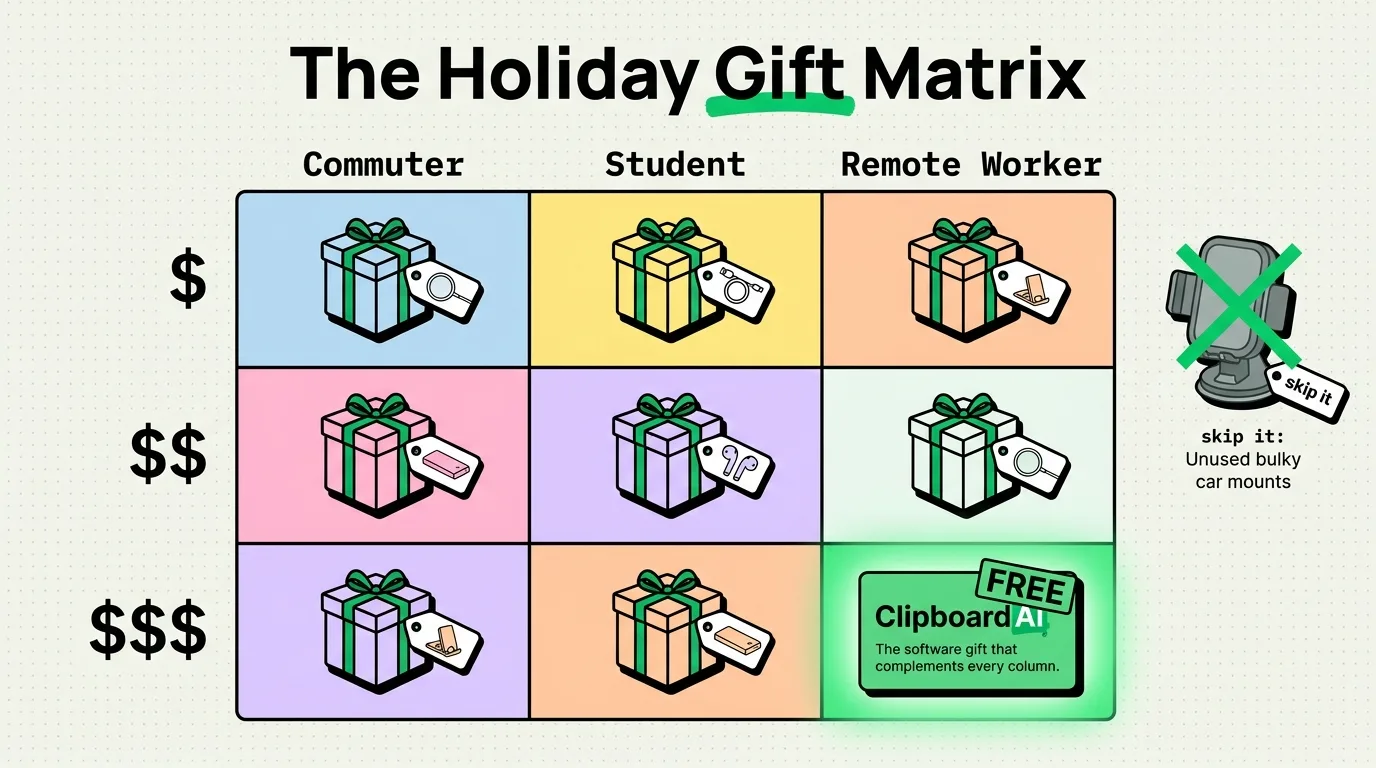
Gift Matrix by Budget and Person
Instead of a generic top-10 list, here is a decision aid: match the recipient's habits to a category, then pick a price tier.
| If they... | Under $30 | $30-$80 | $80+ |
|---|---|---|---|
| Type long messages or notes on their phone | Adhesive PopSocket-style grip for one-handed typing | Compact Bluetooth keyboard that folds to phone size | Full mechanical keyboard with a phone/tablet stand mount |
| Video call or dictate a lot | Clip-on lapel mic for iPhone | MagSafe-compatible desk stand with adjustable angle | Dedicated USB-C condenser mic with a phone arm mount |
| Constantly loses their charge mid-day | Slim MagSafe battery pack | 3-in-1 MagSafe stand (phone, watch, earbuds) | Desk charging station with multiple device bays |
| Works from a car or commutes a lot | MagSafe car vent mount | Wireless CarPlay adapter (for cars with wired CarPlay only) | In-dash wireless charging mount with cable management |
| Scans documents, receipts, or whiteboards often | Microfiber lens cleaning cloth kit | Portable LED ring light with phone clamp | Compact flatbed scanner (for volume that a phone camera can't handle well) |
The Free Software Gift That Complements All of Them
Whatever hardware you buy, the thing every one of these recipients still runs into is iPhone's built-in one-item clipboard: copy a second thing, and the first one is gone. That is especially annoying with a new keyboard or dictation setup, where the whole point is typing and pasting faster.
Pair any of the above with ClipboardAI, free on iPhone and Mac (there is no Windows version). It is not a hardware gift, but it is the one thing that makes every hardware gift on this list feel faster to use: everything they copy gets saved, organized automatically, and searchable later. Try it free, with a 7-day trial of everything ClipboardAI can do, then decide if the Monthly, Annual, or Lifetime upgrade is worth it for cross-device sync and unlimited history.
What Not to Buy
A few categories that sound good in gift-guide roundups but usually end up in a drawer:
- Generic "smart" phone cases with built-in gadgets (batteries, wallets, stands all in one) tend to be bulky and the added feature breaks first.
- Cheap Lightning-to-USB-C adapters for anyone with an iPhone 15 or later. Those already have USB-C built in; the adapter is solving a problem that no longer exists on newer models.
- Off-brand MagSafe chargers without an Apple or MFi certification. Weak magnets mean the phone slides off mid-charge, which is the exact annoyance the gift was supposed to fix.
Frequently Asked Questions
What is the best gift for someone who types a lot on their iPhone?
A compact folding Bluetooth keyboard in the $30-$80 range covers most people. For heavier writers, a full mechanical keyboard paired with a phone stand is worth the higher price.
Is a clipboard manager a good gift?
As a free add-on to a hardware gift, yes. ClipboardAI is free to install on iPhone and Mac, with a 7-day free trial of the full experience; it is a low-effort way to make any new keyboard or dictation accessory feel faster because copied text no longer disappears the moment you copy something else.
Do I need a Lightning or USB-C accessory?
Check the recipient's iPhone model. iPhone 15 and later use USB-C. iPhone 14 and earlier use Lightning. Buying the wrong cable or dock is the single most common gift-return reason for iPhone accessories.