
The Short Version
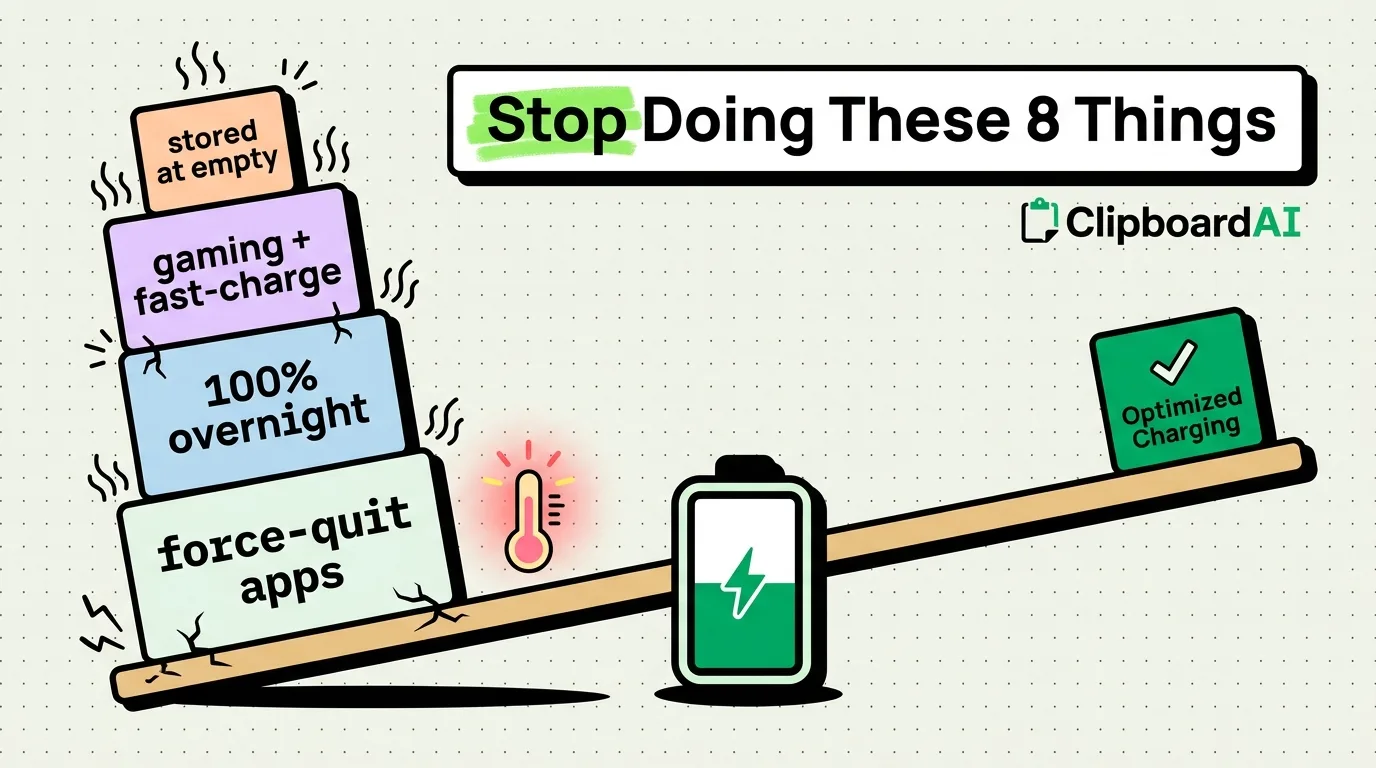
Some of the most common iPhone "battery tips" are outdated or backwards for modern iPhones with lithium-ion batteries and adaptive charging. Below are eight habits worth reconsidering, with the actual mechanism behind each, not just the folk wisdom.
The Three That Matter Most
- Letting your battery repeatedly hit 0% or sit at 100% plugged in for hours both stress lithium-ion cells more than staying in a moderate range.
- Force-quitting all your apps "to save battery" often costs more battery, since reopening an app from scratch uses more power than resuming it from the suspended state iOS already manages.
- Leaving Background App Refresh blanket-disabled can backfire for apps that rely on it to sync efficiently in short bursts versus long polling when opened.
The Full List
1. Chasing 100% charge every night
Modern iPhones include Optimized Battery Charging (Settings > Battery > Battery Health > Optimized Battery Charging), which learns your routine and delays the final charge to 100% until shortly before you usually unplug, specifically to reduce time spent at full charge, which is harder on battery chemistry than lower states.
2. Force-quitting apps from the App Switcher constantly
iOS already suspends background apps to near-zero power draw. Force-quitting means the next launch is a full cold start, which briefly uses more CPU and battery than resuming a suspended app. Reserve force-quit for apps that are actually frozen or misbehaving, not as routine maintenance.
3. Keeping brightness on auto but in a very bright environment often
Auto-brightness is usually right, but screen brightness is one of the largest battery draws on any phone. If you're frequently in bright outdoor light, the display is working harder than the "auto" setting nets out in a typical mixed-use battery estimate.
4. Leaving Background App Refresh on for every app
Settings > General > Background App Refresh lets you disable this per-app. Apps you rarely open but that refresh constantly (some social and news apps) are the better candidates to turn off, rather than disabling it globally, which can make apps you do use daily feel slower to update when opened.
5. Using a non-MFi-certified charger or cable
Uncertified accessories can supply inconsistent power delivery, which in some cases causes the phone to draw power less efficiently or charge slower than a certified cable at the same wattage.
6. Ignoring Low Power Mode until the battery is almost dead
Low Power Mode (Settings > Battery) reduces background activity and some visual effects. Turning it on proactively during a long day away from a charger, rather than waiting until 10%, spreads the savings across more hours instead of squeezing them into the final stretch.
7. Storing the phone at 100% or 0% for extended periods
If you're not using the phone for weeks (a backup device, a drawer phone), Apple recommends storing it around 50% charge, not full or empty, since both extremes accelerate long-term capacity loss during storage.
8. Running the phone hot: gaming, navigation, and fast charging simultaneously
Heat, not charge cycles, is the single fastest way to degrade battery health over time. Using the phone under heavy load while fast-charging (like navigation plus CarPlay plus charging in direct sun) compounds heat exposure more than any single one of those activities.
Where to Start
Check Battery Health first (Settings > Battery > Battery Health & Charging) to see your current maximum capacity. If it is already below 80%, some degradation has already happened and no habit change reverses it, only slows further decline. From there, Optimized Battery Charging and reducing force-quitting are the two habit changes with the most evidence behind them.
Frequently Asked Questions
Does force-quitting apps actually save battery?
Usually not. iOS suspends background apps to minimal power draw already. Force-quitting means the next launch is a cold start, which typically uses more battery briefly than resuming a suspended app would have.
Is it bad to charge my iPhone overnight every night?
With Optimized Battery Charging enabled, the phone learns your schedule and avoids sitting at 100% for hours, which reduces the risk compared to older devices without this feature. Leave it enabled rather than disabling it to force full charges.
What actually degrades iPhone battery health the fastest?
Heat exposure and extended time at full or empty charge are the two most commonly cited factors. Normal daily charge cycles, by contrast, are expected and accounted for in Apple's battery design.