
The Short Version
iPhone dictation slows most people down for one reason: they only know "period" and "comma" and give up when punctuation looks wrong, then correct it by hand, which is slower than typing. Learning the full punctuation and formatting command set, plus how to edit hands-free, is what actually makes dictation faster than typing for anything longer than a text message.
The Full Command Reference
Say these as part of your sentence, not as a separate command. iOS inserts the punctuation or formatting inline.
| Say this | You get |
|---|---|
| "period" / "full stop" | . |
| "comma" | , |
| "question mark" | ? |
| "exclamation point" / "exclamation mark" | ! |
| "new line" | Line break (like pressing Return once) |
| "new paragraph" | Full paragraph break (two line breaks) |
| "cap" + word (e.g. "cap Monday") | Capitalizes just that word |
| "caps on" ... "caps off" | Capitalizes every word in between |
| "all caps" + word | THAT WORD IN CAPS |
| "no caps on" ... "no caps off" | forces lowercase for the phrase in between |
| "open parenthesis" / "close parenthesis" | ( and ) |
| "open quote" / "close quote" | " and " |
| "smiley" / "frowny" / "winky" | :-) / :-( / ;-) |
Editing Without Touching the Screen
The habit that separates fast dictators from people who give up: keep talking and correcting instead of stopping to tap. Say "delete" to remove the last word. To fix something further back, say "select [the exact phrase]" and iOS highlights it so your next words replace it. This is slower than typing a correction, but faster than switching to the keyboard, backspacing, and switching back to the mic.
Where Dictation Still Falls Short
- Domain-specific terms and names (medication names, technical jargon, uncommon proper nouns) are misheard often enough that dictating them repeatedly wastes more time than it saves.
- Noisy environments degrade accuracy sharply. Dictation in a car, cafe, or with background conversation produces enough errors that hands-free editing eats the time savings.
- Long-form structured writing (numbered lists, tables, code) is genuinely painful by voice. Dictation is best for prose: emails, messages, notes.
Pairing Dictation With a Clipboard Manager
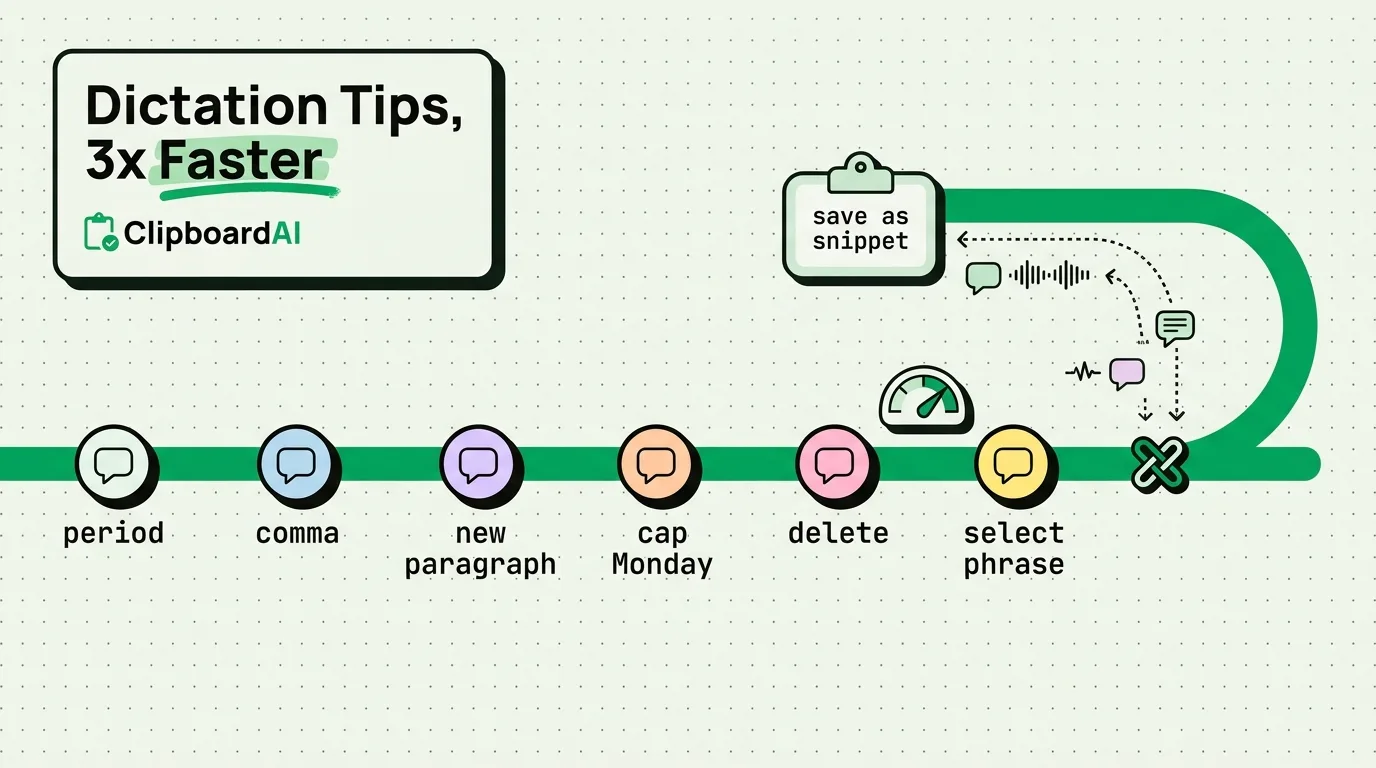
The real speed gain is not dictating more, it's dictating something once and reusing it. If you dictate the same explanation, greeting, or answer more than a couple of times a week, dictate it once, save it as a pinned clip in ClipboardAI, and paste it from then on. That turns a 20-second dictation into a one-tap paste, which is faster than dictating it fresh every time, and immune to the domain-jargon misfires above since you only had to get it right once.
Frequently Asked Questions
How do I add a comma or period without stopping to type it?
Say the punctuation mark as a word in the middle of your sentence: "see you tomorrow comma same time as before period" produces "see you tomorrow, same time as before." iOS inserts it inline.
Can I edit dictated text without touching the keyboard?
Yes. Say "delete" to remove the last word, or say "select" followed by the exact phrase you want to replace, then speak the replacement. Both work without switching out of dictation mode.
Why does dictation keep getting names or jargon wrong?
iOS dictation is tuned for common conversational English; uncommon proper nouns, medical or technical terms, and non-standard spellings are the most common failure points. For frequently repeated jargon, it is faster to type it once, correct it, and save it as a reusable snippet than to keep re-dictating it.