
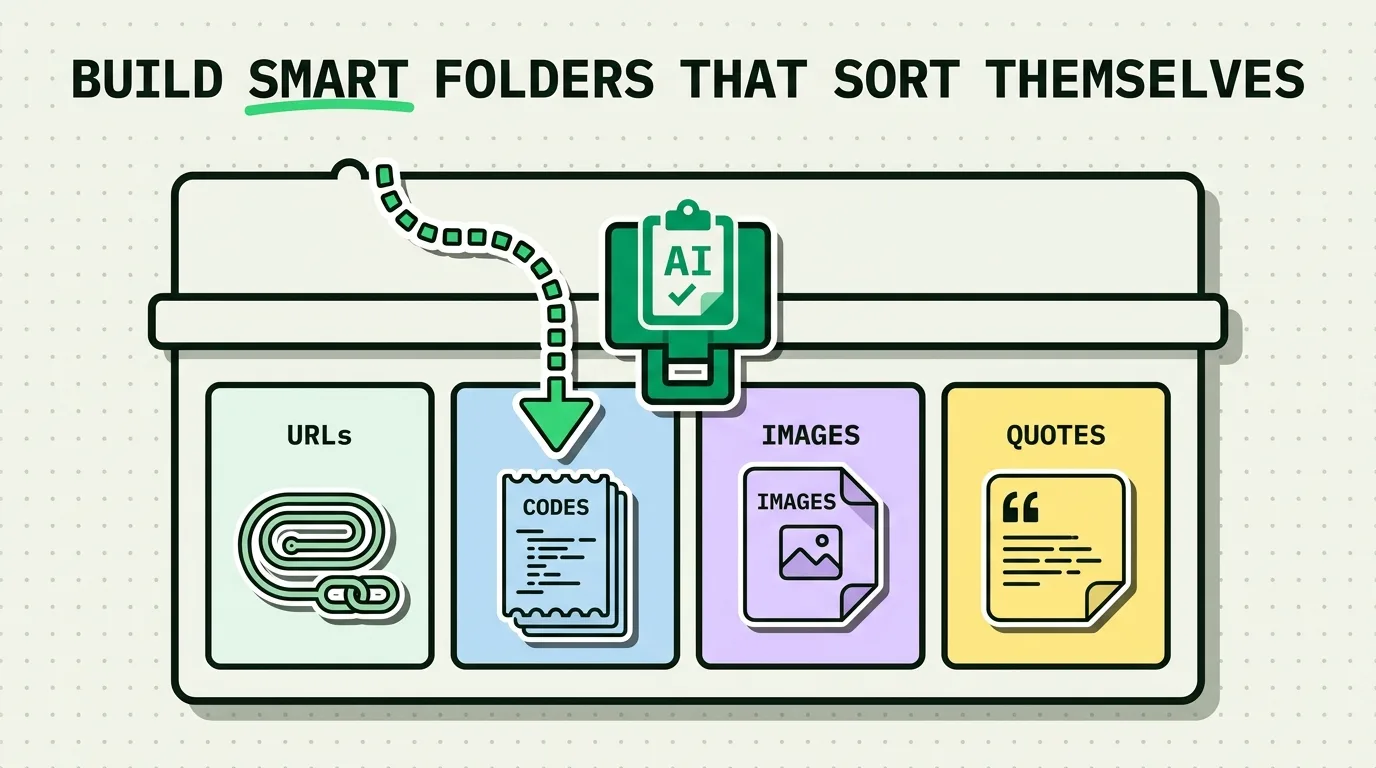
iPhone's built-in clipboard has no folders, no categories, and no history at all; it holds exactly one item. A clipboard manager like ClipboardAI fixes the retrieval problem by automatically sorting what you copy into content-type categories (links, phone numbers, emails, addresses, and general text) the instant you copy it, plus letting you pin individual items and group specific clips into named collections. It does not give you an arbitrary folder tree the way Notes or Files does; it's type-based sorting plus manual pinning and collections, not free-form foldering.
The Scenario
You copied a phone number three days ago. You know you copied it. You do not remember which app you were in, what the number was attached to, or roughly when. On stock iPhone, there is nothing to search, because the clipboard only ever held one thing at a time and it's long since been overwritten. Your only real options are digging back through Messages or Mail hoping you find the original source again.
This is the specific problem auto-categorization solves: not "organize your files," but "let you find something by what type of thing it is, without remembering where it came from."
What Gets Sorted Automatically, and How
ClipboardAI detects the type of content the moment you copy it and files it accordingly:
| Category | What lands here | Detection method |
|---|---|---|
| Links | URLs of any protocol | Pattern match on URL structure |
| Phone Numbers | Domestic and international formats | Digit pattern recognition |
| Emails | Any standard email address format | Pattern match on email structure |
| Addresses | Street addresses with city/state/ZIP components | Structural pattern recognition |
| Text | Everything else | Default fallback, still saved and searchable |
This runs on-device. Nothing is sent to a server to be classified, and there's no processing delay you'd notice.
What this categorization is not: it is not a general-purpose tagging system. It does not let you invent a "Project Alpha" category and have random clips auto-sorted into it. It sorts by content type, not by your own arbitrary project structure. If you need the latter, that's what pinning and collections are for, covered below.
Pinning: Your Manual Override
Auto-categorization handles type sorting; pinning handles importance. Pin any clip and it stays at the top of your history regardless of how much you copy afterward. Good candidates for pinning:
- Your email address and phone number, for form-filling
- A standard reply you send often
- A Zoom link or meeting ID you reuse for a recurring call
- A tracking number you'll want to check again this week
Pinning is a manual action (long-press an item, tap Pin), and there's no automatic rule that decides what gets pinned for you. That's deliberate: automatic pinning would just move the "where did it go" problem instead of solving it.
Collections: Grouping Specific Clips Together
For content that spans multiple categories but belongs to one project or context, ClipboardAI supports named collections. Pin or add specific clips to a collection when they belong together conceptually, even if one is a link, another is an address, and another is a phone number. This is the closest equivalent to a folder in ClipboardAI. It requires you to add clips to the collection deliberately; it is not automatic the way type-based categorization is.
What This Setup Cannot Do
- It cannot guess your intent. If you copy "50" it lands in Text, not in a category you've invented for that specific project, because there's no reliable signal to detect that.
- It is not a substitute for Notes' free-form organization. If you want to build a folder structure with your own taxonomy unrelated to content type, a notes app still does that better.
- Categorization can occasionally misfire on ambiguous strings (a long number that looks like it could be a phone number or a reference code). When that happens, search still finds the item regardless of which category it landed in, since search covers all categories at once.
Getting Set Up
- Install ClipboardAI from the App Store.
- Grant clipboard access when prompted.
- Copy as you normally would. No manual filing step; categorization happens automatically in the background.
- Open the app to browse by category, or enable the keyboard extension to access categorized history without leaving the app you're typing in.
- Pin your most-used items and build a collection for any active project that spans multiple content types.
Frequently Asked Questions
Can I create my own custom categories in ClipboardAI, beyond links/phone/email/address/text?
The automatic categories are fixed content-type buckets. For grouping beyond content type, use collections and pinning rather than expecting a custom auto-category.
Does auto-categorization ever get something wrong?
Occasionally, on ambiguous strings that could match more than one pattern (like a long numeric ID that resembles a phone number). Search works across all categories, so a misfiled item is still findable.
Do categories and collections sync across my iPhone and iPad?
Yes, via iCloud sync, if you have it enabled. Categories, pins, and collections all sync together.
Is there a limit to how many items can be in a category?
No fixed limit. History grows as you use the app, and everything remains searchable regardless of volume.