
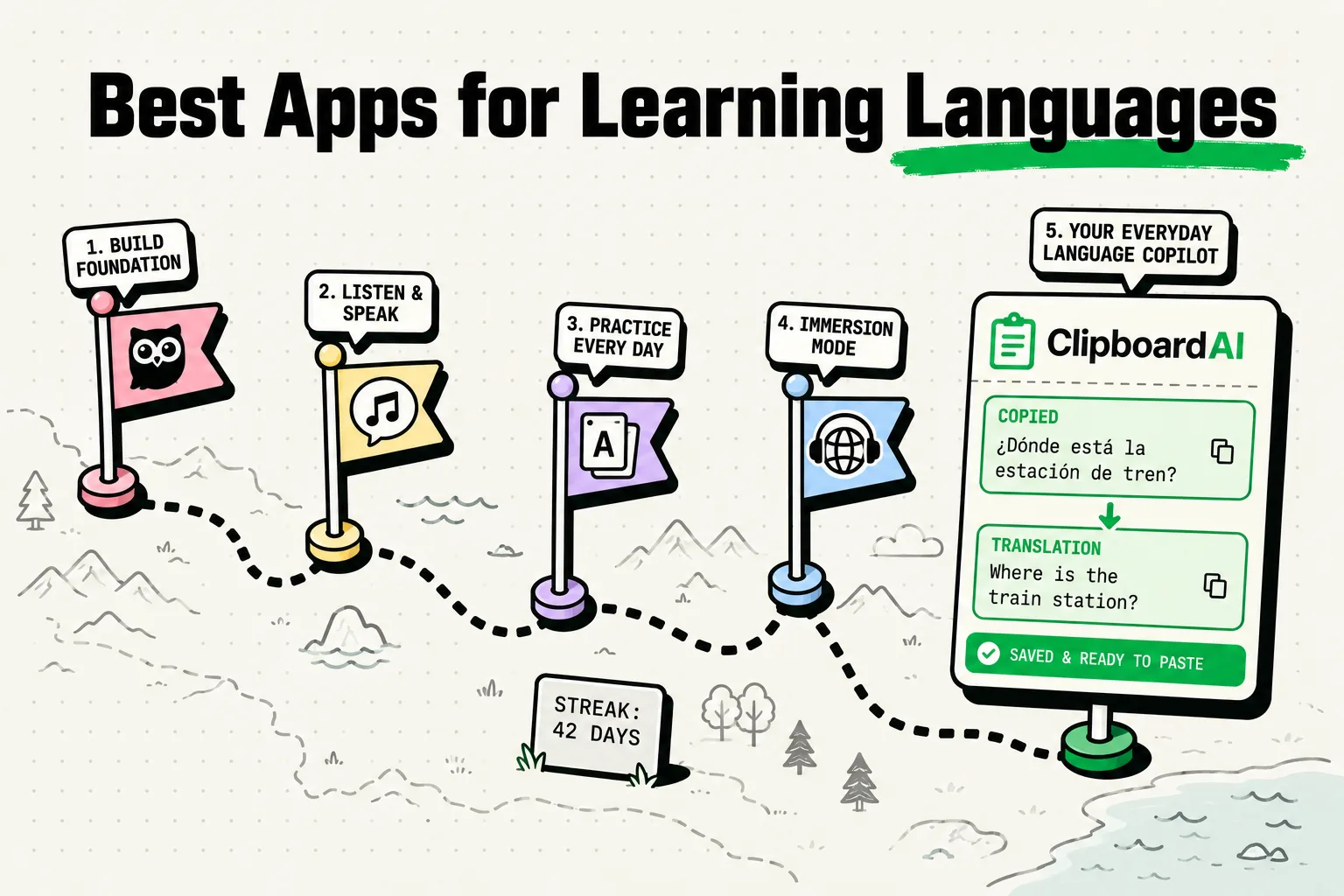
The best iPhone apps for learning new languages in 2026 prioritize active recall, spaced repetition, live conversation, and custom vocabulary compilation over passive gamification. Top-tier tools include AnkiMobile (for customizable flashcards), iTalki (for professional native speaking tutors), LingoDeer (for grammar-heavy Asian and European language study), Busuu (for structured course layouts with community feedback), and ClipboardAI (for harvesting vocabulary, definitions, and native sentences directly from foreign websites into your study decks).
The Duolingo Trap: Why Gamification Doesn't Equal Fluency
Many language learners spend hundreds of days maintaining streaks on gamified apps only to realize they still cannot order a coffee or read a local newspaper in their target language. This is because matching pictures, tapping bubbles, and choosing from multiple-choice questions tests recognition, not production.
True fluency requires active recall (forcing your brain to generate a word or grammar rule from scratch) and immersion. A smartphone can facilitate this, but only if you use apps that challenge your brain rather than entertain it.
We interviewed language instructors and polyglots to compile a system of apps that build practical speaking, listening, and reading skills.
Language Learning App Comparison
Here is how the leading language acquisition tools stack up in terms of pricing, pedagogy, and their cognitive focus:
| App Name | Primary Method | Cost | Active Recall Level | Best For | Spaced Repetition? |
|---|---|---|---|---|---|
| AnkiMobile | Flashcards (Spaced Repetition) | $24.99 (One-time) | Very High | Building and memorizing custom vocabulary lists. | Yes |
| iTalki | Live Conversation | Varies by tutor ($5-$25/hr) | Extremely High | Overcoming the fear of speaking and practicing real dialog. | No |
| LingoDeer | Structured Grammar | $14.99/mo (Free trial) | Medium | Learning grammar rules for Japanese, Korean, and Mandarin. | Yes |
| Busuu | Interactive Courses | $13.99/mo | Medium | Comprehensive curriculum with native speaker corrections. | Yes |
| ClipboardAI | Vocab Harvester | Free (Beta) | High (when used for study) | Capturing real-world words and phrases from foreign texts. | No |
1. AnkiMobile: The Gold Standard for Vocabulary Retention
If you want to remember thousands of new words, you must use Spaced Repetition Systems (SRS). SRS calculates the precise moment you are about to forget a word and prompts you to review it, cementing it into your long-term memory.
AnkiMobile is the official iOS client for Anki, the open-source flashcard program used by medical students and language hackers worldwide.
- The Workflow: Create a deck. As you encounter new words in foreign podcasts or articles, create a flashcard with the foreign word on the front and the translation/example sentence on the back. Rate the card's difficulty during review to adjust its next showing.
- Why It Works: It is highly efficient. Instead of reviewing words you already know, Anki forces you to spend time on the vocabulary you struggle with.
2. iTalki: Practicing Real-World Conversations
You can study grammar rules for years, but you will not speak a language fluently until you converse with native speakers.
iTalki connects language learners with certified, native-speaking teachers for 1-on-1 video lessons.
- The Workflow: Filter tutors by country, price, and specialties (e.g., conversational Spanish for business). Book a 30-minute or 1-hour session. During the call, use your phone’s split-screen or external notes to write down corrected phrases.
- Why It Works: It provides a safe, low-stress environment to make mistakes and receive immediate correction. It is significantly cheaper than traditional language academies.
3. ClipboardAI: Building Custom Flashcards from Real Life
Learning pre-made lists of vocabulary (like "the colors" or "animals") is inefficient because you are memorizing words you don't actually use. The most effective vocabulary to learn is the vocabulary you encounter while reading articles, watching movies, or listening to music in your target language.
ClipboardAI streamlines this collection process.
- The Workflow: When reading a foreign news article or blog on your iPhone, copy the sentence containing a new word, along with the word's definition from a translator app. Since ClipboardAI automatically logs your copy history, you don't have to keep switching back and forth to your flashcard creator. Once you finish reading, open Anki, open the ClipboardAI keyboard, and quickly paste your collected sentences into cards.
- Why It Works: It eliminates the friction of manual deck building, allowing you to create personalized, context-rich study materials in seconds.
Polyglot Vocabulary Harvesting Checklist
Use this step-by-step workflow to turn your daily reading into an active study session:
- Find Compelling Content: Choose a blog post, news story, or short story in your target language that is slightly above your current level (aim for 70-80% comprehension).
- Read for Context: Read the text without looking up every word. Try to understand the paragraph's general meaning.
- Harvest New Words: When you encounter a crucial word you don't know, select the entire sentence and copy it. This captures the word's context.
- Run Quick Translation: Copy the target word into a translator app to check the meaning.
- Generate Flashcards: Open your flashcard app (like Anki). Use your ClipboardAI history list to paste the sentence into the "Front" field and the definition into the "Back" field.
- Daily Review: Review your cards every day. Consistent review is what converts short-term recognition into long-term retrieval.
Honest Caveats: The Limits of Language Apps
Before investing in expensive app subscriptions, consider these caveats:
- Streaks are a vanity metric: Having a 365-day streak in an app does not guarantee fluency. Focus on hours of active speaking and reading, not gamified points.
- No single app does it all: Anki builds vocabulary; iTalki builds conversational confidence; textbooks or LingoDeer build grammar structures. You must combine tools for a balanced approach.
- Active output is painful: Tapping bubbles is easy; speaking out loud is hard. If an app doesn't make you think or sweat slightly, it is likely not building deep language pathways.
- Local Data Privacy: When copying foreign messages, housing leases, or personal chats to translate, ensure your translation tool does not log your sensitive personal data. ClipboardAI handles your clips locally, reducing external data exposure.
Frequently Asked Questions
How many hours a day should I spend on apps?
Consistency is more important than volume. Spend 15 to 30 minutes daily on vocabulary review (like Anki) and schedule 1 or 2 conversational sessions (like iTalki) per week.
Can I learn a language for free?
Yes. Anki is free on desktop (and has free web/Android versions). You can find free reading materials, language exchanges, and grammar guides online. The only paid tools you truly need are tutors for speaking practice.
How do I use ClipboardAI to study grammar?
When you see a complex grammar pattern in an article (such as a subjunctive structure in Spanish or a particle chain in Japanese), copy the entire sentence and tag it in ClipboardAI with a "Grammar Rules" label. Review these sentences weekly to identify structural patterns.