
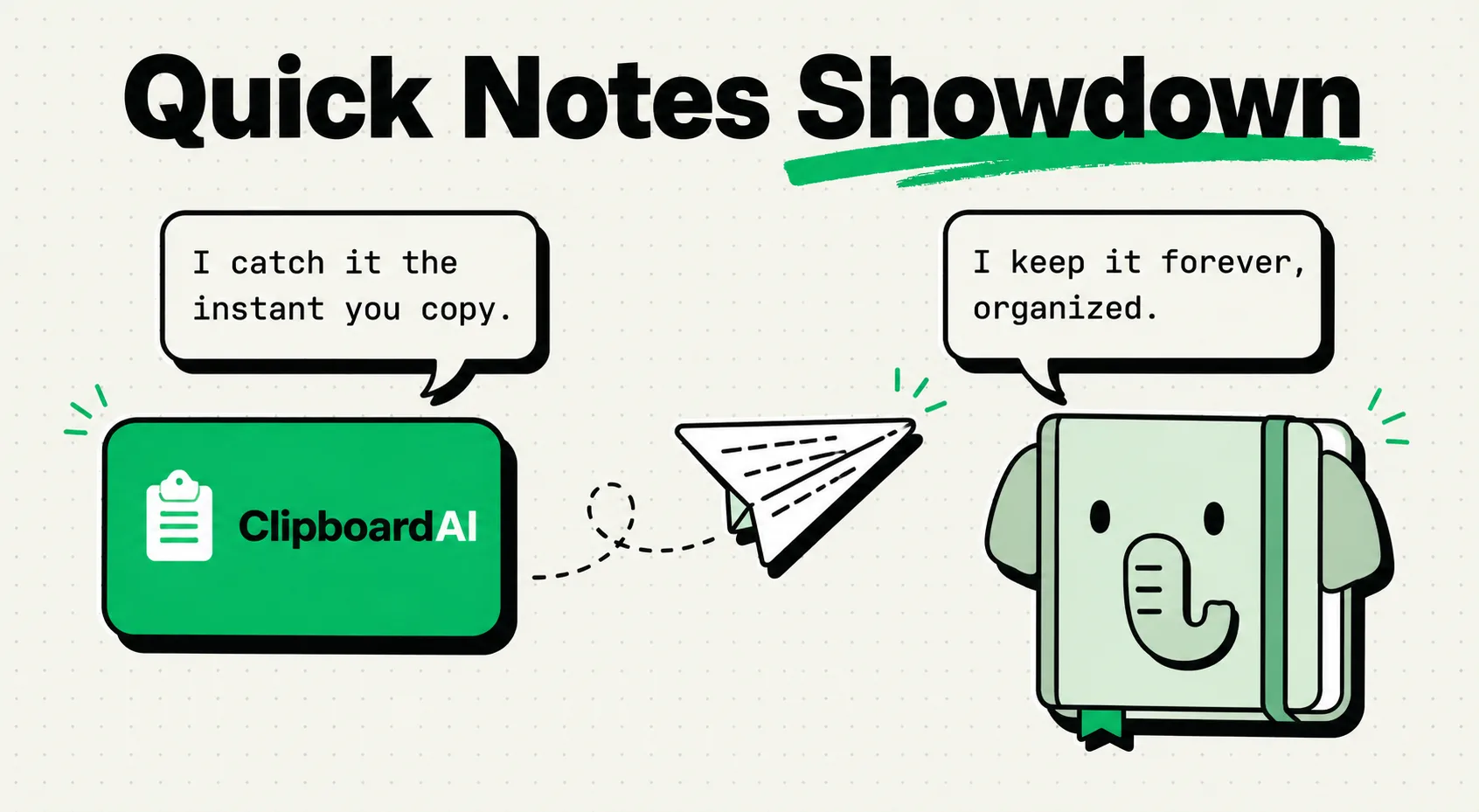
For professionals deciding between a clipboard manager and Evernote, the choice depends on the longevity of the data you are saving: Evernote is a cloud-hosted digital filing cabinet designed for long-term document archiving, PDF annotation, and multi-device note storage. A clipboard manager like ClipboardAI is a lightweight, local-first utility designed to capture short-term history, links, and template snippets for immediate copy-paste operations. Use a clipboard manager for daily workflow speed, and Evernote for structured research archiving.
Filing Cabinets vs. Desktop Scratchpads
Understanding where a piece of information belongs is the key to maintaining a clean digital workspace. Many users struggle with digital clutter because they treat their note-taking apps as clipboard dumps, pasting random URLs, phone numbers, and receipts into unstructured notes that they never look at again.
Evernote is built to be a permanent archive. It is designed to host multi-page research documents, catalog travel itineraries, scan PDF manuals, and store web clips. Once you put information in Evernote, you expect it to stay there for months or years, organized into Notebooks and indexed with tags.
A Clipboard Manager (like ClipboardAI) is built for speed. It acts as an active, local-first database of everything you copy. When you copy a tracking code, a client email address, or a code block, you do not want to create an entire note inside Evernote just to hold it for five minutes. The clipboard manager captures it automatically, holds it in your history buffer, and lets you paste it where it needs to go, before clearing it out to make room for new copies.
Clipboard Manager vs. Evernote Feature Matrix
To compare the operational differences between these two digital tools, review the performance matrix below.
| Feature Category | Clipboard Manager (e.g., ClipboardAI) | Evernote |
|---|---|---|
| Primary Purpose | Instant capture and text expansion | Long-term archiving and document search |
| Data Retention | Temporary buffer (Auto-clears) | Permanent (Until deleted) |
| Storage Architecture | On-device SQLite Database (Local) | Cloud-first (Synced to Evernote servers) |
| Memory Footprint | Low (50MB - 100MB RAM) | Medium to High (Electron-based desktop app) |
| Offline Performance | Fast (Zero network dependency) | Slower (Requires local database sync) |
| Document Scanning | None | Native PDF/receipt scanner with OCR |
| Sync Model | Optional iCloud/Local Sync | Cloud-based syncing (Required) |
| Pricing Model | Free / One-time upgrade | Subscription only (Starting at $120+/year) |
Core Feature Comparison
1. Speed of Capture and Retrieval
When you need to copy and paste information across five different web browser tabs, app load speeds determine your productivity.
- Clipboard Manager: Sits quietly in your system tray or menu bar. When you press a hotkey or open the sidebar, your history is displayed instantly. Because the database is stored locally on your device, search is immediate, returning results as fast as you can type a query.
- Evernote: Requires launching a heavy desktop or mobile app. Even with their "Web Clipper" browser extension, saving a snippet requires generating a sync event to upload the data to their cloud servers. If your internet connection is lagging, opening Evernote to retrieve a saved address can take several seconds.
2. Formatting and Rich Media Organization
If you need to format structured documents, the note-taking application is the clear winner.
- Evernote: Supports advanced document styling, checklists, nested notebooks, tag bundles, and audio notes. Its Optical Character Recognition (OCR) scanner can read text inside attached images and PDFs, making scanned paper receipts searchable.
- Clipboard Manager: Focuses strictly on the text and assets you copy. While it preserves formatting (like HTML styling or rich text) for pasting, it does not provide an editor to write documents, insert tables, or organize notebooks.
3. Data Privacy and Security Compliance
Where does your data live, and who has access to it?
- Clipboard Manager: Sits locally on your computer or phone. Your database does not leave your machine unless you opt-in to iCloud sync. For professionals handling sensitive client files or proprietary code, local storage is safer and keeps your data out of cloud indexes.
- Evernote: Syncs all notes to cloud servers. While transit is encrypted, Evernote has faced criticism over its privacy policies and changes in corporate ownership. Users handling highly confidential medical, legal, or financial details must ensure that syncing documents to external servers complies with their industry regulations.
The Hybrid Workspace: Linking the Tools
You do not have to choose one over the other. The most efficient workspace pipeline uses a clipboard manager to handle daily actions and Evernote to hold final results.
[Web Research / Slack / Email]
               │
         (Copy Snippets)
               ▼
[ClipboardAI SQLite Database] ──► Pinned Snippets (Short-term templates)
               │
        (Consolidate Docs)
               ▼
[Evernote Digital Cabinet] ──► Notebook Archives (Long-term research)
Instead of opening Evernote every time you find a reference link or quote, you can copy all resources as you find them. ClipboardAI logs them in your history database. Once you have finished your research session, you can open Evernote, write your final report, and pull your references directly from the ClipboardAI history panel, avoiding constant app-switching.
Honest Caveats and Pricing Concerns
- Evernote Pricing: Evernote has shifted toward a premium subscription model, significantly restricting its free tier to a handful of notes. If you do not want to pay over $120 a year, Evernote is not a viable option.
- Evernote Performance: Because the app has transitioned to an Electron-based framework, it can use significant RAM on older Mac or Windows machines, causing lag on startup.
- Clipboard Manager Retention: A clipboard manager database is not a backup system. If you do not pin your critical snippets, they will eventually be overwritten as you copy new items.
Final Verdict: Which Do You Need?
- Choose a Clipboard Manager (ClipboardAI) if: You want to speed up your daily typing, need to paste template emails quickly, want to save clipboard history locally, and prefer a fast, lightweight utility over a document vault.
- Choose Evernote if: You need to archive scanned tax documents, organize multi-page project plans, annotate PDFs, and search through scanned files across multiple devices.
Frequently Asked Questions
Can I use Evernote to store my clipboard history?
Technically yes, using the Evernote Helper widget. However, it is clunky compared to a dedicated clipboard manager. It requires manual clipping actions and does not maintain a chronological list of everything you copy.
Does ClipboardAI support cross-device sync like Evernote?
Yes. ClipboardAI supports optional iCloud sync. If active, your pinned templates and history folders will sync across your Mac, iPad, and iPhone securely, utilizing your personal iCloud storage instead of third-party servers.
Can I import my Evernote notes into ClipboardAI?
No. ClipboardAI is a clipboard manager, not a note editor. However, you can copy your most frequent templates or snippets from Evernote and pin them inside ClipboardAI to access them instantly from your custom iOS keyboard or Mac sidebar.