
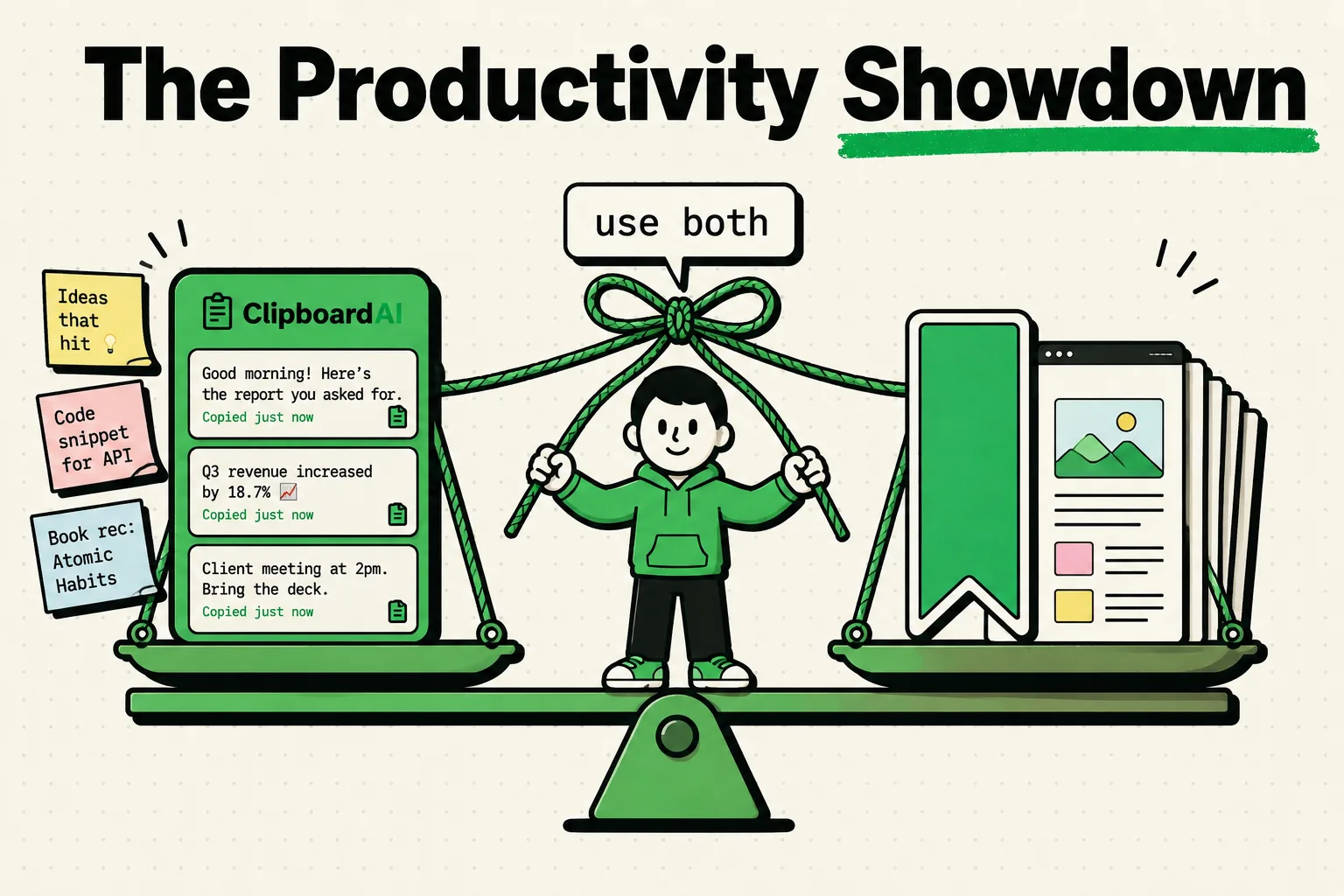
A bookmark manager saves the address of something - a web page you might want to revisit. A clipboard manager saves the substance - the actual text, link, or image you copied, regardless of whether the original page still exists. They solve different problems, and most of the frustration people have with "losing" saved information comes from using one when they needed the other. Here's the real distinction, when each wins, and the setup that uses both without redundant effort.
The direct version
Use a bookmark manager (Safari Reading List, Raindrop.io) when you want to come back and read an entire page later. Use a clipboard manager (ClipboardAI) when you want to keep a specific piece of content - a quote, a phone number, a code - that you've already decided matters, regardless of what happens to its source. If you're doing research, shopping, or planning travel, you typically want both at once, not one instead of the other.
What each tool actually stores
A bookmark is a pointer to a location. Safari bookmarks, Reading List, Pocket, and Raindrop.io all save a URL (plus sometimes a title, tags, or a preview). The content behind that URL can change, get paywalled, or disappear entirely - your bookmark just points at where it used to be.
A clip is the content itself. When ClipboardAI captures something you copy - a paragraph, a link, an address, a code - it keeps that exact text in your history. The source page can vanish tomorrow; what you copied is still there.
Comparison table
| Bookmark manager | Clipboard manager | |
|---|---|---|
| What's saved | A URL (plus title/tags) | The actual copied content - text, links, addresses, images |
| Save action | Share → Add Bookmark → choose folder (several taps, plus tagging in third-party apps) | Copy (one action, automatic capture) |
| Search scope | Page titles and URLs | The content itself - search for a phrase or number you remember |
| Content types | Web pages only | Anything copyable: text, links, phone numbers, addresses, codes, images |
| If the source disappears | Bookmark becomes a dead link | Your copied content is unaffected - you already have it |
| If you didn't save the whole page | N/A - bookmarks are the whole page | You only have what you explicitly copied, not the rest of the article |
| Typical organization | Manual folders/tags (often abandoned) | Automatic categorization by content type |
Where bookmarks win
If you want the entire page - not a fragment of it - for later reading, a bookmark is the right tool, because a clipboard manager only has what you explicitly selected and copied. A bookmarked 3,000-word article stays a 3,000-word article whenever you return to it (assuming the page is still live); a clip of one paragraph from that article is just one paragraph, forever.
Bookmark managers with real folder and tag systems (Raindrop.io in particular) are also genuinely better than a clipboard history for building a curated, browsable reference library of sources over time - assuming you keep up with the organizing, which in practice most people don't.
Where a clipboard manager wins
Speed of capture. Saving a Safari bookmark takes several taps: Share → Add Bookmark → choose a folder, more if you're tagging in a third-party app. Copying something takes one action. Over a day of saving 15-20 things, that difference compounds - and it's also the difference between actually saving something and telling yourself "I'll come back to this" and not.
Content versatility. A bookmark manager only saves URLs. A clipboard manager saves whatever you copy: a phone number, a street address, a verification code, a snippet of code, an image - not just links. If your day involves capturing more than web pages, a bookmark manager only covers part of it.
Durability. If a bookmarked page goes down, your bookmark is a dead link and the content is gone unless you happened to also copy the specific part you needed. A clip survives the source disappearing, because you already have the substance, not a pointer to it.
Content-based search. You often remember what something said better than where you read it. Bookmark search works on titles and URLs; clipboard search works on the actual copied content, so searching for a phrase you remember (rather than a source you don't) tends to find it faster.
The combined workflow
The strongest setup doesn't pick one - it assigns each tool the job it's actually good at:
- Bookmark the full page when you might want to reread the whole thing later (Safari Reading List or Raindrop.io).
- Copy the specific quote, number, or line you actually need right now into ClipboardAI, where it's saved and auto-categorized regardless of what happens to the source page.
In practice: when you open a bookmarked page to actually read it, copy the parts that matter as you go. The bookmark gives you the source; the clip gives you the specific thing you needed from it. Neither replaces the other.
Honest caveats
- A clipboard manager is not a research archive. If you need the full context of a source later - not just the quote you pulled from it - you need the bookmark too. Don't rely on clips alone for anything where provenance matters.
- Auto-categorization isn't the same as intentional organization. ClipboardAI sorting your clips into Links, Addresses, Codes, and Text is useful for quick retrieval, but it's not a substitute for a deliberately built reference library if that's genuinely what you need - that's still a bookmark manager's job.
- Neither tool prevents you from losing track of why you saved something. Both a bookmark and a clip can pile up meaninglessly if you never revisit them. The tools solve capture, not the separate discipline of periodically reviewing what you've kept.
Frequently Asked Questions
Should I use a clipboard manager or a bookmark manager?
Both, for different jobs. Bookmark full pages you want to revisit; copy the specific content you actually need into a clipboard manager. They aren't competing for the same task.
Can a clipboard manager replace bookmarks entirely?
Only partially. Copying a URL saves the link, but you lose the rest of the page's content unless you also copied it. If you want the full page preserved, not just a link to where it was, a bookmark still does that job better.
What's the actual advantage of a clipboard manager over Safari bookmarks for saving links?
Speed, mainly - one action (copy) versus several (Share, Add Bookmark, choose folder). It's also broader: a clipboard manager saves everything you copy, not just links, so it covers ground bookmarks never touch.
Do clipboard managers save more than just links?
Yes - that's the core difference. A clipboard manager saves text, links, addresses, phone numbers, codes, and images: whatever passes through your clipboard. A bookmark manager only ever saves web page URLs.