
The Short Answer
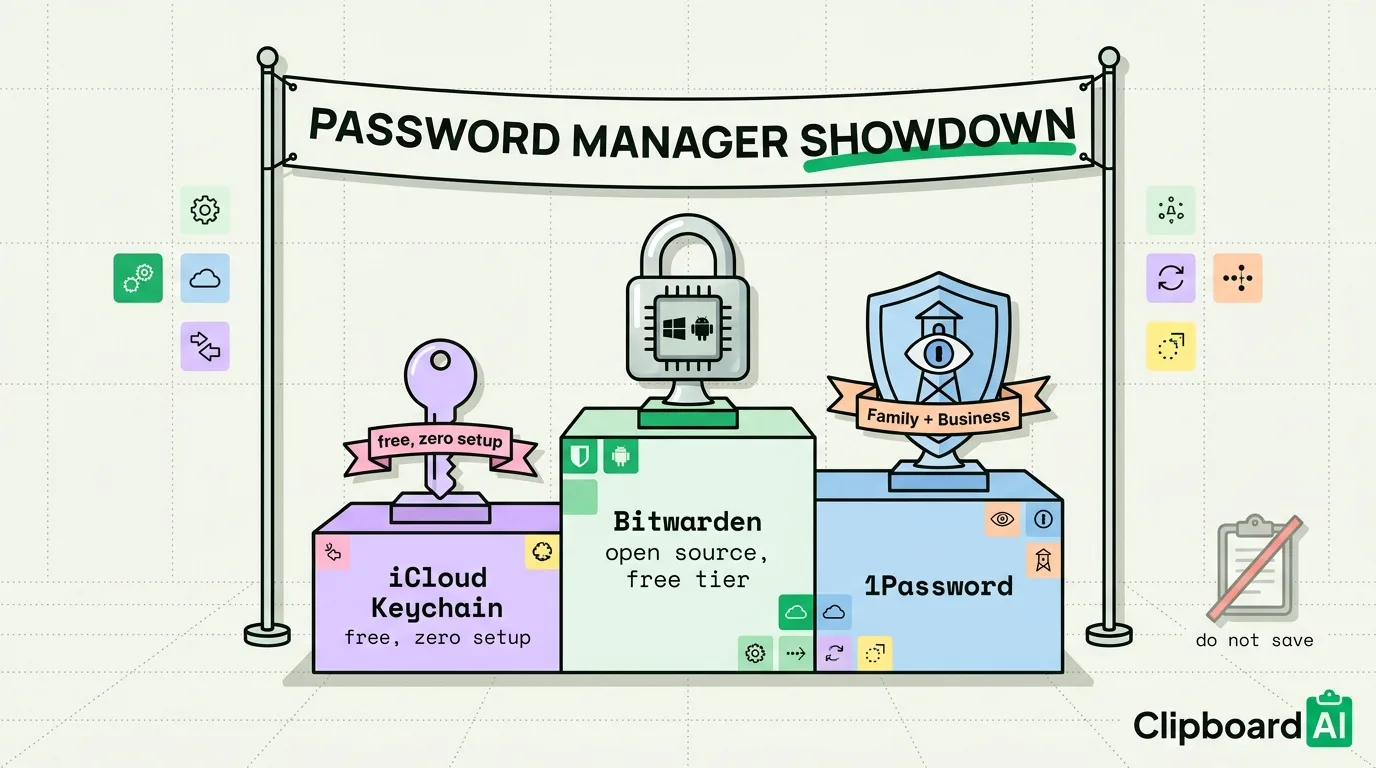
iCloud Keychain is free, built into every iPhone and Mac, and the easiest option if you only use Apple devices and want zero setup. 1Password and Bitwarden both work cross-platform (including Windows and Android, which iCloud Keychain does not support well) and add features Keychain lacks: shared team vaults, security auditing, and a dedicated password-health dashboard. Between the two, Bitwarden is the budget and open-source pick; 1Password is the more polished paid option with stronger family and business sharing tools.
Feature Comparison
Last checked: July 2026. Pricing and platform support change, so verify current details on each provider's site before deciding.
| iCloud Keychain | Bitwarden | 1Password | |
|---|---|---|---|
| Price | Free (included with Apple ID) | Free tier available; Premium ~$10/year | Paid only; no permanent free tier (~$36/year individual) |
| Platforms | iOS, iPadOS, macOS; limited via Safari/Chrome extension on Windows | iOS, Android, macOS, Windows, Linux, all major browsers | iOS, Android, macOS, Windows, Linux, all major browsers |
| Autofill in third-party apps | Yes, system-wide via iOS AutoFill | Yes, via its own AutoFill integration | Yes, via its own AutoFill integration |
| Password health / breach monitoring | Basic reused/weak password alerts | Full password health report (Premium) | Watchtower dashboard with breach + weak/reused alerts |
| Shared vaults (family/team) | Family Sharing covers some Keychain items | Organizations feature for team sharing | Dedicated Family and Business plans with granular permissions |
| Open source | No | Yes, client and server code is public | No |
| Clipboard auto-clear after copy | Not applicable, AutoFill avoids the clipboard entirely | Yes, configurable timer (default varies by platform) | Yes, configurable, default 90 seconds |
Who Should Pick What
- Pick iCloud Keychain if every device you own is an Apple device, you do not need to share credentials with a team, and you want the zero-setup, zero-cost default.
- Pick Bitwarden if you use Windows, Android, or Linux alongside Apple devices, want the option to self-host, or want a fully-featured free tier before committing to a paid plan.
- Pick 1Password if you manage a family or small business and want the most polished sharing, permission, and Watchtower security-auditing experience, and the subscription cost is not a blocker.
Where Clipboard Managers Fit In (and Where They Don't)
All three password managers listed above are designed to avoid the system clipboard for password entry, using AutoFill instead, precisely because anything copied to the clipboard can potentially be read by other apps until it's overwritten. On Mac, ClipboardAI automatically recognizes the "transient/concealed" pasteboard markers that 1Password and Bitwarden's desktop apps already attach to a copied password, and skips saving those into its history. There is no equivalent automatic protection on iPhone/iPad, since iOS does not expose that marker system to third-party apps the same way. The safest habit on any platform is still to use AutoFill instead of copy-paste for passwords whenever the option exists.
Frequently Asked Questions
Is iCloud Keychain as secure as 1Password or Bitwarden?
For core password storage and encryption, Keychain is generally considered secure for Apple-only users. Where it falls short is cross-platform support and advanced features like shared team vaults and detailed breach monitoring, not baseline encryption.
Does a clipboard manager expose my passwords?
Only if you manually copy a password instead of using AutoFill, and only on Mac does ClipboardAI automatically skip clips marked as sensitive by apps like 1Password and Bitwarden. On iPhone, there is no automatic exclusion, so avoid copy-pasting passwords manually where AutoFill is available.
Can I use more than one of these at once?
Yes, though it creates confusion about which vault has the current password for a given site. Most people who add Bitwarden or 1Password on top of Keychain do so to get cross-platform access, then gradually migrate saved logins into the new manager rather than running both indefinitely.