On this page
The Short Answer
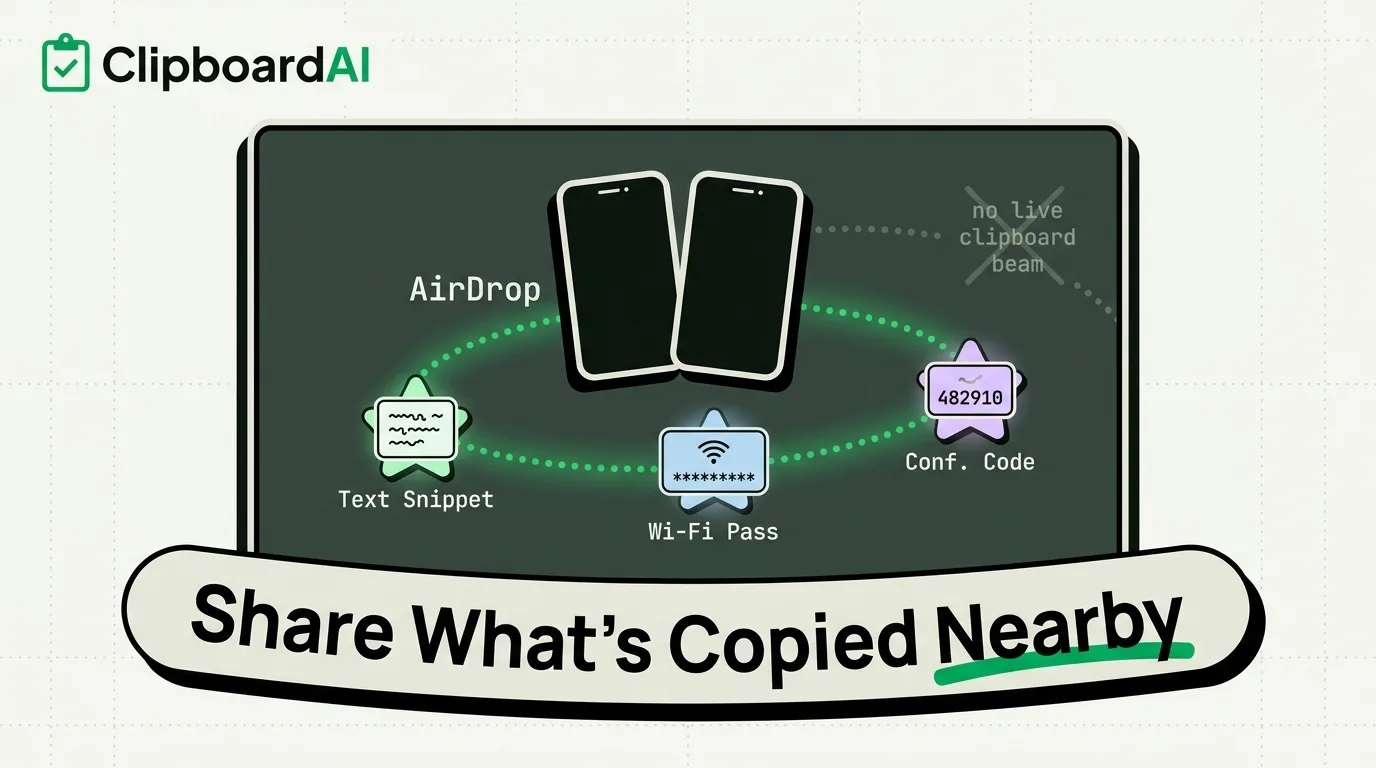
For sharing what you just copied with someone standing next to you, AirDrop is the fastest built-in option on iPhone, iPad, and Mac: select the text or item, tap Share, choose the person's name or device, and it lands directly in their clipboard-adjacent apps (Notes, Messages, wherever they paste it). There is no "beam my clipboard to your clipboard" feature in iOS. What you are actually sharing is the selected content itself, via AirDrop, Messages, or reading it aloud, not a live clipboard sync between two people's phones.
Sharing With AirDrop
- Select the text, link, or photo you want to send.
- Tap Share in the menu that appears.
- Under AirDrop, tap the recipient's name or device icon. Both devices need Wi-Fi and Bluetooth on, and the receiving device needs AirDrop set to "Everyone for 10 Minutes" or "Contacts Only" with you in their contacts.
- They accept the AirDrop, and the content opens or saves directly on their device. No typing, no dictating a code out loud.
When AirDrop Does Not Work
| Symptom | Likely cause | Fix |
|---|---|---|
| Recipient's device does not appear | AirDrop set to "Receiving Off" or "Contacts Only" without you in contacts | Ask them to open Control Center and set AirDrop to "Everyone for 10 Minutes" |
| Transfer starts but never finishes | Both devices too far apart or Wi-Fi/Bluetooth disabled | Stand within a few feet, confirm both radios are on in Control Center |
| Sharing a link instead of the destination page | You selected the URL text, not the rendered content | Long-press the actual link and choose Share, or copy then paste the URL directly into Messages |
If the Other Person Has No Apple Device
AirDrop is Apple-only. For sharing with an Android phone or a laptop nearby, the reliable fallback is still sending it through Messages, email, or a chat app both of you already have open. There is no cross-platform "nearby clipboard beam" built into iOS, and no third-party clipboard manager, including ClipboardAI, changes that: clipboard history apps manage what you personally have copied on your own devices, they do not transmit clipboard content to someone else's phone.
Where a Clipboard Manager Actually Helps
The adjacent, genuinely useful case is when you need to hand someone several things at once, like a Wi-Fi password, a confirmation code, and an address, without hunting through apps to re-copy each one. ClipboardAI keeps everything you copied still available in order, so you can paste each item into a message individually instead of losing the first one the moment you copy the second. That is a convenience for the sender, not a nearby-sharing mechanism.
Frequently Asked Questions
Can I share my clipboard history with another person's phone directly?
No. There is no feature on iOS, Android, or in ClipboardAI that transmits your clipboard history to someone else's device. You have to actively send the specific item via AirDrop, Messages, or another share method.
Does AirDrop require the same Apple ID?
No, AirDrop works between any two Apple devices in range with Wi-Fi and Bluetooth enabled, regardless of Apple ID. Universal Clipboard, on the other hand, does require the same Apple ID and is a different feature entirely for pasting between your own devices.