On this page
The Short Answer
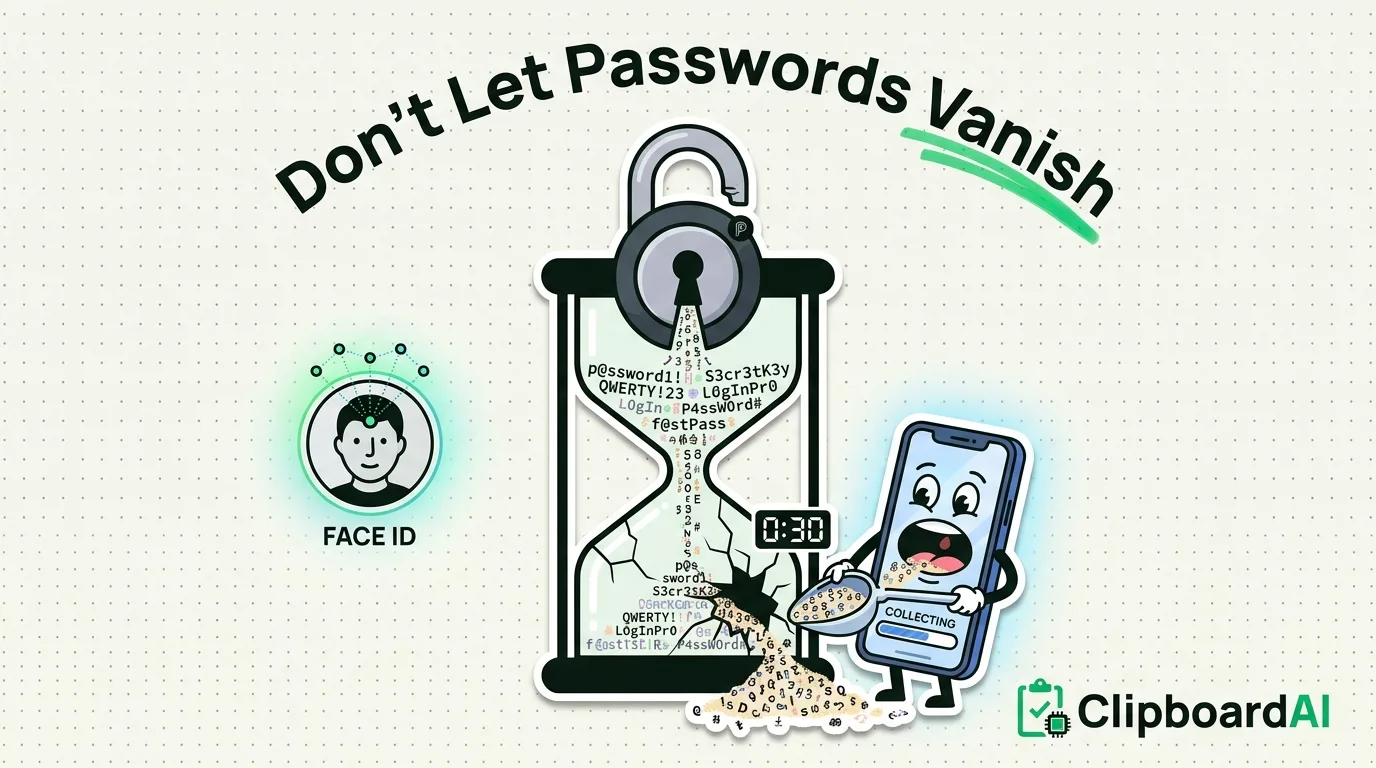
The real problem is not usually that a copied password "disappears," it is that a password sitting in the system clipboard is readable by the next app you open, since iOS and macOS clipboards are not app-restricted. The fix is not a clipboard manager that remembers passwords longer, which would make the exposure worse, not better. The fix is minimizing how long a password sits in the clipboard at all, ideally by not copy-pasting passwords manually in the first place.
Why Passwords Should Skip the Clipboard Entirely
Every password manager worth using (1Password, Bitwarden, Apple's own iCloud Keychain) supports AutoFill: tapping a suggestion above the keyboard or using Face ID/Touch ID to fill a login field directly, with the password never touching the system clipboard at all. This is safer than copy-paste for a simple reason: a copied password sits in the clipboard in plaintext until something overwrites it, and any app you open in the meantime can read it.
Setting Up AutoFill Instead
- Go to Settings > General > AutoFill & Passwords and enable AutoFill.
- Select your preferred password manager (iCloud Keychain, or a third-party app if it supports AutoFill) as the source.
- When logging into an app or website, tap the suggested password above the keyboard, authenticate with Face ID or Touch ID, and the password fills directly into the field. No copy step happens.
When You Genuinely Have to Copy a Password
Some situations force a manual copy, like entering a password into a device or system without AutoFill support. When that happens:
- Copy it immediately before you need it, paste it right away, and then copy something unrelated (a blank space, any random word) to overwrite it in the clipboard.
- Most password managers include an auto-clear setting that wipes a copied password from the clipboard after a short window, typically 30 to 90 seconds. Check your password manager's security settings for this and enable it if it is off by default.
- Do not leave the source app (your password manager) open and switch away for an extended period with the password still freshly copied.
Where a Clipboard History Manager Fits (and Where It Does Not)
On Mac, ClipboardAI automatically recognizes the "transient" and "concealed" pasteboard markers that password managers like 1Password and Bitwarden already set on copied passwords (a standard supported by nspasteboard.org), and skips saving that content to history. You can also manually add specific apps to an Excluded Apps list in Mac Settings. This Mac-only feature means a copied password does not linger in your searchable clipboard history the way an ordinary copied string would.
This protection does not exist on iPhone or iPad; there is no equivalent automatic password-app recognition on iOS. On iOS, the safest assumption is that anything you manually copy, including a password, could end up saved by any clipboard history tool you have installed, which is one more reason AutoFill is the better default on iPhone specifically.
Frequently Asked Questions
Does ClipboardAI store my passwords?
On Mac, it recognizes standard password-manager pasteboard markers and the Excluded Apps list, and skips saving that content. On iPhone and iPad, there is no equivalent automatic exclusion, so avoid manually copying passwords on iOS if you have a clipboard history tool installed; use AutoFill instead.
Is clipboard sync between my iPhone and Mac encrypted?
Yes. Sync is optional, and when you turn it on it moves through your own private iCloud account (CloudKit and iCloud Key-Value Store, plus a direct device-to-device transport when your devices share Wi-Fi), encrypted in transit and at rest, the same protection tier as your Photos and Notes. Nothing passes through a ClipboardAI server, and you can leave sync off entirely to keep everything on your device.