
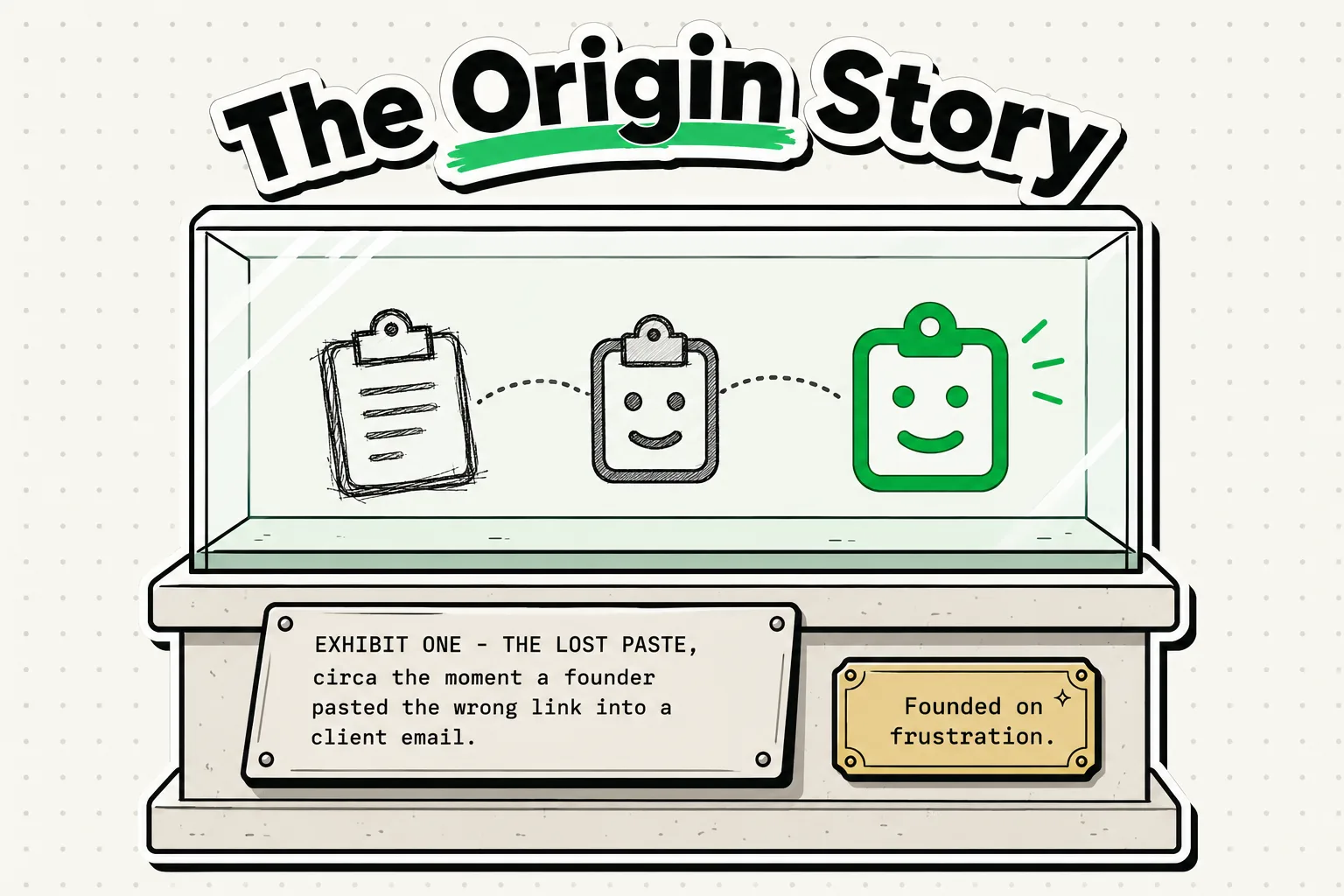
The story behind ClipboardAI began with a simple, daily frustration: the single-item clipboard limitation on iOS. Our team was tired of constantly switching back and forth between Safari, Apple Notes, and messaging apps just to move multiple pieces of information. In late 2024, we set out to build a local-first clipboard manager featuring a custom system keyboard extension to streamline mobile productivity. Here is how ClipboardAI evolved from a scratch script into a workspace utility.
The Spark: The Friction of the Single-Item Clipboard
As software developers, writers, and designers, our team lives on our clipboards. We copy hex codes, SQL queries, travel details, passwords, email templates, and reference URLs hundreds of times a day.
On macOS, we had plenty of clipboard managers (like Paste or Clipy) that saved our history. But every time we transitioned to our iPhones, our productivity hit a wall.
iOS has no built-in clipboard history. You copy a phone number, then you copy a name, and your phone number is gone forever. If you want to move three details from a website to an email, you are forced into an app-switching loop:
- Copy address in Safari.
- Switch to Mail, paste address.
- Switch back to Safari, copy phone number.
- Switch to Mail, paste phone number.
- Switch back to Safari, copy link.
- Switch to Mail, paste link.
We realized that this was not just a minor inconvenience; it was a daily friction tax paid by every power user on mobile. We built ClipboardAI to eliminate this tax.
App Development Milestone Timeline
Building a utility within Apple's strict operating system environment required solving multiple technical challenges. Here is how we built ClipboardAI from the ground up:
| Date | Development Stage | Core Technical Challenge | Solution Developed |
|---|---|---|---|
| October 2024 | Prototype Phase | iOS sandboxing prevents background apps from reading the system clipboard. | Built a custom keyboard extension that triggers a pasteboard scan whenever active. |
| December 2024 | Database Design | Storing heavy images and large text blocks was causing keyboard crashes. | Structured a local SQLite database that caches text metadata and compresses image logs. |
| February 2025 | Security Audit | Saving plaintext passwords copied from password vaults was a major security risk. | Implemented nspasteboard.org marker recognition plus a manual bundle ID exclusion list (Mac only) to ignore copy events originating from password managers. |
| June 2025 | Beta Launch | High-load text insertion was lagging on older iPhone models. | Refined the text insertion script to use native iOS paste functions, cutting latency to under 50ms. |
| January 2026 | Stable Release | Syncing across iPad, Mac, and iPhone without compromising privacy. | Developed opt-in iCloud sync (CloudKit + iCloud Key-Value Store), encrypted at rest and in transit by Apple's standard iCloud infrastructure. |
Overcoming the Sandbox: The Technical Hurdles
Apple's sandbox security model is designed to protect users. It restricts application background activity to prevent malware from scraping sensitive data. Unfortunately, this security also makes building a clipboard history manager extremely difficult.
If ClipboardAI runs in the background, it cannot see what you copy.
We had to design an architecture that worked with Apple's security parameters rather than trying to bypass them. Our solution was the custom keyboard extension.
  [User Copies Item] ──> iOS System UIPasteboard
                                │
   When you switch to ClipboardAI keyboard:
                                ▼
  [Keyboard Active] ──> Performs local read ──> Saves to Local SQLite DB
By operating as a system keyboard, the app is granted active permission to read the system pasteboard whenever you toggle it. This allowed us to build a history list without violating Apple's security guidelines.
The Privacy First Mandate
When we discussed the project with early beta testers, their primary concern was security: "If your app records my clipboard, is it logging my personal messages and passwords?"
We realized that trust is the most important feature of any utility app. We established three design mandates:
- Local-First Database: Your copy history is saved locally on your device. We do not run external tracking servers that capture your history.
- App Exclusion Filters: On Mac, ClipboardAI automatically recognizes the nspasteboard.org "sensitive copy" marker used by password managers, and lets you maintain a manual Excluded Apps list by bundle ID in Settings, so copies from apps like 1Password or Bitwarden are skipped. (This bundle ID exclusion list is a Mac-only feature; there is no iOS equivalent.)
- iCloud Sync: If you choose to sync your clipboard history between your iPhone and Mac, the sync is handled through your own private iCloud account (CloudKit and iCloud Key-Value Store), encrypted in transit and at rest by Apple, the same protection tier as your Photos and Notes. No clip content ever passes through or lands on a ClipboardAI server, there is no account to create, and you can leave sync off entirely for a fully local, on-device-only setup.
ClipboardAI Privacy Architecture Matrix
We structured the app's components to ensure maximum security at every point of the copy-paste lifecycle:
| Component | Data Handled | Location | Network Access | Encryption Level |
|---|---|---|---|---|
| System UIPasteboard | Temporary copy text/images | RAM (Secure Enclave) | None | Controlled by iOS |
| Local History DB | Pinned blocks & history logs | On-device SQLite file | None | Device-level passcode lock |
| iCloud Sync Engine | Cross-device history | iCloud container | Yes (via Apple API) | On-device; optional iCloud sync protected by Apple |
| Exclusion Filter | Mapped source bundle IDs | Read-only app package | None | N/A |
The Future: What's Next for ClipboardAI
We are constantly refining the app. As Apple Intelligence and machine learning frameworks evolve, our roadmap focuses on semantic organization. We want to help the app identify what you copy (e.g., recognizing that a copied string is a flight number or a shipping address) and automatically categorize it without manual sorting.
We are building a tool that adapts to how you work, preserving your focus and saving your thumbs from repetitive strain.
Frequently Asked Questions
Is ClipboardAI a venture-backed company?
No. ClipboardAI is a bootstrap project funded and built by a small team of independent developers. We rely on premium upgrades rather than selling ads or user data to fund development.
Why did you write this app in Swift?
We chose Swift and Apple's native APIs to ensure the app remains lightweight and fast. Cross-platform frameworks (like React Native or Flutter) add package bloat and latency, which degrades keyboard responsiveness.
How can I suggest features to the developers?
We review user feedback weekly. You can contact our team directly at hi@clipboardai.app or open a ticket through our Help Center.