
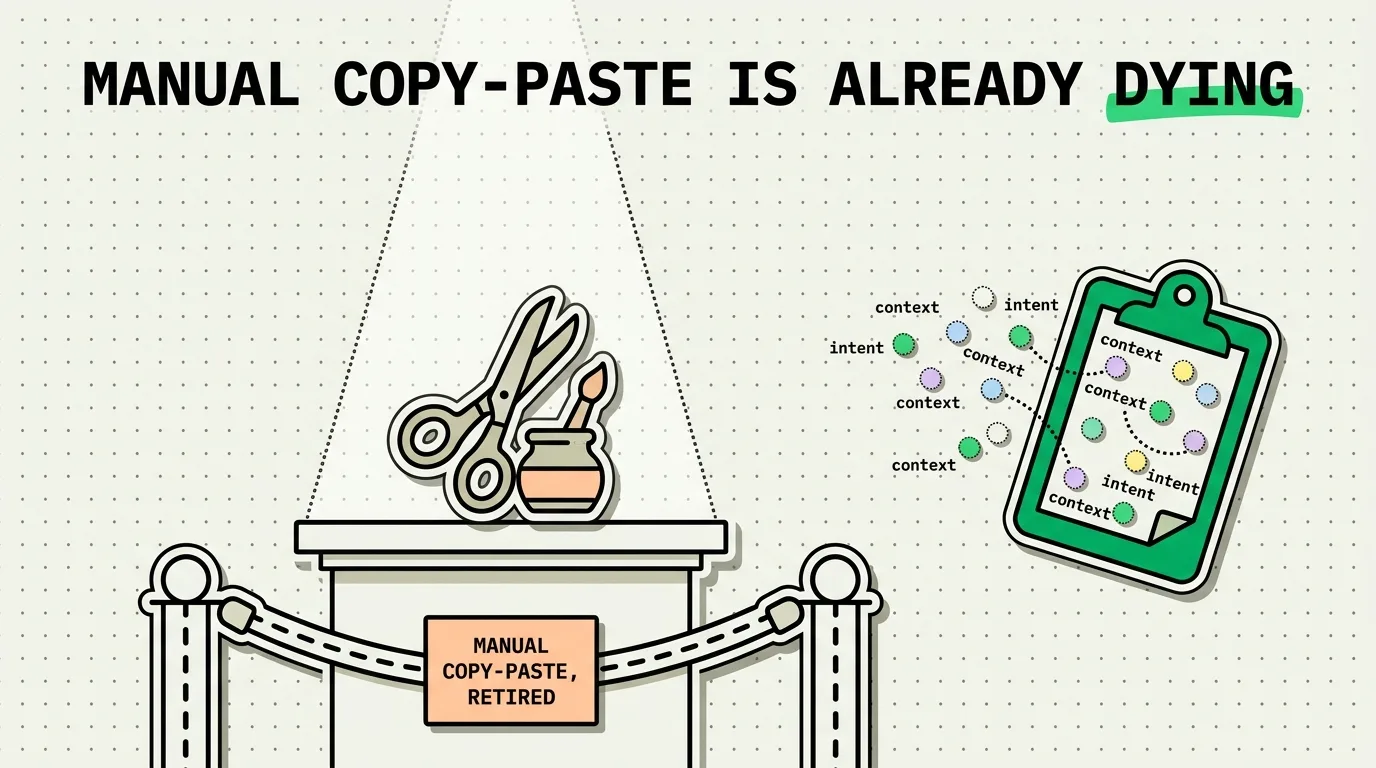
Ambient computing eliminates manual copying and pasting by predicting and transferring information across devices based on your physical context and active tasks. Instead of manually highlighting text, selecting copy, and pressing paste, context-aware hardware and software automatically route data where it is needed. In this landscape, tools like ClipboardAI bridge the gap, evolving from manual histories to predictive, semantic data-routing hubs that work in the background.
Since the mid-1970s, the clipboard model has remained unchanged: highlight text, select "Copy," navigate to a new application, and select "Paste." It is a highly manual, high-friction method of moving data. While this worked well in the era of single desktop computers, it is increasingly frustrating in a world where we juggle phones, laptops, smart screens, and wearables.
The next major shift in computing - known as ambient computing - will replace this manual transfer process entirely. By embedding intelligence into our environments and devices, data will flow contextually without explicit copy-paste prompts.
The Evolution of Clipboard Interactions
To understand where we are going, we must look at how our methods for moving information have adapted over the decades:
| Era | Primary Interface | Clipboard Model | User Action Required | Security Model |
|---|---|---|---|---|
| Desktop Era (1974 - 2007) | Command Line & GUI | Single-slot RAM buffer (text/image only) | Manual Highlight -> Ctrl+C -> Navigate -> Ctrl+V | Open access (any active app can read RAM) |
| Mobile Era (2007 - 2024) | Touchscreen & Apps | App Sandboxing; Universal Clipboard sync | Tap hold drag selectors -> Copy menu -> Switch app -> Paste | iOS Sandboxing (explicit paste triggers, system banners) |
| AI Integration (2024 - 2026) | Natural Language & LLMs | Semantic parsing; cloud-synced history managers | Tap to copy -> Smart format -> Keyboard insertion | Local encryption; ignore-lists for secure apps |
| Ambient Computing (2026+) | Multi-device / Spatial | Proactive, agentic routing pipelines | None (systems anticipate data transfer based on focus) | Local zero-trust verification; permission tokens |
What is Ambient Computing?
Ambient computing refers to technology that blends seamlessly into our backgrounds. Instead of requiring active attention - such as opening an app, typing a query, or carrying out file exports - ambient devices observe your environment, habits, and tasks to execute actions proactively.
Consider a simple daily scenario. You receive a text message from a client listing a meeting time and location.
- The Manual Era: You highlight the address, copy it, close Messages, open Maps, paste the address, get directions, then open Calendar, create an event, and paste the time and address details.
- The Ambient Era: Your device notices your eyes reading the meeting details. The calendar event and navigation route are drafted in the background. When you walk to your car, the vehicle’s screen is already showing the ETA and route, and your calendar has blocked out the time. You did not press a single button.
In this model, the system clipboard is no longer a temporary storage slot controlled by keyboard shortcuts. It becomes an active intelligence pipeline that routes data between applications behind the scenes.
How Semantic Parsing Bridges the Gap
We are currently in a transition phase. While fully automated systems are developing, we still rely on manual interfaces. ClipboardAI acts as a bridge during this evolution by replacing simple plain-text copies with semantic parsing.
When you copy text using ClipboardAI, the system does not just save the characters; it analyzes the content:
- Entity Recognition: It identifies whether the text is a phone number, tracking ID, physical address, email, or invoice table.
- Context Mapping: It looks at where you are trying to paste the data. If you copy a messy invoice block and paste it into a spreadsheet, the app automatically maps the columns (date, description, amount) to the correct cells.
- Multi-Item Buffering: Instead of forcing you to copy and paste one item at a time, it holds a stacked buffer. You can copy three different reference numbers in Safari, jump to your email client, and paste them sequentially without toggling back and forth.
Honest Caveats & Privacy Risks
The transition to ambient computing introduces significant security and privacy concerns:
- Background Surveillance: For a system to route data proactively, it must continuously analyze your on-screen content, eye movements, and active tasks. This is a massive step away from the isolated sandbox model that protects user privacy on modern OS platforms.
- System Hallucinations: When AI engines attempt to parse and paste data automatically (e.g., auto-filling banking details), there is a margin of error. If the system misinterprets a number, it could execute errors (like routing payments to the wrong account).
- Consent Gates: If data flows automatically, how do we confirm consent? Systems must balance convenience with strict security checkpoints, especially when dealing with financial data, personal health information, or credentials.
Where ClipboardAI Fits (And Where It Does Not)
ClipboardAI is designed to make information transfer intelligent, but it remains a user-initiated tool. It does not scrape your background screen or make proactive decisions without your input. It sits comfortably in the utility-first category: it gives you the speed and formatting power of ambient intelligence, but keeps you in full control of when and where your data is moved.
If you are looking for an automated agent that runs your life in the background, ClipboardAI is not that tool. But if you want to eliminate the manual friction of typing, re-formatting, and copying multiple items, it is the perfect intermediate step.
Frequently Asked Questions
Will ambient computing make keyboards obsolete?
No. Keyboards will remain necessary for drafting custom ideas, code, and long-form writing. However, keyboards will no longer be used for administrative work like copy-pasting, data transfer, or form completion.
How do I protect my privacy if apps can read my clipboard?
On iOS, ensure you monitor the system paste notification banner (introduced in iOS 14). Go to your device Settings and change the clipboard permissions of untrusted apps to "Ask" rather than "Allow" to prevent background scraping.
What is the difference between Apple Handoff and Ambient Sync?
Apple Handoff lets you copy text on your iPhone and paste it on your Mac manually. Ambient Sync takes this further by anticipating your transfer - such as opening a webpage on your iPad when you look at it, or pre-filling a code from your watch to your laptop without you selecting copy or paste.