
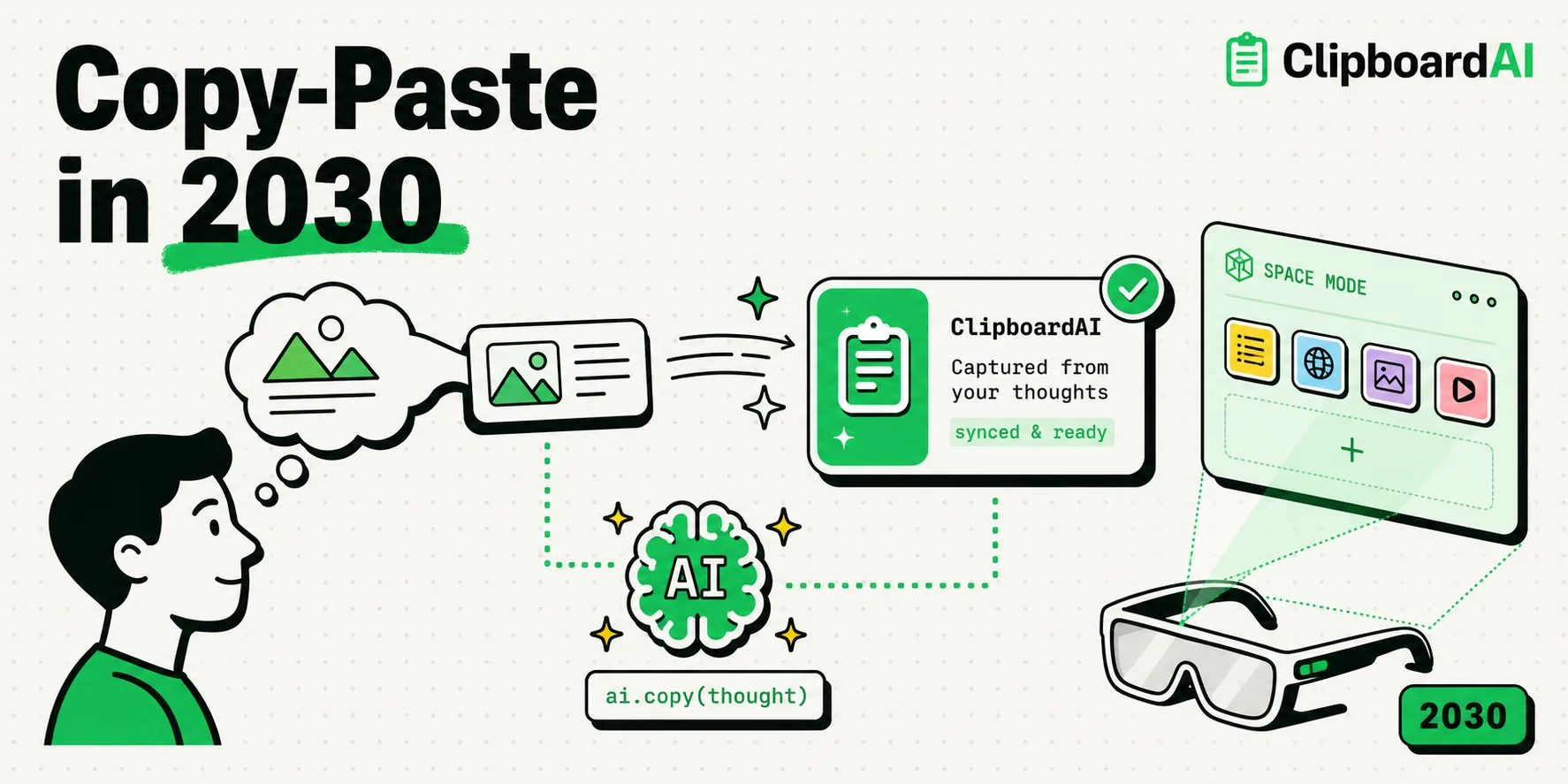
The future of copy-paste by 2030 will transition from a manual, single-item clipboard into an ambient, context-aware semantic layer powered by spatial computing and on-device machine learning. Instead of simple keystrokes, your OS will anticipate and queue data transfers based on gaze, voice commands, and cognitive intent. Tools like ClipboardAI are early precursors to this shift, replacing rigid, single-item copying with structured semantic databases that recognize, clean, and map variables automatically across your virtual workspace.
Moving Beyond Command+C
For over fifty years, the basic mechanism of copy-paste has remained unchanged. Invented by Larry Tesler in 1974 while at Xerox PARC, the concept of capturing a slice of text or an image in RAM and replicating it in another location remains the foundation of personal computing. We still highlight text, press a combination of keys or tap a screen menu, open a new application, and press paste.
This model assumes that data is flat, unformatted, and needs to be moved one piece at a time. However, as our workspaces shift toward mixed-reality headsets, voice interfaces, and generative software, this manual workflow is hitting a wall.
By 2030, the clipboard will stop being a passive, single-slot temporary memory bucket. It will become an intelligent, semantic data assistant that understands what you are looking at, what you mean, and where that information should go.
2030 Technology Roadmap and Confidence Levels
Our team analyzed emerging patents, spatial interface frameworks, and hardware timelines. The table below represents our predictions for the clipboard’s evolution over the next decade:
| Technology Vector | Core Behavior | Hardware Requirement | Target Release Window | Confidence Rating |
|---|---|---|---|---|
| Semantic Extraction | Raw text is automatically parsed into fields (names, dates, prices) without manual schema mapping. | On-Device Neural Engines | 2026 - 2027 | High (95%) |
| Gaze-Driven Copying | Highlight text or select UI objects simply by looking at them and executing a subtle hand gesture. | Mixed Reality Headsets / Eye-Tracking Glasses | 2027 - 2028 | Medium (75%) |
| Multi-App Orchestration | Copying a spreadsheet automatically populates tables across distinct apps without open windows. | AI Agent Orchestrators | 2028 - 2029 | Medium (70%) |
| Intent-Based Clipboard | The system queues data you are likely to need next, based on your current meeting or project context. | Context-Aware OS Models | 2029 - 2030 | Low (50%) |
1. Ambient Context and Spatial Mapping
In a spatial computing environment, the concept of a "screen" disappears. When you wear mixed-reality glasses or work in a projecting workspace, information is placed in the room around you.
In this setup, a traditional clipboard menu is useless. Instead, we will see spatial copy-paste. You will look at a chart on your virtual wall, pinch your fingers to "grab" the data, look at a document on your desk, and open your hand to drop the data into place. The system uses eye-tracking and gesture recognition to establish the coordinates of the transfer, making the clipboard an extension of physical movement.
2. From Character Copying to Semantic Translation
When you copy a date from a French website today (e.g., 14 juillet 2026) and paste it into an American calendar app, the calendar often fails to recognize it. It does not understand the language, formatting, or timezone context.
By 2030, clipboards will handle semantic translation. The clipboard will read the context of the source text, translate it into structured variables, and adapt it to the destination schema.
  [Source App: French Site]
           │
           ▼
  "14 juillet 2026"  ──(Smart Copy)──> [ClipboardAI Semantic Engine]
                                                  │
                                                  ▼ (Translates & Formats)
  [Destination App: US Calendar] <──(Auto Paste)── "07/14/2026"
If you copy a messy client feedback email, the clipboard will extract the key action items and format them as a bulleted checklist when pasted into a task manager. It will understand that you do not want to replicate the characters; you want to transfer the meaning.
3. Anticipatory Clipboard Buffers
The most frustrating part of data entry is switching back and forth between two apps to copy five separate details. In 2030, the clipboard will run an anticipatory buffer. If you copy a restaurant name, the system will look at your screen and automatically gather the address, phone number, and hours of operation into your clipboard queue. When you switch to your text message or map app, you will have the option to paste all these details in one tap, without having to return to the source browser page.
How to Prepare Your Workflow Today
You do not need to wait for 2030 to start working more efficiently. You can set up your device right now to use these patterns:
- Adopt a Multi-Slot Clipboard: Stop using the single-item native clipboard. Install ClipboardAI to start maintaining a running database of your copies.
- Utilize Text Replacement Shortcuts: Go to Settings > General > Keyboard > Text Replacement. Set up shortcuts for strings you type daily (e.g.,
@@for your email address, orbankdetailsfor routing information). - Implement Smart Search: Get into the habit of searching your clipboard history rather than browsing folders. Searching "invoice" in ClipboardAI is faster than opening a notes app to find the template.
- Clean Data at the Source: When copying numbers or addresses, copy the entire block rather than trying to select the exact string. Let your clipboard manager's filters clean the formatting for you.
The Limitations of Intelligent Clipboards
As the clipboard becomes more active and predictive, it presents serious safety and technical challenges:
- Data Leaking Vulnerabilities: An active clipboard that pre-fetches context must read your screen constantly. If this data is sent to cloud servers, it exposes you to serious privacy breaches. It is essential that these semantic models run locally on your device's neural engine.
- Semantic Errors: If an AI model guesses what you wanted to copy, it might make formatting mistakes - such as converting a part number into a date or stripping important characters from a code. There must always be a way to paste raw, unedited plaintext.
- Battery and Processor Drain: Continuous screen parsing and local text processing require processing cycles. If not optimized, these systems will drain mobile battery life.
Frequently Asked Questions
Will Larry Tesler's original copy-paste design disappear?
No. The manual copy-paste action is too deeply ingrained in human muscle memory. However, it will be supplemented by ambient, gesture-based, and semantic features that make manual copying less necessary.
Is ClipboardAI already using semantic parsing?
Yes. ClipboardAI uses smart parsing to separate copied text into categories like URLs, numbers, and dates. It allows you to select specific variables from your history without having to manually highlight them.
How do spatial headsets handle the system clipboard?
Devices like Apple Vision Pro use virtual pasteboards that sync with your Mac or iPhone. In the future, this will evolve to allow you to drag and drop assets through 3D space using eye-tracking and finger pinches.
Does an active clipboard record my passwords?
No. Standard operating systems block background clipboard utilities from accessing secure password fields. ClipboardAI also features explicit exclusions to prevent logging sensitive data from security apps.