
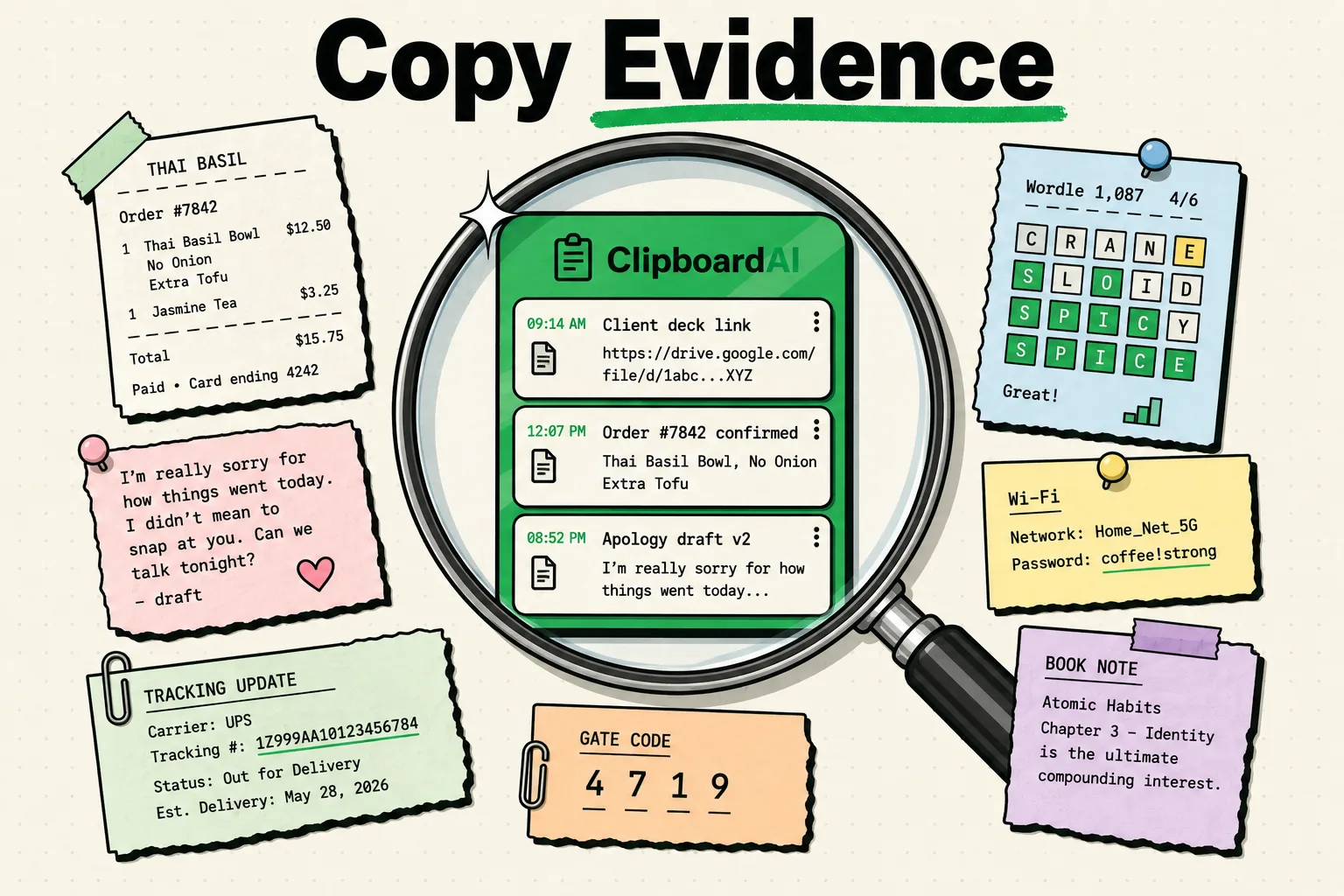
Clipboard forensics on iOS and macOS involves analyzing volatile system memory, cache folders, and local app databases to reconstruct past copy-paste actions and retrieve lost data. Because default operating system clipboards store text and images in temporary RAM, raw history is lost once overwritten or when the device restarts. However, if you use a clipboard manager, investigators can extract past logs from its local SQLite database files unless they are actively cleared.
The Digital Footprint: Where Do Copied Items Go?
We copy and paste dozens of times a day, treating the clipboard as a transient scratchpad. We copy links, text fragments, and password strings, pasting them and assuming they vanish as soon as we copy the next item.
From a computer forensics perspective, this assumption is incorrect.
Depending on the operating system and the applications installed, your copy history leaves distinct traces behind. Understanding where these traces reside is crucial for both security auditing (verifying that sensitive credentials have been purged) and data recovery (retrieving a critical note that was accidentally overwritten).
We breaks down the forensics of copy history across iOS, macOS, and third-party tools.
OS Clipboard Forensics Matrix
Different platforms handle pasteboard storage differently. Here is how they compare in terms of data persistence and forensic analysis:
| OS Platform | API Name | Storage Location | Persistence Level | Forensic Recovery Method |
|---|---|---|---|---|
| iOS (Default) | UIPasteboard |
Volatile RAM (Secure Enclave) | Transient (Lost on restart or overwrite) | Live RAM acquisition (requires physical device exploit). |
| macOS (Default) | NSPasteboard |
RAM / temporary files | Low | Analyzing pboard daemon cache logs. |
| Windows 11 | Cloud Clipboard | RAM + Local database | Medium (If history is toggled on) | Extracting data from local AppData SQLite files. |
| ClipboardAI | Local Database | Sandboxed SQLite File | High (Until cleared or expired) | Direct SQL extraction of local database file. |
How iOS Handles Clipboard Memory (The Sandbox)
On iOS, clipboard security is maintained through the sandboxed architecture. Apple is extremely restrictive about how long data remains in memory:
- RAM-Only Storage: By default, when you copy text on an iPhone, it is held in your system's Random Access Memory (RAM). RAM is volatile, meaning it requires electrical power to hold data. Once your phone restarts or runs out of battery, the RAM is cleared, wiping the default clipboard.
- Pasteboard Expirations: iOS allows developers to set an expiration time on copied items. For example, if a password manager copies a password to the clipboard, it can command the
UIPasteboardto delete the item after 60 seconds. - Handoff Logs: If you have Universal Clipboard enabled, the copied string is encrypted and sent to your local Apple devices via Bluetooth and Wi-Fi. Forensic analysts can sometimes recover these traces by inspecting Handoff activity logs on paired Mac computers.
Third-Party Managers and SQLite Extraction
When you install a clipboard history manager, you are adding a persistence layer to a system designed to be transient.
Clipboard managers function by reading the system clipboard and writing the contents to a local database file - usually in the SQLite format.
- The Forensic Trail: If an investigator or a hacker gains access to an unlocked device, they do not need complex RAM tools to read your copy history. They can navigate to the app's sandboxed storage folder, locate the
.sqlitedatabase file, and run a query like:
SELECT content_text, created_at FROM clipboard_history ORDER BY created_at DESC;- The Safety Mitigation: Because this database represents a vulnerability, ClipboardAI does not save its SQLite file to the cloud by default, and it utilizes standard iOS encryption. This ensures the database is unreadable unless the device itself is unlocked with your passcode or FaceID.
Checklist: Sanitizing Your Clipboard History
If you have copied sensitive API keys, server passwords, or personal financial details, follow this checklist to verify that they are purged:
- Overwite the System RAM: Copy a random word (like the letter "a") to replace any sensitive password in your current active clipboard memory.
- Force-Quit High-Risk Apps: Force-close password managers and browsers to trigger memory cleanup cycles.
- Execute App Clear Actions: Open ClipboardAI, go to settings, and tap Clear History to execute a database swipe.
- Verify SQLite Purge: When you delete an item in ClipboardAI, ensure the app performs a
VACUUMcommand on the SQLite file. This actively overwrites the deleted database rows rather than just marking them as hidden, preventing forensic recovery tools from reading the deleted text.
Honest Caveats: Forensic Realities to Keep in Mind
Even with thorough security habits, certain technical limitations apply:
- RAM Remanence: In rare cases, RAM modules can retain data for several seconds or minutes after power is lost, especially in low-temperature environments (cold-boot attacks).
- Database Backups: If you perform unencrypted local backups of your iPhone to a computer (via Finder or iTunes), your clipboard database file will be copied to your computer's hard drive, where it can be analyzed.
- Keyboard Cache Logs: The default iOS keyboard uses machine learning to learn your typing habits. If you type a custom code or password repeatedly, the keyboard dictionary may save it as a custom word, which represents a separate forensic trail.
- Local Sync Safety: If using cross-device sync, your data travels through your own private iCloud account. ClipboardAI's optional iCloud sync is encrypted at rest and in transit by Apple's CloudKit infrastructure and never passes through a ClipboardAI server, which protects your clips from third-party server-level intercept. You can also leave sync off for a fully local, on-device-only setup.
Frequently Asked Questions
Can raw deleted clipboard items be recovered after a factory reset?
No. Factory resetting an iPhone wipes the encryption keys stored in the Secure Enclave. Without these keys, all data on the flash storage becomes unreadable, making forensic recovery impossible.
Why does Windows 11 have a built-in clipboard history?
Windows 11 features a built-in history manager (accessed via Win+V). It is turned off by default, but if activated, it saves text and image snippets to a local database. You can clear this history inside the system settings under System > Clipboard.
How do I locate my clipboard database on a Mac?
If you use ClipboardAI on a Mac, your history is stored inside the app’s container directory located under ~/Library/Containers/. You can access this folder via Finder to view or delete the local database files manually.