
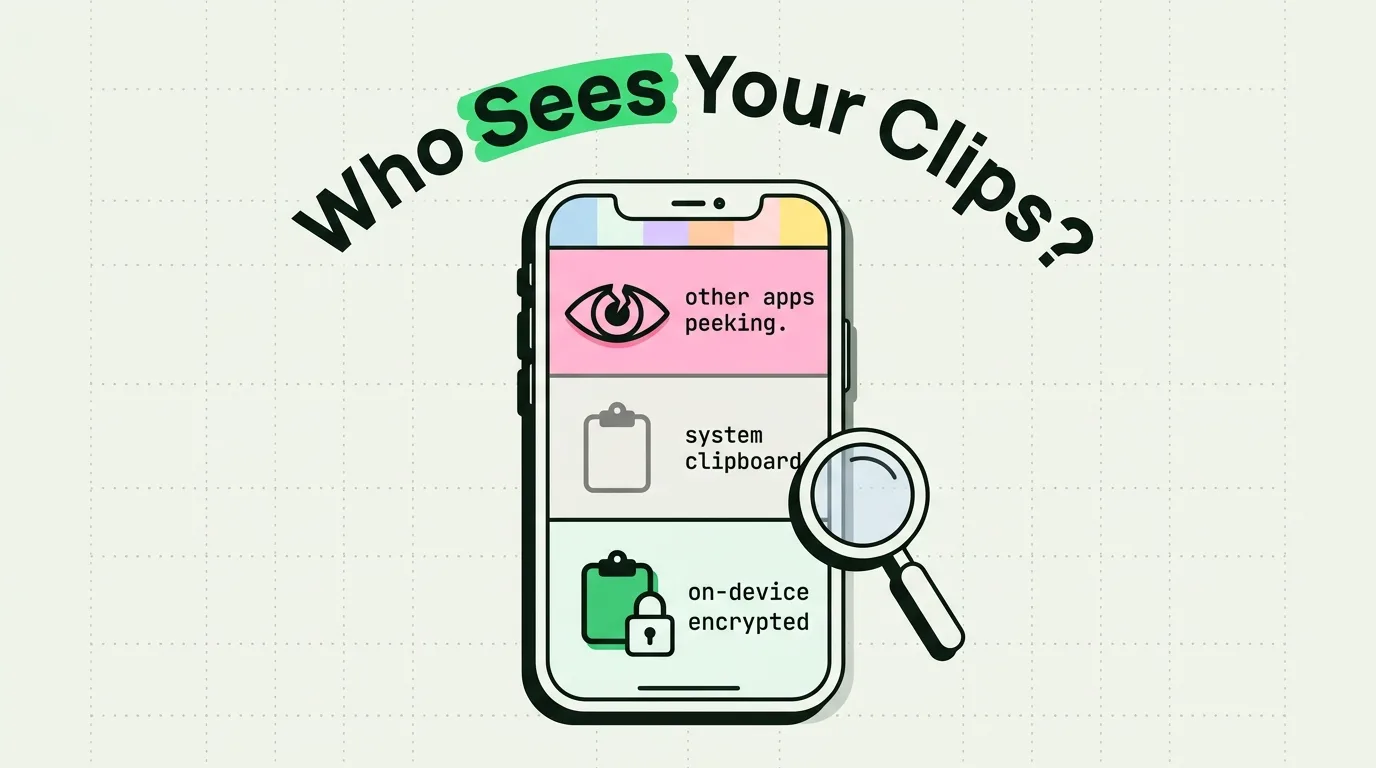
In 2020, iOS 14's new paste-notification banner exposed something a lot of people did not know was happening: TikTok, LinkedIn, and a number of other popular apps were quietly reading users' clipboards in the background, far more often than made sense for their functionality. Apple's fix was transparency first (the banner itself), then permission gates in later releases. That history is the reason clipboard security is worth understanding rather than assuming iOS handles it invisibly.
This is a plain walkthrough of how the iPhone clipboard actually works, what is genuinely still a risk, and what to do about it.
How the iPhone Clipboard Works
The iOS clipboard is officially called UIPasteboard. When you tap Copy, iOS writes that content to the general pasteboard. When you tap Paste in another app, that app reads from the same shared pasteboard.
There are two relevant types:
- General pasteboard: shared system-wide, persists until something new is copied or the device restarts. This is what most clipboard-related concerns are actually about.
- Named/private pasteboards: created by individual apps for internal use, not shared with other apps.
The risk lives entirely in the general pasteboard, because any app with clipboard access can read whatever was last copied there, regardless of which app originally copied it.
What iOS Actually Does to Protect It
- Paste notification banners (iOS 14+): a banner reading "AppName pasted from AnotherApp" appears when an app reads clipboard content, so silent background access becomes visible.
- Paste permission dialogs (iOS 16+): apps attempting to read clipboard content can trigger a dialog asking you to allow or deny the paste, giving you a real-time decision point instead of just after-the-fact notice.
- App Privacy Report: shows a rolling window of which apps have accessed sensitive data categories, useful for spotting a pattern rather than a single instance.
Together these are meaningfully better than the "any app can read anything, silently, always" situation from before 2020, but they are notifications and prompts, not a hard technical wall - an app you have granted broad trust to can still read your clipboard when you interact with it.
Risks That Still Exist
- Clipboard data does not expire on its own. Copy a password at 9 AM and it sits there, readable by whatever app you next open, until you copy something else or restart the phone.
- Universal Clipboard widens the surface area. If Handoff is on, something copied on your Mac is briefly available on your iPhone and iPad too. Convenient, but it means a compromised device anywhere in your Apple ID's device list is a path in, not just the device you copied on.
- Third-party keyboards with Full Access. A keyboard granted Full Access can technically read the clipboard. Apple requires disclosure of this capability, but plenty of people grant it without reading what it means. Check Settings > General > Keyboard > Keyboards periodically.
- Clipboard manager history is only as private as the app storing it. If you use a clipboard history app, you are trusting that app's storage and sync model. This is worth actually checking rather than assuming.
How ClipboardAI Handles This
Here is exactly what happens to your clips:
- Local-first storage. Everything you copy is stored on your device using Apple's SwiftData, protected by iOS data protection. It never leaves the device unless you turn on iCloud sync.
- On-device AI. Summaries, checklist parsing, and category detection all run entirely on your device. Your clips are never sent to any server for AI.
- Optional iCloud sync goes through your own private iCloud account using Apple's CloudKit and iCloud Key-Value Store, the same infrastructure that protects your Photos and Notes, encrypted in transit and at rest. Your clips never pass through or land on a ClipboardAI server, there is no account to create, and there is nothing for us to see.
- Sync is optional. Leave it off entirely and nothing ever leaves your iPhone.
- Manual deletion of individual clips or full history clearing is available at any time.
When you evaluate any clipboard manager, look at where your data actually goes: whether it runs through the maker's own servers, whether there is an account and a backend that can read your history. With ClipboardAI, the answer is that your clips stay in your own device and your own iCloud, and never touch ours.
Ten Practical Steps
- Use auto-fill instead of copying passwords. Apple's Passwords app, 1Password, or Bitwarden insert credentials directly without touching the clipboard.
- Overwrite sensitive clips. After copying something sensitive, copy something harmless immediately after to push it out.
- Watch the paste banner. If an app you did not expect shows up pasting from a source you did not intend, investigate.
- Check App Privacy Report periodically. Settings > Privacy & Security > App Privacy Report.
- Delete individual clips in your clipboard manager if something sensitive lands there by accident.
- Review third-party keyboard Full Access grants. Settings > General > Keyboard > Keyboards.
- Turn off Handoff if you do not use cross-device paste. Settings > General > AirPlay & Handoff.
- Keep iOS updated so you have the latest clipboard-related protections.
- Uninstall apps you no longer use, since an installed app retains its granted permissions even when idle.
- Enable your password manager's clipboard auto-clear if you ever do copy a password manually.
Clipboard Security for Work Devices
If your employer uses Mobile Device Management (MDM), IT administrators can set managed paste policies that block copying between managed (work) apps and personal apps - so copying from a work email into a personal messaging app may simply fail, by design. Without MDM in place, this comes down to habit: treat client data and credentials on a work phone with the same clipboard hygiene described above.
Frequently Asked Questions
Can apps read my clipboard without my knowledge?
It is harder than it used to be. iOS 14 added the visible paste-notification banner, and iOS 16 added permission dialogs for many paste operations. Neither makes it technically impossible for a trusted app to read your clipboard when you interact with it, but silent, invisible access is no longer the default the way it was before 2020.
Is it safe to copy a password on iPhone?
It is workable but not ideal. iOS's protections reduce the risk of other apps grabbing it silently, but the safer habit is auto-fill through a password manager, which never puts the password on the clipboard at all.
Does the iPhone clipboard clear on its own?
No. It holds the last item until you copy something new or restart the device. Some individual apps (mainly password managers) clear what they put there after a short timeout, but this is that app's own behavior, not a system-wide clipboard feature.
How does ClipboardAI keep my synced clipboard private?
Your clips are stored on your device and, only if you turn sync on, travel through your own private iCloud account using Apple's CloudKit and iCloud Key-Value Store, encrypted in transit and at rest, the same tier as your Photos or Notes. No clip content is ever transmitted to or stored on a ClipboardAI server, there is no account, and you can leave sync off for a fully local setup.