
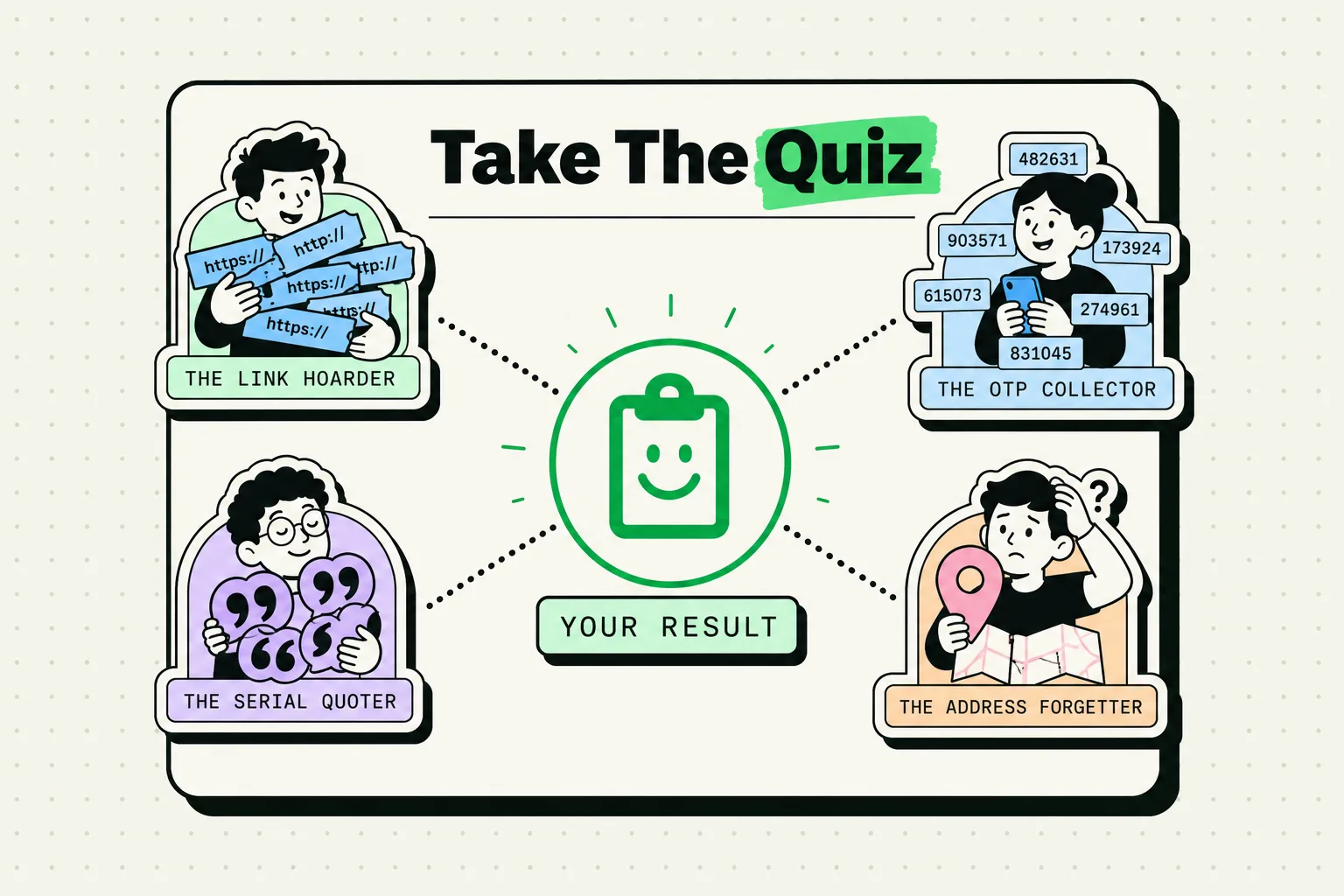
Your clipboard history is an accidental diary. Nobody curates it. Nobody poses for it. It is a raw log of the exact text that was important enough to copy during any given week - which makes it one of the most honest records of how you actually spend your time and what you are actually working on.
Here is what pattern recognition on your own clipboard history reveals, and how to use those insights to work smarter.
The Archaeology of Your Clipboard
Look through a week of clipboard history and you will find:
What you are actually researching - not what you planned to research, but the URLs, names, terms, and quotes you were curious enough to copy while reading. Your copy behavior is search intent without the performance.
What you type from memory vs. what you look up - if you copy your own email address, your phone number, or your company's website URL, that tells you something. You do not have those strings memorized. Pinning them saves you from re-finding them daily.
Your communication patterns - if your history is full of email addresses and Slack usernames, you are in coordination mode. If it is full of URLs and quoted text, you are in research mode. If it is full of numbers and codes, you are in execution mode.
Where your workflows break - any string you copy more than three times in a week is a workflow bottleneck. You are reaching for the same information repeatedly because your system does not surface it automatically.
A Week of Clipboard History: Common Patterns and What They Mean
| Pattern | What It Reveals | Recommended Fix |
|---|---|---|
| Same email address copied 4+ times | You look it up repeatedly instead of having it accessible | Pin it in ClipboardAI |
| Multiple tracking numbers on same day | Active shipping coordination | Create a "tracking" category for quick access |
| Repeated phone number copies | Frequent outreach to same contact | Pin the number or add to Favorites |
| Long URL strings with UTM parameters | Marketing campaign work | Pin clean base URLs, use templates for UTM generation |
| Repeated copying of your own bio | Regular platform updates, pitching | Pin 50/100/200-word bio versions |
Strings like Error: undefined is not a function |
Debugging sessions | Consider a developer-specific snippet category |
How to Run a Clipboard Audit
This takes 10 minutes and changes how you organize your digital workflow:
- Open ClipboardAI and scroll through the last 7 days of history
- Tag anything you copied more than twice with a star or flag
- Group the flagged items by category: communications, research, credentials (delete these), admin, templates
- Promote the highest-frequency items to pinned snippets
- Set up a category folder for the groups you identified
After this audit, your clipboard stops being a passive log and becomes an active tool - stocked with the exact items you actually need, surfaced by the behavior that revealed them.
The Privacy Dimension
Your clipboard history also reveals what you should not be storing. Common clipboard audit findings that require immediate deletion:
- Credit card numbers copied to fill a payment form
- Bank account numbers from PDF statements
- Passwords copied because AutoFill did not work
- Social security numbers from tax documents
- Medical record or insurance policy numbers
None of these belong in a persistent clipboard database. If your history contains any of these:
- Delete them immediately (swipe to delete in ClipboardAI)
- Configure Settings → Privacy → Excluded Apps to block your password manager from contributing to history
- Memorize your AutoFill setup so you stop copying credentials manually
The Unexpected Benefit: Remembering What You Meant to Do
The other thing clipboard history reveals: your intentions. Copied a conference URL but never registered. Copied a book title but never bought it. Copied someone's LinkedIn profile but never sent the connection request.
A weekly clipboard review - five minutes, scroll back through the week - surfaces these orphaned intentions. The friction of re-finding them is gone. They are right there, waiting.
Your clipboard does not lie about how you spend your time. Most people never look at it. The ones who do find it surprisingly useful.