
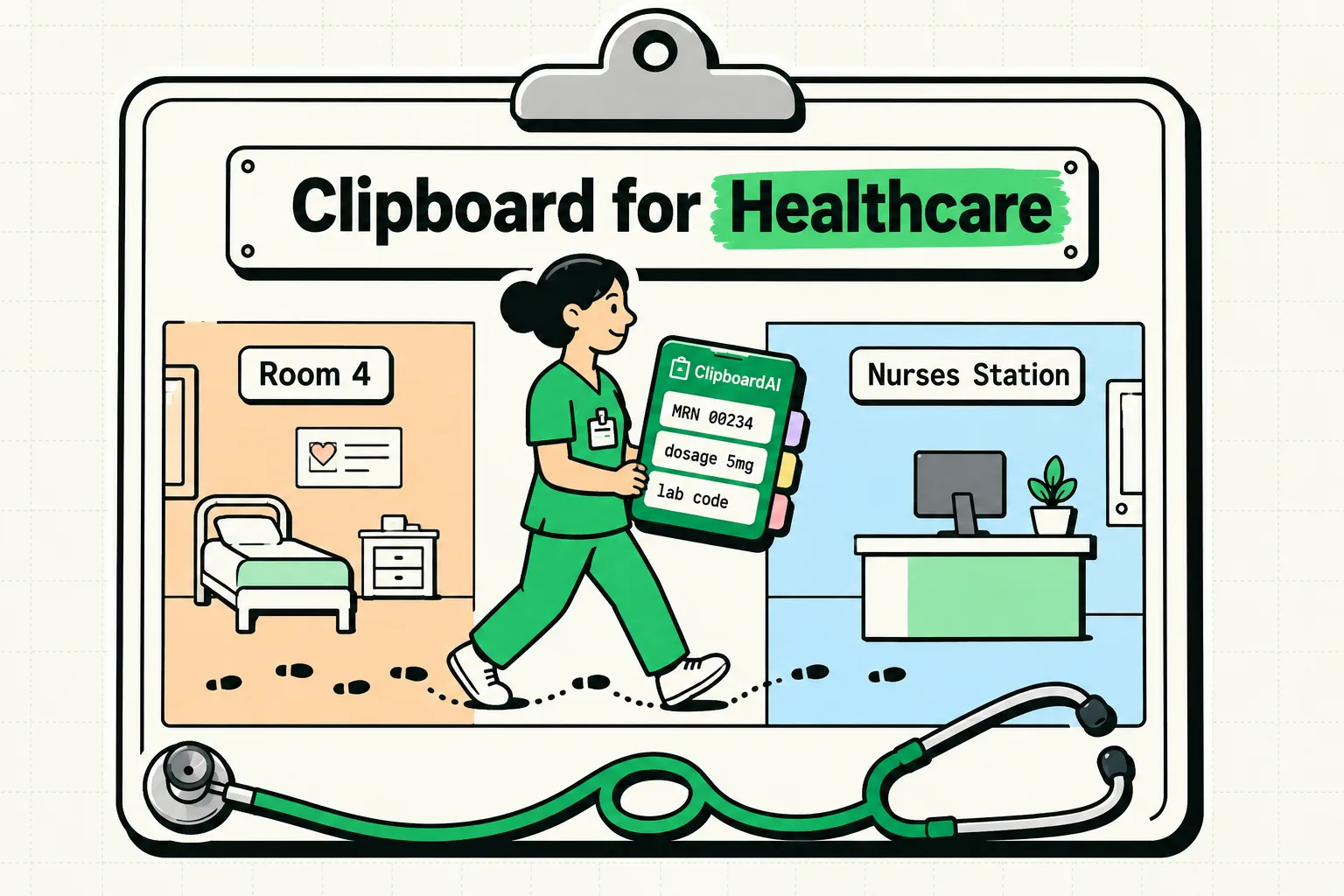
To protect patient privacy and satisfy strict healthcare compliance standards, medical professionals must run clipboard managers in a local-only, offline configuration. Cloud-based clipboard syncing violates patient data protection laws by writing clinical details to unencrypted external networks. By setting ClipboardAI to run locally on your device and blocking hospital Electronic Medical Record (EMR) portals from entering the history database, you can safely automate billing forms, referral coordinates, and discharge instructions.
Never copy or store Protected Health Information (PHI), patient chart details, lab results, medication orders, or full patient names in a general clipboard manager. Clipboard history databases are not HIPAA-compliant storage environments for clinical data. Use clipboard tools strictly for administrative templates, public healthcare links, and blank diagnostic form structures.
Administrative work in healthcare is a major contributor to professional burnout. Doctors, nurses, and clinic coordinators spend hours copying and pasting billing codes, drafting referral letters, and filling out standard follow-up instructions for patients.
Here is how to set up a secure, compliant clipboard workflow that reduces charting time while keeping patient records isolated.
1. Setting Up EMR Security Gates
The core of healthcare clipboard safety is preventing patient files from entering your copy-paste history database. Hospital and clinical workstations use EMR systems (such as Epic, Cerner, Athenahealth, or eClinicalWorks) that hold highly sensitive patient records.
How to Isolate EMR Data:
- Exclude EMR Applications: On Mac, go to Settings > Excluded Apps. Add your clinic's charting software. This prevents ClipboardAI from saving anything copied while that software is frontmost. This exclusion list is a Mac-only feature; there is no equivalent setting on iPhone or iPad.
- Wipe Clipboard on Exit: Configure your system to flush the active system pasteboard RAM whenever you lock your workstation or log out. This prevents the next shift worker from seeing your copied text.
- Disable Cloud Integrations: Verify that ClipboardAI's cloud-sync feature and any telemetry diagnostics are turned off, and separately disable Handoff / Universal Clipboard (an Apple system-level feature, not a ClipboardAI feature) in your device's system settings.
[Epic / Cerner Client] ──(Copy Action)──> [Auto-Ignored by ClipboardAI]
[Billing Form Site] <───(Paste Template)── [Local ClipboardAI Database]
2. Using Clinic-Safe Administrative Snippets
Because patient-specific clinical data is off-limits, use your clipboard manager to store non-identifiable structural snippets.
Instead of typing standard instructions or billing descriptions over and over, you can pin generic layouts to your clipboard history or custom keyboard. When you paste the layout into your secure database, you can then type the patient's name and specifics manually.
The Healthcare Administrative Snippet Kit
Use these templates to quickly manage clinic letters, referrals, and administrative checklists. Copy these blocks directly into your ClipboardAI workspace:
Specialist Referral Request Shell
Date: [Date]
To: [Specialist / Clinic Name]
Fax/Email: [Contact Info]

Dear Dr. [Specialist Last Name],

I am referring [First Name] [Last Name] (DOB: [Wiped for Security]) for clinical evaluation regarding [Generic Condition / e.g., chronic knee pain / sleep study].

We have completed the following primary assessments:
- [Assessment 1 / e.g., X-ray / lab panels]
- [Assessment 2]

Please contact the patient directly to arrange an intake appointment. Our clinic clinical documentation has been uploaded via our secure partner portal.

Sincerely,
Dr. [My Name], [Credentials]
[Clinic Name]
[Phone/Fax Number]
Generic Patient Discharge Instruction Template
Patient Discharge Instructions:
Follow-up Plan & Recovery Steps

1. Medication: Please resume your routine home medications as directed. For any newly prescribed medications, refer to the printed prescription labels for exact dosages and schedules.
2. Activity Level: [Rest / Avoid heavy lifting / Light walking] for the next [Number] days.
3. Wound Care: Keep the area clean and dry. [Clean with mild soap and water daily / Keep covered].
4. Follow-up Appointment: Please schedule a follow-up appointment with our clinic in [Number] weeks.
5. Emergency Warning: If you experience a fever above 101°F, sudden severe pain, or shortness of breath, please call our clinic immediately or go to the nearest emergency room.
Medical Billing Inquiry Template
Attention: Billing Department
Practice: [Practice Name]

Subject: Billing Code Verification Request

Please verify the following billing codes for the patient transaction on [Date]:
- Primary ICD-10 Code: [ICD-10 Code]
- Secondary ICD-10 Code: [ICD-10 Code]
- CPT Code: [CPT Code]
- Modifiers: [Modifiers]

Please confirm that these codes match the provider documentation and resubmit the claim to the insurance provider.
Honest Caveats: Patient Portals and System Boundaries
- Clipboard Scraping Apps: Many healthcare workers access patient files using personal phones or tablets. If you use a third-party keyboard extension, be aware that some keyboard applications log keys and send them back to commercial networks. Use only the system default keyboard or a local-first helper app like ClipboardAI.
- Copying PDF Charts: Never screenshot or run OCR scans on patient charts using cloud-connected document scanners. If you copy text from a patient's chart PDF, that plaintext data sits in your RAM. Get in the habit of copying a blank character immediately afterward to overwrite the memory.
Healthcare Clipboard Security Matrix
Use this comparison matrix to audit your clipboard tools against healthcare privacy guidelines:
| Clipboard Feature | Cloud-Sync Clipboard | Local-Only ClipboardAI | Safe Workaround / Action |
|---|---|---|---|
| Data Synchronization | Syncs to external servers | Locked to local physical drive | Disable sync in app settings. |
| EMR Compatibility | Records all window entries | Allows app exclusions (Mac-only) | Add EMR client to Excluded Apps in Mac Settings. |
| OCR Text Scanning | Processes on cloud servers | Processes locally on device | Turn off cloud OCR integrations. |
| History Retention | Permanent cloud history | Configurable auto-wipe | Set Auto-Delete Old Clips to 30 days, the shortest window available; delete sensitive items manually right after use. |
Frequently Asked Questions
Can I copy medication lists into ClipboardAI?
Only if they contain no patient-identifying details (e.g., a generic list of medications for a blank discharge form template). Never copy medication lists that are linked to a specific patient name, DOB, or hospital ID number.
How do I configure local-only mode on an office Mac?
Open ClipboardAI, go to Settings > iCloud Sync, and switch the sync toggle to Disabled. Note that when sync is enabled, ClipboardAI relies on Apple's CloudKit/iCloud infrastructure (encrypted at rest and in transit), not a first-party ClipboardAI server.
Is it legal to copy ICD-10 billing codes to my clipboard?
Yes. ICD-10 and CPT codes are public classification standards. They contain zero Patient Health Information (PHI), making them completely safe to store, copy, and pin in your clipboard manager.
Methodology Note: The medical admin templates and EMR safety exclusions featured in this guide were designed in reference to HHS HIPAA security controls and tested on local databases using Chrome 125 and Safari 17 in June 2026.