
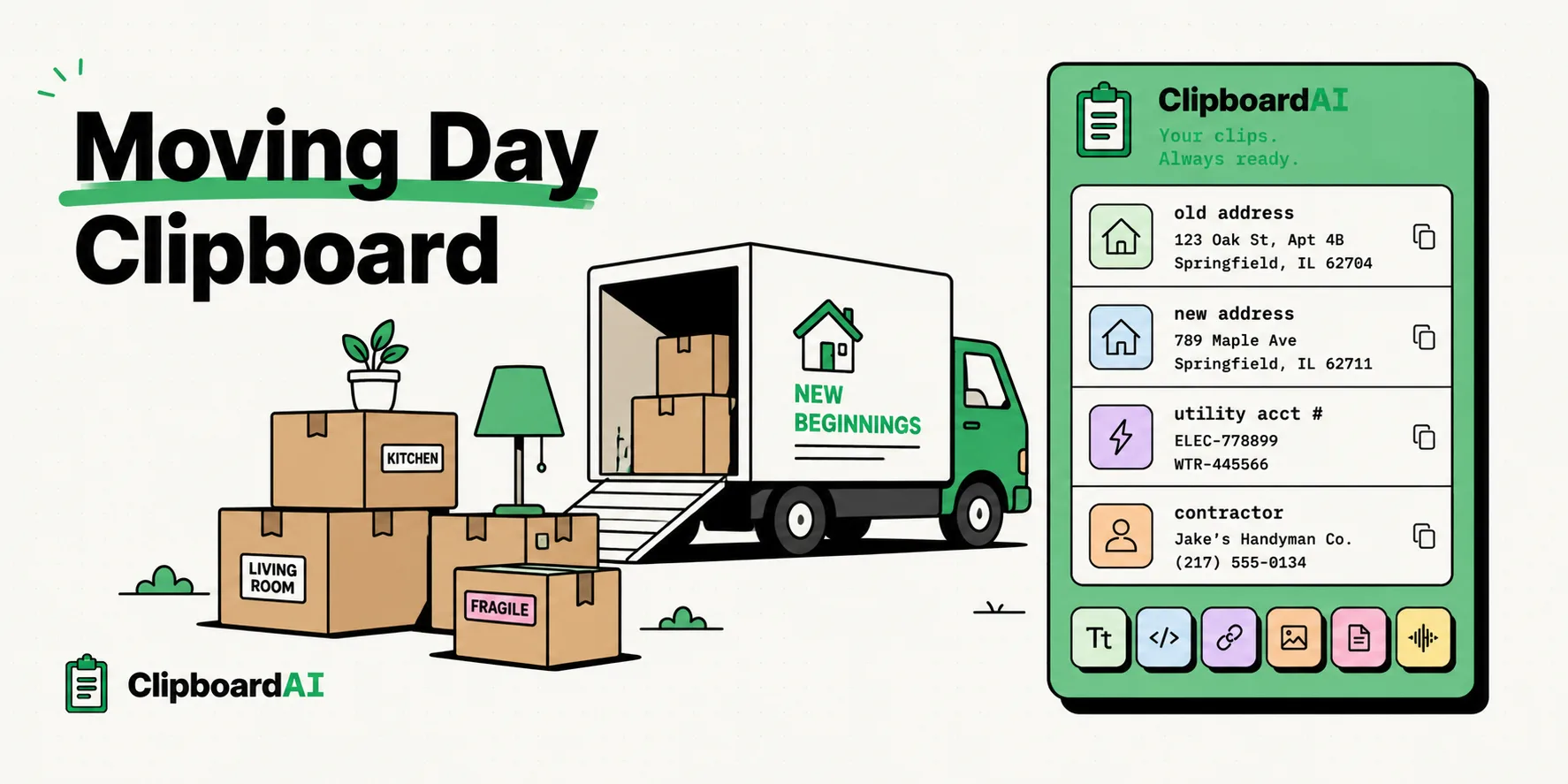
To make moving day less chaotic, using a clipboard manager like ClipboardAI on your iPhone or iPad is the best way to keep track of your new street address, utilities account numbers, gate codes, and contractor phone numbers in one place. Instead of digging through old emails or notes files while carrying boxes, a persistent clipboard log ensures your vital moving details are instantly pasteable into any messaging or navigation app.
Here is a practical guide to coordinating your move, setting up utilities, and helping your movers find the right spot.
The Chaos of Moving Logistics
Moving is widely ranked as one of life's most stressful events. You are coordinating a dozen moving parts under time pressure: managing truck drivers, communicating with landlords, activating utility lines, and forwarding mail.
Consider this common moving day scenario:
- You are driving the rental truck and need to type your new home address into your GPS.
- The gate code is in an email from your leasing office.
- The landlord texts you asking for your utility registration confirmation numbers.
- If you copy the address to paste it into maps, your clipboard clears. Now you have to exit maps, reopen mail, search for the leasing office's code, copy that, go back to your messaging thread, and retype the rest of the utility information by hand.
This continuous toggling between apps is a recipe for errors, which is the last thing you want when verifying shipping addresses or bank details. Using a clipboard history manager ensures that your old address, new address, utility codes, and contractor details remain active and ready to paste.
Required Value Artifact: The Relocation Text Kit
Copy these template blocks and pin them in your clipboard manager database before the movers arrive so you can instantly text details to family, contractors, or landlords.
1. The "Find the House" Directions Block
Movers and friends often get lost. Pin this text structure:
New Address: [Street, Apt/Suite, City, State, Zip]
Gate/Call Box Code: [Code, e.g., #4910]
Parking Instructions: [Where to park the truck, e.g., Visitor spaces behind building B]
On-site Contact: [Your Name] - [Your Phone Number]
Map Link: [Google/Apple Maps URL]
2. Utility Transfer Log Block
When calling utility companies or verifying accounts, keep this data card pinned:
Electric: [Provider Name] - Acct #[Number] (Active: [Date])
Water: [Provider Name] - Acct #[Number] (Active: [Date])
Gas: [Provider Name] - Acct #[Number] (Active: [Date])
Internet: [Provider Name] - Acct #[Number] (Install Date: [Date])
Trash Pickup Day: [Day of Week]
3. Change of Address Checklist Coordinates
Keep your essential accounts in one copy card so you can update them in batch:
Old Address: [Previous Street Address]
New Address: [New Street Address]
USPS Forwarding confirmation code: [Confirmation Number]
Primary Bank Acct Update Status: [Pending/Done]
Driver's License Update Status: [Pending/Done]
Comparison: Move Management Methods
Here is how clipboard history management compares to the traditional notes app search during a move:
| Workflow Step | Native Notes App Lookup | ClipboardAI History Workflow |
|---|---|---|
| Sending directions to movers | Must open Notes, search "Address," copy text, switch to Messages, paste. | Swipe to Clipboard keyboard overlay, tap the pinned address card. |
| Verifying gate code at gate | Scroll through emails or notes while blocking traffic. | Tap the on-screen clipboard card overlay. |
| Updating multiple accounts online | Switch tabs 15 times to copy-paste the new address fields repeatedly. | Copy address once, use sequential paste to populate web forms. |
| Utility reference on phone call | Put agent on speaker, search notes, write down number on paper, read it back. | Open history database, read account number directly from screen. |
Streamlining Relocation Logistics
By configuring a dedicated clipboard workspace, you can optimize the three key stages of your relocation:
1. Batch Account Updates
Once you move, you have to update your address across 20+ services (banks, subscription boxes, shopping sites, gym profiles).
- Copy your new address format once.
- Use ClipboardAI's persistent clipboard log to paste it into account settings across different websites back-to-back without having to re-copy it every time.
2. Coordination on the Road
When you are driving or coordinating setup crews, you need answers fast. Keep your landlord's phone number, the locksmith's booking code, and the truck rental confirmation number pinned to your mobile clipboard. You can paste them into chats or dial them from your overlay screen in one click.
3. Setting Up Utilities and Internet
Setting up water, gas, electricity, and internet requires copying long confirmation numbers and verification codes. Copy these strings as they appear in confirmation emails. If a technician arrives and asks for the account number, you can access it instantly in your clipboard logs.
Honest Caveats: Security and Cellular Data in the Field
When managing a move from your mobile device, keep these operational limits in mind:
- Sensitive Data Purging: Moving requires copying bank routing numbers, credit card codes, or security details. Crucial Step: When the move is complete, open your clipboard history and manually purge these sensitive cards to keep your database secure.
- Cellular Data Sync Speed: If you copy details on your laptop and expect them to sync to your phone via iCloud, remember that cellular networks in new neighborhoods can be unstable. Keep your most vital directions stored locally in your clipboard history database.
- iOS Background Policies: To log clipboard entries on iPhone, you must open the ClipboardAI keyboard layout or launch the primary app after copying a snippet from another application.
Preparing Your Clipboard Before Moving Day
Don't wait until the moving truck is packed to set up your workflow:
- Download ClipboardAI on your mobile device.
- Enable the Custom Keyboard: In your phone settings, allow the keyboard extension full access.
- Build a "Moving Info" Folder: Paste your new address, gate codes, and critical contacts into this category folder.
- Practice Swapping Keyboards: Learn to toggle to your clipboard screen so you can access your pinned data sheets with one tap during load-in.