
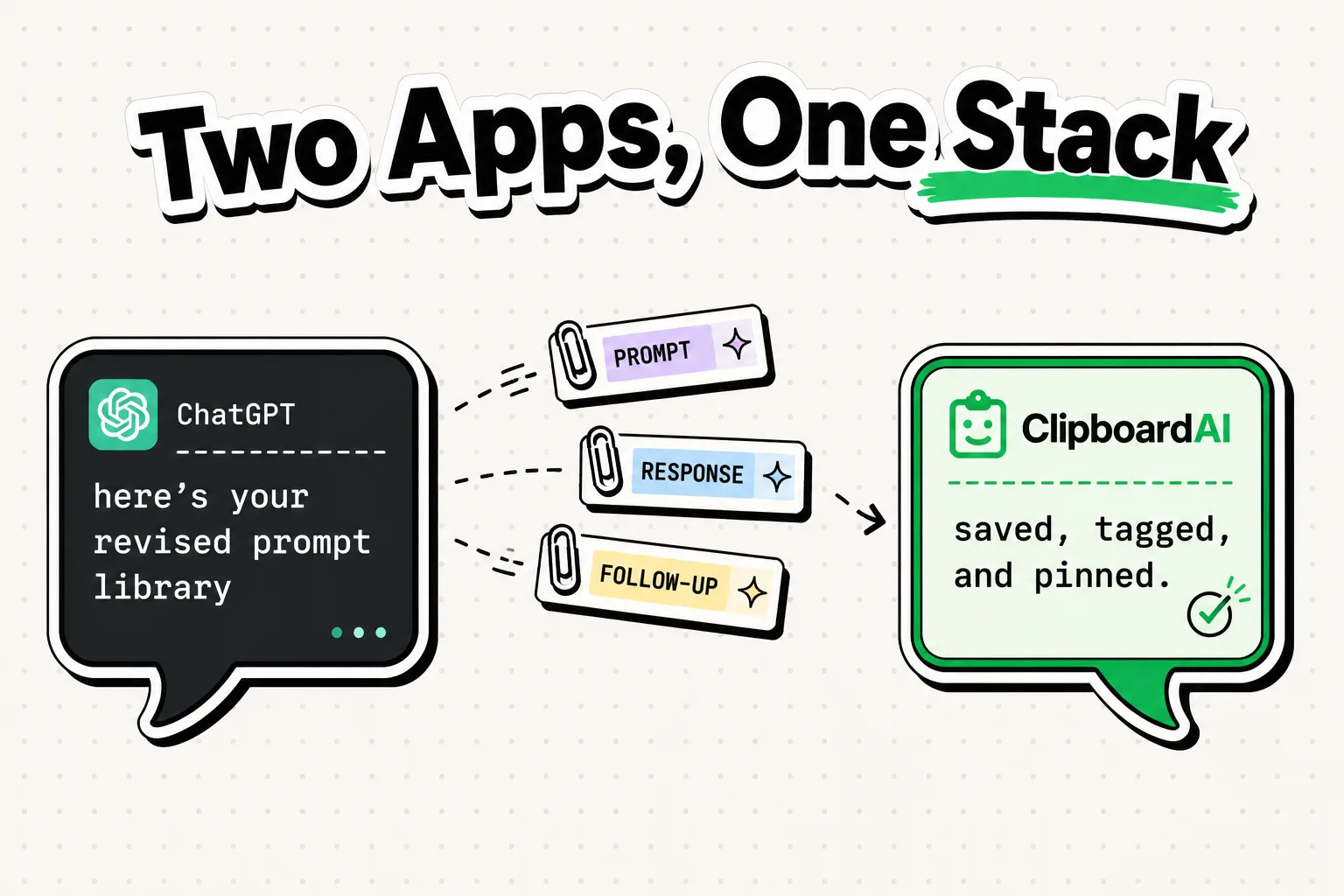
Most people use ChatGPT by typing prompts from scratch every time. That is like calling someone on the phone but reciting your contact list from memory instead of just tapping their name. ClipboardAI turns your clipboard history into a prompt library - and changes how ChatGPT fits into a real work day.
Here is the actual workflow, with no hype and no "game-changer" language.
The Problem With AI Productivity Advice
Every "ChatGPT productivity" article tells you to write better prompts. That advice is true and also completely misses the bottleneck. The bottleneck is not prompt quality - it is prompt assembly time.
A great prompt for summarizing a meeting transcript requires: the transcript (from your notes), your preferred output format (from memory or re-typed), and your context (also re-typed). On a good day that takes two minutes. Across a dozen ChatGPT sessions a week, you are spending 24 minutes rebuilding prompts you have already built.
ClipboardAI eliminates that friction by storing the reusable parts of your prompts as pinned snippets.
The Clipboard Prompt Library System
Instead of typing your prompt context from scratch, build a pinned snippet kit of your most-used prompt components. Copy any of these into ClipboardAI and pin them:
Prompt Component Templates (Copy and Pin These)
## CONTEXT INJECTOR
I am a [role] at a [company type]. I want you to [primary task]. Use a [tone] tone.
Output format: [bullet list / paragraph / table / code block].

## TONE MODIFIER - Professional
Rewrite the following in a clear, professional tone suitable for a business email.
Keep it under 150 words. Do not add filler phrases.

## SUMMARIZER
Summarize the following in 3 bullet points. Each bullet must start with a direct
verb. Omit caveats, hedging, and filler sentences.

## EDITOR PASS
Edit the following text: fix grammar, shorten sentences over 25 words, and
remove passive voice. Do not change the meaning or add new content.

## MEETING TO ACTION ITEMS
Convert the following meeting notes into a numbered action item list.
Format: [Person Responsible]: [Task] by [Date if mentioned].
If no date is mentioned, write "No deadline set."
The Real Workflow: Copy → Compose → Paste
Here is how the ChatGPT + ClipboardAI stack works in practice:
Step 1: You copy a wall of text - a meeting transcript from Otter.ai, a contract clause from a PDF, a research paper abstract from Safari.
Step 2: Open ChatGPT.
Step 3: Instead of typing a new prompt, open the ClipboardAI keyboard. Tap your pinned "SUMMARIZER" snippet. It appears in the text field instantly.
Step 4: Tap the meeting transcript from your clipboard history. It pastes directly below the prompt.
Step 5: Hit send.
The entire process takes under 15 seconds. No re-typing. No tab-switching to find the original text. No reformatting.
Clipboard-Powered Use Cases by Role
| Role | What to Copy | Prompt Snippet to Use | Output |
|---|---|---|---|
| Manager | Meeting recording transcript | Meeting → Action Items | Action list with owners |
| Sales Rep | Prospect's LinkedIn bio | Personalization injector | Tailored cold email opener |
| Developer | Error logs or stack traces | Debug + Explain | Root cause + fix suggestions |
| Writer | First draft paragraphs | Editor Pass | Cleaned, tightened prose |
| Student | Academic paper abstract | Summarizer | 3-bullet TL;DR |
| Recruiter | Job description text | JD → Screening Questions | Interview question set |
What to Keep in ClipboardAI for AI Work
These are the highest-value pinned snippets for AI-assisted workflows:
- Your professional bio (50 words, 100 words, and 200 word versions) - for "write this as if I am a [role]" context prompts
- Your company/product one-liner - for any marketing or positioning prompt
- Your preferred output format instructions - bullet points vs. tables vs. prose
- Your brand voice guide excerpt - for content generation prompts
- Your standard email sign-off block - to append to any AI-drafted email before sending
Honest Limitations
ChatGPT has a context window limit. If you paste an extremely long document (a 50-page PDF worth of text), it will either truncate the content or produce degraded results. ClipboardAI stores text strings of any length, but the AI model receiving them has limits. For long documents, summarize in chunks rather than pasting everything at once.
Also: do not paste confidential data - client contracts with real names, employee records, or regulated financial data - into ChatGPT. ClipboardAI stores your clipboard history on-device and does not transmit it. ChatGPT does process what you send. Know the difference.