
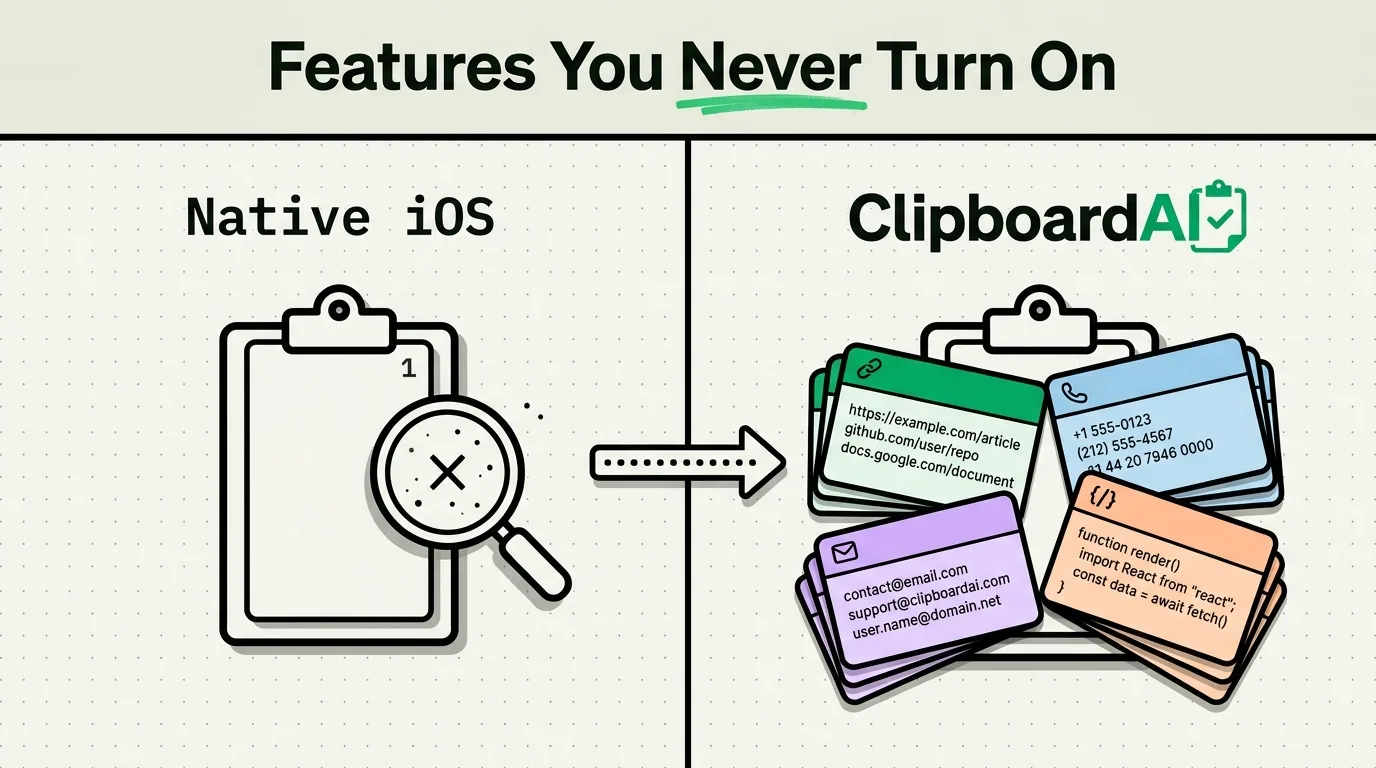
The Short Version
Apple's keynotes cover the headline camera and chip upgrades, not the small interface details that change daily use. This piece focuses on genuinely real, currently-shipping iPhone features that are easy to miss in Settings, plus an honest accounting of what Apple's native clipboard still cannot do compared to a dedicated clipboard manager.
1. Clipboard Suggestions in Spotlight
Swipe down from the Home Screen to open Spotlight, and if you recently copied something, iOS often surfaces it as a suggestion near the top of results, letting you tap to paste it elsewhere. This only reflects the single most recent item, matching iOS's one-item pasteboard model; it is not a history view and does not let you browse or search past copies.
For an actual running history you can search and categorize, a dedicated clipboard manager is still required. ClipboardAI saves everything you copy via its keyboard extension (enable Full Access once in Settings > General > Keyboard) and lets you search and pin items instead of losing them the moment you copy something new.
2. Live Text Smart Data Detection
When you select text that contains a phone number, email address, or date, iOS often recognizes the specific data type and offers a shortcut (Call, Mail, Add to Calendar) directly in the selection menu, without you needing to copy and switch apps manually. This works inside Live Text captures from the camera as well as regular selectable text.
ClipboardAI extends this same idea to your clipboard history itself: once something is copied, it is automatically categorized (link, phone number, email, address, code) so you can filter your saved history by type later, not just at the moment of selection.
3. The Paste Notification Banner
Since iOS 14, when an app reads content from your clipboard programmatically (not from you manually tapping Paste), iOS shows a small banner: "[App Name] pasted from [Source App]." Most people dismiss this without reading it, but it is a genuine privacy signal, if you see an app you just opened for the first time immediately pasting from your clipboard, that is worth investigating.
4. Per-App Clipboard Access Prompts
Since iOS 16, some apps trigger an explicit system prompt asking "Allow [App] to Paste from [Other App]?" before they can read clipboard content you did not explicitly paste yourself. You can review and adjust this per app under Settings > [specific app name] > Paste from Other Apps, choosing Allow, Deny, or Ask.
5. Universal Clipboard's Real Limitations
Universal Clipboard (part of Apple's Handoff feature) lets you copy on iPhone and paste on a nearby Mac or iPad signed into the same Apple ID, with both devices having Wi-Fi, Bluetooth, and Handoff enabled. It is genuinely useful, but it is a manual, one-item, short-window handoff, not a persistent sync. If you need copied content to stay available across devices for longer than a quick handoff, that's a job for a clipboard manager's actual sync feature (CloudKit and iCloud Key-Value Store in ClipboardAI's case), not Universal Clipboard.
The Honest Gap Between Native iOS and a Clipboard Manager
| Capability | Native iOS | ClipboardAI |
|---|---|---|
| History depth | 1 item (Spotlight surfaces only the latest) | Full running history, free to start |
| Search past copies | Not available | Full-text search across history |
| Categorization | Only at the moment of selection (Live Text) | Every saved clip auto-categorized |
| Cross-device | Universal Clipboard: manual, one item, short window | Ongoing sync via iCloud, plus a local-network transport |
| Pinning/naming clips | Not available | Custom names, pinning, collections |
Native iOS handles the immediate, single-item case reasonably well and keeps getting incremental privacy improvements. For anyone who copies more than one thing per task, which is most people doing real work on a phone, that one-item ceiling is still the core limitation a clipboard manager exists to remove.
Frequently Asked Questions
Does iPhone have built-in clipboard history?
Not a true history view. Spotlight can surface your single most recent copy as a suggestion, but iOS's pasteboard still holds only one item at a time, matching the design Apple has used since copy-paste arrived in iOS 3.
What is the clipboard paste notification banner?
Since iOS 14, iOS shows a banner naming which app read your clipboard and where the content originally came from, whenever an app accesses the clipboard programmatically rather than through a manual paste you initiated.
How long does Universal Clipboard content last between devices?
Apple has not published an exact fixed duration and it can vary; in practice it is a short window intended for an immediate copy-then-paste handoff, not a persistent multi-hour or multi-day sync. For content you want available later, use a clipboard manager's dedicated sync feature instead.