
The Short Version
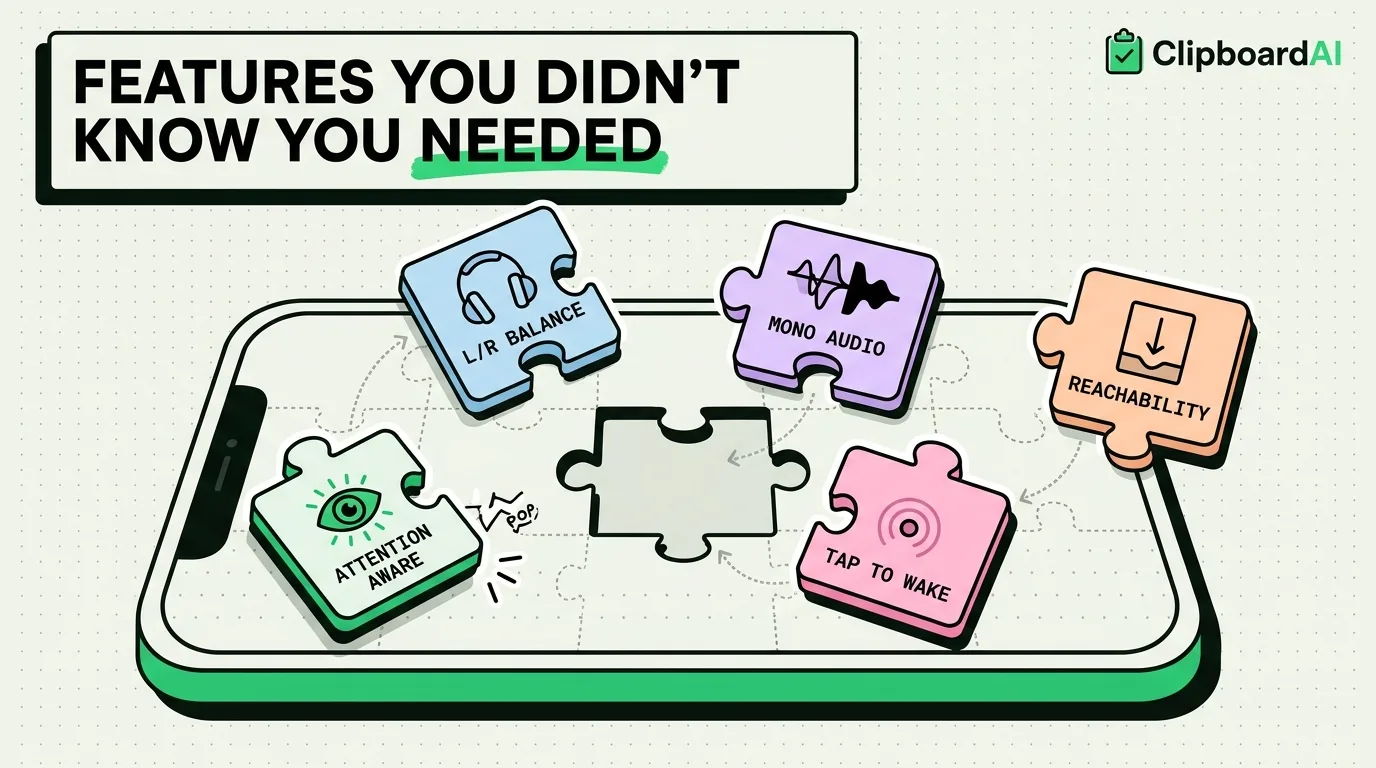
Beyond the well-known Accessibility features (VoiceOver, larger text, Back Tap), there is a second tier most people never open Settings far enough to find. These five are more obscure, and each solves a specific everyday annoyance once you know it exists.
Three Most People Have Never Touched
- Sound Actions, which triggers a shortcut from a specific detected sound.
- Left/Right Balance, adjustable per-ear audio balance for headphones.
- Attention Aware Features, which stops your phone from dimming or sounding alerts while you're actively looking at it.
The Full List
1. Attention Aware Features: Settings > Face ID & Passcode > Attention Aware Features
Uses the TrueDepth camera to detect whether you're looking at the screen, and lowers the volume of alerts or prevents auto-dimming while you're actively reading. Built as an accessibility and usability feature, but it quietly fixes the annoyance of the screen dimming mid-read on a long article or the phone blasting a notification sound while you're looking right at it.
2. Left/Right Audio Balance: Settings > Accessibility > Audio/Visual > Balance
A slider that shifts stereo audio balance toward one ear. Designed for users with asymmetric hearing, but also useful if you only have one working earbud or one side of a pair of headphones is degraded.
3. Mono Audio: Settings > Accessibility > Audio/Visual > Mono Audio
Combines left and right channels into a single mono signal played in both ears. Useful with cheap or single earbuds where stereo separation means you only hear half the mix.
4. Reachability: Settings > Accessibility > Touch > Reachability
A light double-tap (not press) of the Home indicator area pulls the top half of the screen down within thumb range. Built for one-handed use on larger phones, and works on any iPhone model with Face ID, not just older small-screen models.
5. Tap to Wake vs. Raise to Wake conflicts: Settings > Accessibility > Touch > Tap to Wake
Most people don't realize this is a separate toggle from Raise to Wake. If your phone lights up unexpectedly in your pocket or bag, checking whether both are on (and turning one off) fixes accidental wake-ups and the small battery drain they cause.
Where to Start
If you read on the phone often, Attention Aware Features has the most immediate payoff. If your headphones or earbuds are mismatched or aging, check Balance and Mono Audio next. Reachability is worth trying for a week even if you think you don't need it, since most people stop noticing they're using it once it's on.
Frequently Asked Questions
Does Attention Aware Features drain the battery by using the camera constantly?
It uses the same TrueDepth sensor system as Face ID, which is designed for frequent low-power use. Most users do not notice a measurable battery difference from enabling it.
What's the difference between Mono Audio and Balance?
Balance shifts how much volume goes to each ear while keeping stereo separation intact. Mono Audio removes stereo separation entirely, playing the identical combined signal in both ears. Use Balance for uneven hearing, Mono Audio for a single working earbud.
Why does my phone wake up randomly in my pocket?
Check Settings > Accessibility > Touch > Tap to Wake and Settings > Display & Brightness > Raise to Wake. Having both enabled increases the chance of accidental wake-ups from incidental movement or pressure.