
Pasted text that is ALL CAPS, full of stray spaces, or wrapped in HTML? Clean it up right inside Clipboard AI before it lands, no extra app needed.
Transform a clip
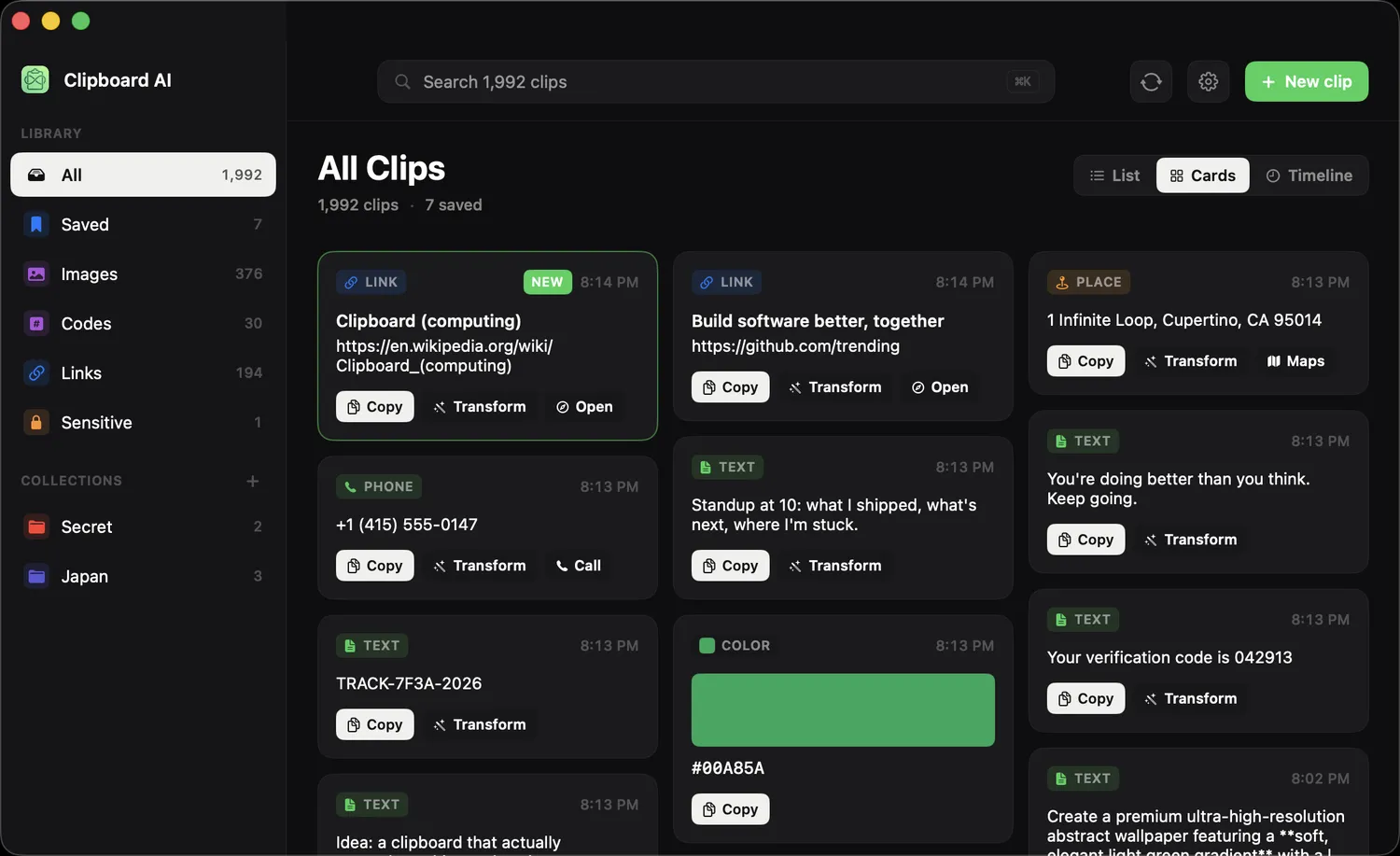
Open All Clips and select a clip, then open the transform options. Pick what you need: change the case, trim whitespace, strip HTML, encode a URL, and more. The cleaned-up version is ready to copy or paste.
Rewrite with Apple Intelligence
The full guide, with what each rewrite is for, is in Rewrite a clip with Apple Intelligence. In short: at the top of the Transform panel, the Apple Intelligence row offers Summarize, Key Points, Proofread, Make Professional, Make Friendly, and Shorten. Click one and the rewrite streams in as it is written. Every result ends with a line that says where it was made: "100% on this Mac, using Apple Intelligence", or on macOS 27, when longer text is handed to Apple's private cloud, "Processed privately by Apple. Never stored." When the cloud's daily allowance is nearly or fully used up, the panel says so and rewrites run on your Mac instead.
The rewrites are included with Clipboard AI Pro. They need macOS 26 or later on a Mac with Apple silicon that supports Apple Intelligence, with Apple Intelligence turned on in System Settings. On any other Mac the row does not appear, and the text tools work exactly as before.
The text tools run on your device. Nothing is sent anywhere to clean up your text. The Apple Intelligence rewrites run on your Mac too, or through Apple's private cloud on macOS 27, which never stores what it processes, and the panel tells you which.
The same transforms are a tap away on iPhone and iPad. See Clean up and transform text.